Let me be real with you: my job looks cooler on Instagram than it actually is. I restore ancient books and scrolls. People see my desk covered in rice paper, brushes, and half-decayed manuscripts and say "wow, you're a time traveler." The truth is, 70% of my day is staring at PDFs. Not the romantic kind either. Scanned versions of moldy Ming dynasty tax records, digital photos of crumbling sutras, PDF exports from museum databases that look like someone faxed them through a thunderstorm.
For years I used generic PDF readers. They handled clean modern documents fine. But when you're trying to read a 400-year-old scroll that someone scanned at a weird angle, with water damage shadows and half the characters barely visible, those basic tools just give up. Zoom in. Squint. Fiddle with brightness. Still can't read it. It was driving me crazy.
Then I found Docly during a late-night rabbit hole after I ruined my sleep schedule trying to decipher a damaged local gazetteer from the late Qing. I needed something that could actually handle the mess I was working with.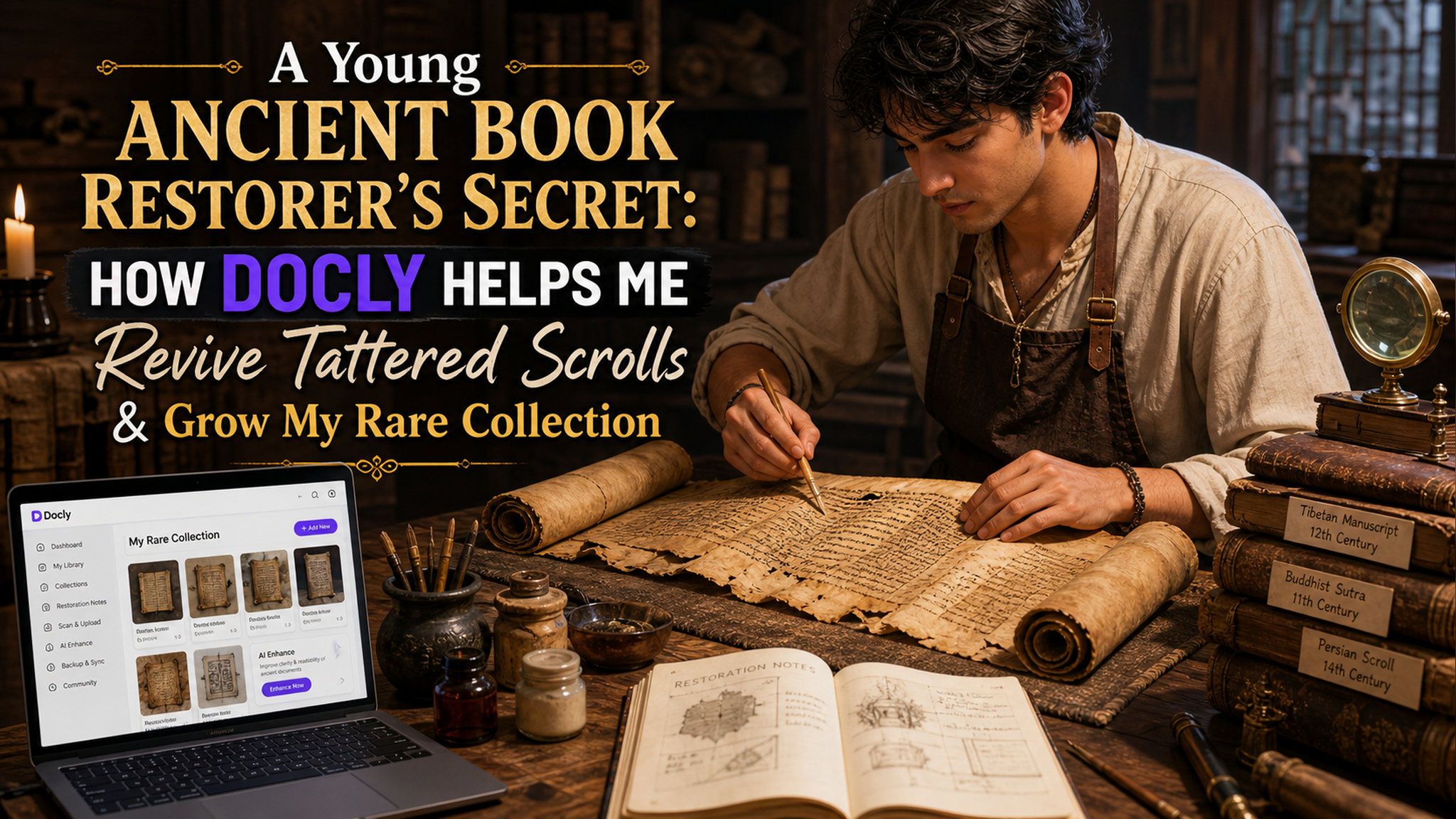
Scanning trash and getting treasure
My workflow changed the first week. I had this scroll of a local poetry collection, probably late Ming, that had been stored badly for decades. The paper was dark brown, ink was faded in patches, some pages had literal holes. The museum sent me a 300MB TIFF scan that looked like a crime scene photo.
I dropped it into Docly and used the text extraction feature. Honestly, I didn't expect much. But the AI did something weirdly good. It pulled out lines I couldn't read with my own eyes. Not perfectly - it got some characters wrong where the damage was severe - but it gave me enough to reconstruct the full poem. Before Docly, I would have spent two days comparing the scan with magnifying glass and reference books. That morning I had the core text in 15 minutes.
Does it replace manual checking? Absolutely not. But it saves the grunt work so I can focus on the decisions that actually need human judgment. Like "is this smudge a character or just mold?"
Building my collection, one extracted page at a time
I also started collecting rare books myself. Not the expensive museum pieces - I'm a young restorer with a young wallet. I buy damaged copies nobody wants: incomplete sets, water-stained folios, books that smell like an old basement. My collection grows because I can actually use them.
Docly's summary feature is my secret weapon here. I scan a book, run the AI summary, and get the gist without reading 200 damaged pages. If the summary catches my interest, I go deep. If not, I move on. It lets me evaluate way more material than I could manually. I've found two genuinely rare local histories this way that other collectors overlooked because the bindings were wrecked and nobody bothered to read the contents.
There's a tradeoff though. The AI is trained on modern Chinese text. When I feed it classical Chinese with dialectal variations from 300 years ago, it sometimes spits out gibberish for key passages. I've learned to check the original when something sounds weird. Good habit anyway.
When Docly doesn't work (and when to skip it)
Let me save you some frustration. Docly is great for PDFs that are scanned documents with readable text, even if damaged. It's decent for handwritten manuscripts in standard script. It's terrible for:
- Brush calligraphy on heavily textured paper (the AI gets confused by the paper grain)
- Scrolls with severe insect damage where half the surface is gone
- Anything where the original ink has chemically changed color and looks nearly identical to the paper
For those cases, I still go old school: side-by-side comparison, infrared photography if I have access, and just painful patience. Docly is a tool, not a miracle.
It also won't teach you to read classical Chinese. If you don't know the basics, the AI output will look like a puzzle you can't solve. I've had interns ask why they can't just "let the AI do everything." Because you need context, knowledge, and the ability to tell when the AI is confidently wrong.
What I actually use Docly for daily
Three things keep me coming back:
First, quickly extracting text from scanned PDFs so I can annotate and cross-reference without typing everything manually. Second, summarizing long academic papers other restorers share with me (your field's journal articles are probably boring too). Third, reorganizing my own notes. I scan my restoration journals, run them through Docly, and tag key findings. My searchable digital archive of my own work is the best thing I've built this year.
Would I recommend it to another restorer? If you work with PDFs regularly and your documents are messy, yes. If you only handle pristine modern publications, probably overkill. For me, it changed my workflow from "ugh, I have to deal with this PDF" to "okay let's see what Docly makes of this mess." That's a real improvement for my patience and my productivity.
My collection has grown faster this year than any year before. Not because I'm richer or luckier. Because I can actually use what I find. And that's really the point of having rare books, isn't it? Not owning them, but reading them.
Comments
Leave a Comment