If you've spent time hunting down digitized manuscripts from the Silk Road — Sogdian fragments, Dunhuang scrolls, Khotanese documents — you already know the problem. The scans are often low-resolution, the text is faded, and the PDFs are essentially image files with no selectable text. Copying a passage for research means retyping it by hand, or losing it entirely.
Docly's AI PDF tools are worth looking at here, not because they solve every paleographic challenge, but because they handle the practical layer that slows most researchers down: getting usable text out of a difficult document.
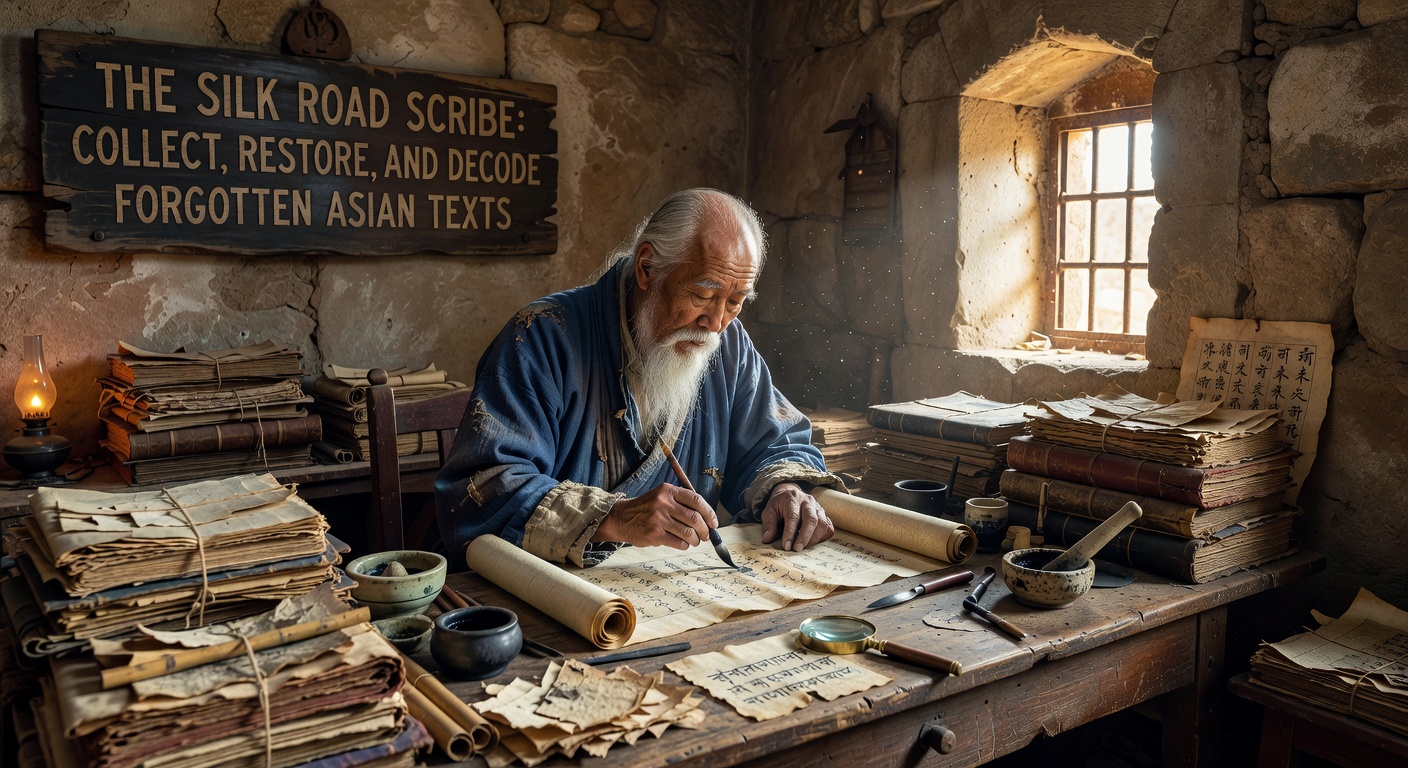
Extracting Text from Scanned Historical Documents
The core use case is straightforward. You have a scanned PDF — say, a British Library digitization of a Dunhuang manuscript, or a facsimile of a Turfan fragment — and you need to pull the text into a working format. Docly's extraction tool processes the image layer and returns selectable, copyable text. For documents with clean Latin-script transcriptions or modern Chinese annotations layered over the original, this works reliably.
For the original scripts themselves — Sogdian, Brahmi, Syriac, Khotanese — OCR accuracy depends heavily on scan quality and whether the model has been trained on those character sets. Docly handles common scripts well, but rare historical scripts may return partial or approximate results. That's not a flaw unique to Docly; it reflects the current state of OCR for low-resource scripts generally. The practical move is to use extraction as a first pass, then verify against the original image.
Summarizing Long Scholarly PDFs
A more immediately reliable use case: you've downloaded a 200-page academic volume on Silk Road trade documents, and you need to locate the sections relevant to your specific text or region. Docly's summarization feature can compress the document into structured notes, flagging key themes, proper nouns, and section content.
This is genuinely useful for literature review work. Instead of reading linearly through a dense monograph to find three relevant pages, you get a navigable summary that tells you where to look. The output isn't a replacement for reading — it's a triage tool.
Editing and Annotating Working Documents
If you're compiling your own transcription or translation document, Docly functions as a standard AI-assisted PDF editor. You can add annotations, restructure sections, and use the AI layer to clean up rough draft text. For researchers assembling comparative tables of script variants or glossaries of loanwords across Silk Road languages, this kind of document editing support reduces friction.
One realistic limitation: Docly is built around modern document workflows. It doesn't include specialized tools for right-to-left scripts, vertical text layouts, or interlinear glossing — formats that come up constantly in historical Asian text work. For those needs, dedicated philological software remains necessary alongside Docly.
Where It Fits and Where It Doesn't
Docly is most useful as a productivity layer on top of existing research, not as a decoding or restoration tool in the strict sense. It won't reconstruct lacunae, identify scribal hands, or cross-reference parallel manuscripts. What it does is reduce the time spent on document handling — extraction, summarization, note organization — so more time goes toward the actual interpretive work.
If your workflow involves mostly modern-script scholarly PDFs with occasional historical facsimiles, Docly fits naturally. If your work is primarily with original-script manuscripts where OCR accuracy on rare scripts is critical, treat it as a supplementary tool rather than a primary one.
For collecting, restoring, and decoding forgotten Asian texts, the decoding still happens in your head and in specialized databases. Docly handles the document layer around that work — and that layer takes up more time than it should.
Comments
Leave a Comment