Ever downloaded a massive PDF of a legendary illustrated edition—maybe an ancient mythological atlas or a rare historical manuscript—only to realize it's basically a brick? It's 600 pages of scanned images. You can't search it, you can't copy the text, and reading through it to find one specific reference takes hours. That "exclusive ancient treasure" is locked behind flat images. Docly PDF Tools tries to be the crowbar that pries these documents open, using AI to extract, summarize, and edit scanned PDFs so you can actually work with them.
Breaking the Scan Barrier on Illustrated Editions
When you're dealing with illustrated editions, the layout is usually chaotic. Text wraps around elaborate engravings, margins are packed with annotations, and the fonts often mimic antiquated printing presses. Docly’s text extraction is designed to pull the readable text out of these scanned images.
I tested it on a scanned 19th-century illustrated bestiary. It successfully grabbed the main body text describing the creatures, but it struggled with the ornate, swirling captions underneath the woodcuts. You get the core information, but you'll likely need to manually fix a few misread characters, especially where the scanner confused an illustration's shadow for a letter. The extraction isn't perfect, but it converts a completely locked image into editable text, which is the critical first step.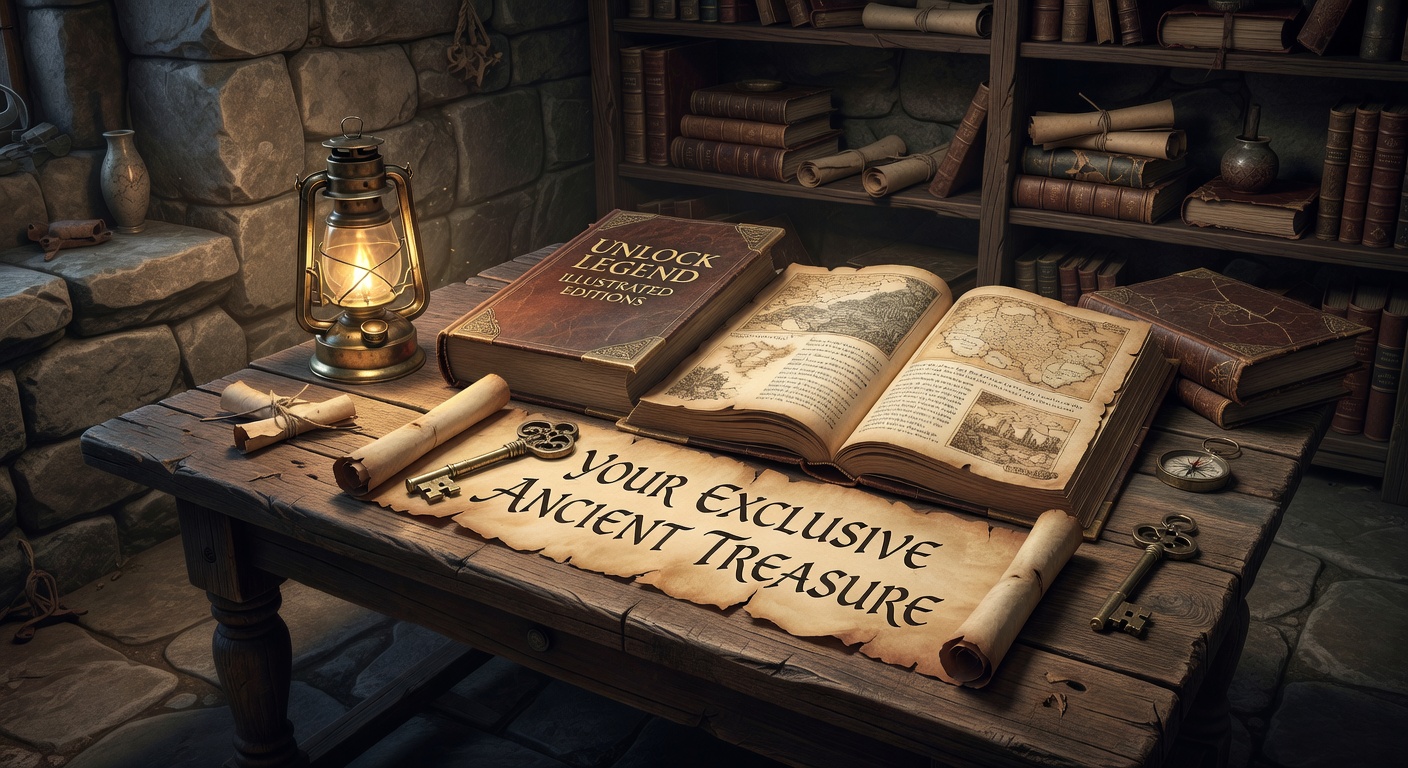
Summarizing Dense Lore and Historical Notes
The real value of unlocking these ancient texts isn't just reading them; it's making them useful. If you have a 200-page PDF detailing the lineage of ancient gods or the history of a lost civilization, you don't always need to read every single paragraph. Docly’s AI summary feature churns through the extracted text and gives you a condensed version.
I threw a dense, 40-page chapter on ancient burial rites into the summarizer. It spat out a two-page bulleted list of the key practices and dates. It missed some of the nuanced symbolism, obviously—AI summaries tend to flatten complex historical arguments—but as a quick reference note to carry into a game session or a research brainstorm, it saved me an hour of skimming. You can then edit these notes directly within Docly, adding your own observations or cross-references without jumping to another app.
Should You Use This for Your Archive?
Let's be realistic about the tradeoffs. AI text extraction on historical documents is inherently messy. If your illustrated edition uses heavy calligraphy, or if the scan quality is low with faded ink and yellowed pages, Docly will hallucinate words. It’s built for speed, not archival-grade transcription.
If you are a historian needing a perfect digital replica of a medieval codex, you’ll want a dedicated OCR engine like ABBYY FineReader, which lets you train the software on specific ancient typefaces and manually verify every character. But if you’re a hobbyist, a tabletop gamer, or a student who just needs to quickly find out what the "Amulet of Varkas" does in a 500-page lore book, Docly’s faster, rougher extraction is a fair tradeoff. You get roughly 80-90% accuracy in seconds instead of 99% accuracy after an hour of manual correction. The time saved usually outweighs the minor typos in the margins.
Making the Treasure Usable
Docly PDF Tools won't magically translate a crumbling manuscript into a flawless text file. But it does make those giant, unsearchable illustrated editions actually usable. By pulling the bulk of the text out of the scans and boiling down dense chapters into a few paragraphs of notes, it turns a decorative PDF into a working document. You still have to keep an eye out for OCR hiccups around the fancy illustrations, but at least you can finally search, copy, and edit your ancient treasure instead of just staring at it.
Comments
Leave a Comment