Why Most Personal Libraries Stall at "Plain"
You buy the book. You highlight a few lines. You close it. Six months later, you remember nothing. That cycle turns a shelf of promising books into a graveyard of "plain" reads—stuff you touched but never actually extracted value from. The problem isn't motivation; it's that reading and retaining are two completely different workflows, and most people never build the second one.
The gaming-tier framework—Plain, Rare, Epic, Legendary—isn't just a fun metaphor. It's a practical filter. Plain books give you one usable idea. Rare books shift how you think about a specific problem. Epic books rewire a whole domain. Legendary books you return to every year and still find new layers. Most libraries sit at 80% plain because people accumulate faster than they process. That's exactly where a tool like Docly PDF Tools changes the math.
Processing by Tier: What Actually Works
For plain-tier PDFs—industry reports, generic business books, conference slide decks—you don't need deep reading. You need a fast summary that pulls the three sentences worth keeping. Docly's AI summary feature handles this well. Run a 200-page trade publication through it, and you get a condensed version in seconds. You skim that instead of slogging through filler chapters. The tradeoff: summaries miss nuance. But for plain material, nuance usually isn't there anyway.
Rare-tier books are different. These have concentrated insight but require active engagement. Here, Docly's text extraction becomes more useful than the summary. Pull the raw text out, drop it into your notes app, and manually annotate. The extraction is clean—even from scanned PDFs—which saves you from retyping or screenshotting passages. I've used this on older, out-of-print technical manuals where no digital version existed, and the scan-to-text accuracy held up well enough to work with.
Epic and legendary books resist shortcuts. You need to read them fully, probably twice. But Docly still has a role: turning a dense 500-page PDF into structured, searchable notes you can revisit without reopening the book. When you're cycling back to a legendary text for the third time, you're not re-reading everything. You're checking your previous highlights and extracted sections against whatever problem you're currently working on. Having those in a clean, editable document—not buried in a proprietary annotation layer—makes that loop faster.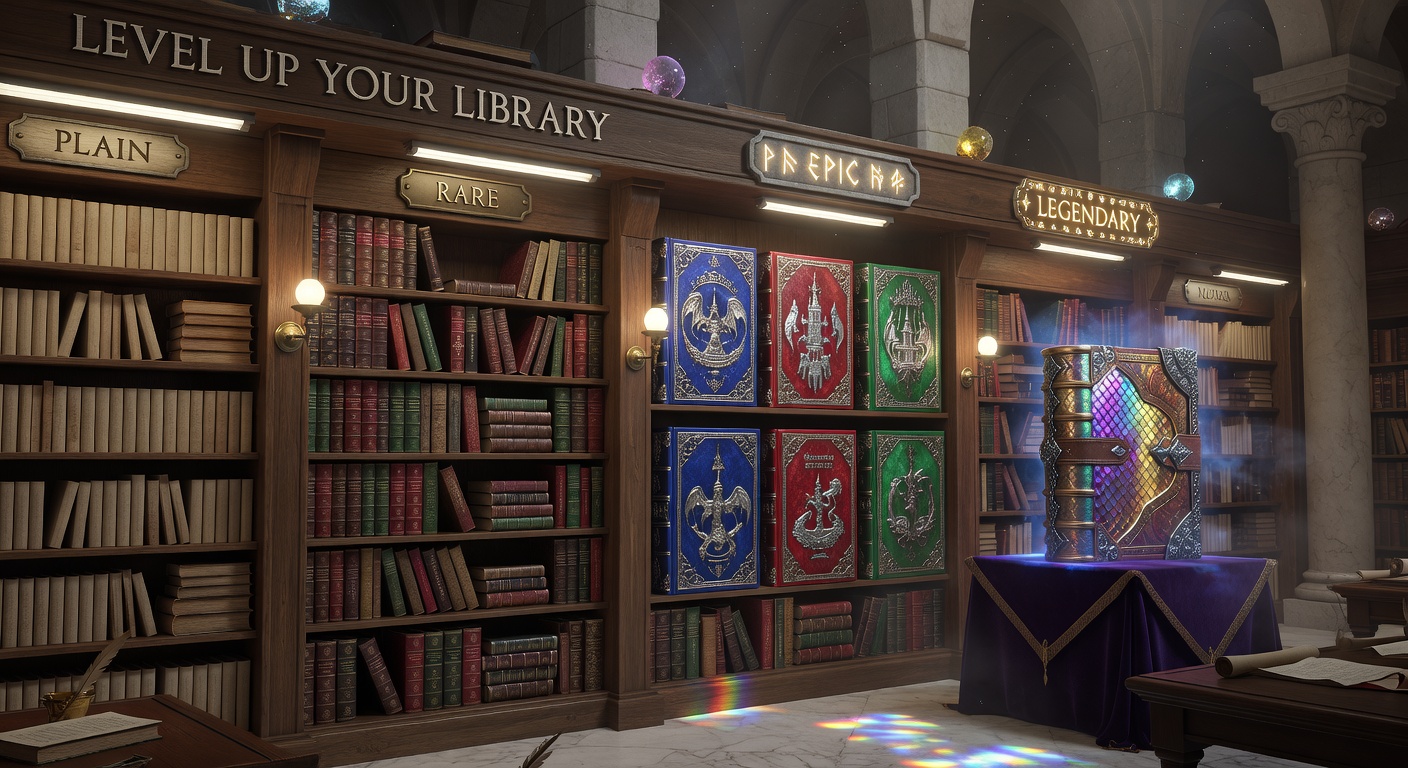
Fit, Tradeoffs, and Alternatives
Docly works best when your library is already PDF-heavy. If most of your reading happens on Kindle or in physical format, the tool sits idle unless you're willing to scan or convert consistently. The AI summaries are solid for business and non-fiction structure, but they flatten literary or philosophical texts where the form matters as much as the content. Don't run a legendary novel through the summary engine expecting useful output—you'll get plot points stripped of everything that makes the book worth reading.
The real alternative isn't another PDF tool; it's a manual notes system. If you're already disciplined about writing chapter summaries in your own words, Docly saves time on extraction but doesn't fundamentally change your retention. The people who benefit most are those who read a lot but rarely revisit or organize what they've read. For that group, turning a passive PDF library into searchable, summarized documents is the difference between a shelf of plain books and a working knowledge base that actually levels up.
Start with your plain-tier pile. Run ten of them through Docly's summary, delete what's forgettable, keep what's rare. That alone clears the backlog and makes space for the epic and legendary books that deserve your full attention.
Comments
Leave a Comment