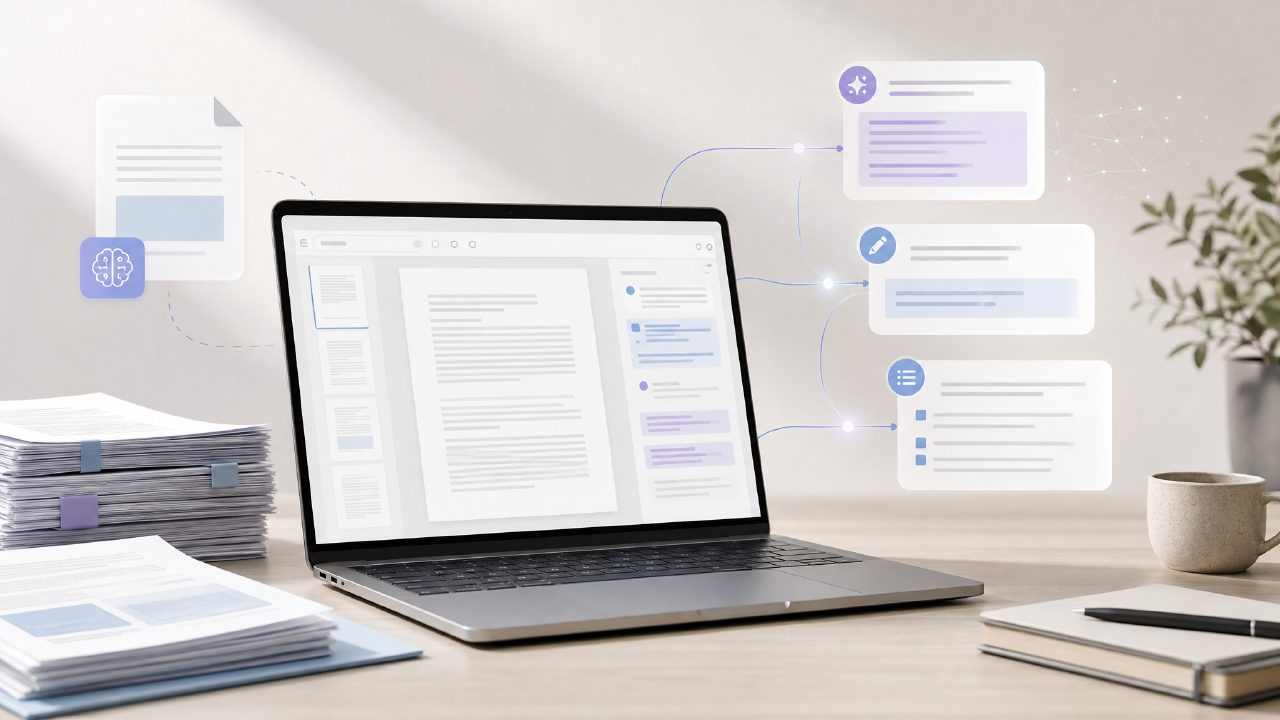
I needed to pull key points from a 40-page PDF contract without re-reading the whole thing. That’s when I started looking for a reliable ai pdf text editor and summarizer free tool. Docly came up in a few searches, so I gave it a shot. Here’s what I found testing it against a handful of actual PDFs – a scanned invoice, a research paper, and that contract.
What to expect from a free ai pdf text editor and summarizer
I organised my notes into a checklist. Not everything worked perfectly, but the free tier does more than I expected for zero cost.
-
Summarization is useful, but not deep.
I uploaded a 30-page paper on renewable energy trends. The AI pulled out the main themes – efficiency gains, policy shifts – in about 10 seconds. That saved me a solid 20 minutes of skimming. But the summary missed the nuance in the methodology section. If you need a quick overview, it’s fine. If you need critical analysis, you’ll still need to read the original. The free version also caps the page count for summaries – I hit that limit on the second file. -
Text extraction works better than I thought.
The scanned invoice was a mess – blurry OCR text in a table. Docly’s extraction actually pulled the vendor name, amounts, and dates into editable text. The formatting was off (line breaks everywhere), but the data was correct. I copied it into a spreadsheet in under two minutes. That’s faster than retyping. Mild friction: it doesn’t preserve table structure well, so you’ll need to clean up columns manually. -
The editor is basic, not a full replacement.
You can highlight, add sticky notes, and type directly into the PDF. I added comments to the contract’s liability clause – fine for personal markup. But heavy editing (rewriting paragraphs, merging pages) felt clunky. There’s no drag-and-drop reordering, and the font options are limited. For a free ai pdf summarizer free, it gets the job done, but don’t expect it to beat a dedicated editor like Acrobat Pro. -
Speed and file handling are decent for a free tool.
The 40-page contract loaded in about eight seconds. Summary generation took another ten. That’s acceptable for occasional use. However, I tried a 60-page document and got a timeout error. The free tier clearly has a size limit, which makes sense. If your PDFs are regularly over 50 pages, you’d need the paid version or a different tool. On the plus side, text extraction didn’t crash even with a 15MB scanned file. -
What you don’t get for free (and why that’s okay).
After three summaries in a day, I hit a daily cap. No batch processing, no export to Word, and no advanced search features. For someone who edits PDFs as their main job, those limitations would be frustrating. But for a student or occasional professional who needs a quick summary or to grab text from a scan, the free version covers the essentials. If you’re comparing the best free ai pdf editor 2026 options, Docly sits in the middle – better than browser-based tools, not as polished as paid suites. -
Who should actually use this?
Honestly, if you’re a researcher, a legal assistant, or a student drowning in readings, this tool will save you time. I’d recommend it for quick comprehension and text extraction. If you need precise editing or unlimited summaries, look elsewhere. The tradeoff is clear: you get solid AI-powered help for free, but you trade depth and volume for cost.
At the end of the day, Docly delivers on the promise of an ai pdf text editor and summarizer free that actually works for real tasks. It’s not perfect – the caps and formatting quirks are real – but it’s practical enough that I kept coming back to it during the week. If you’ve been burned by overhyped free tools, give this one a try. You might be pleasantly surprised.
Comments
Leave a Comment