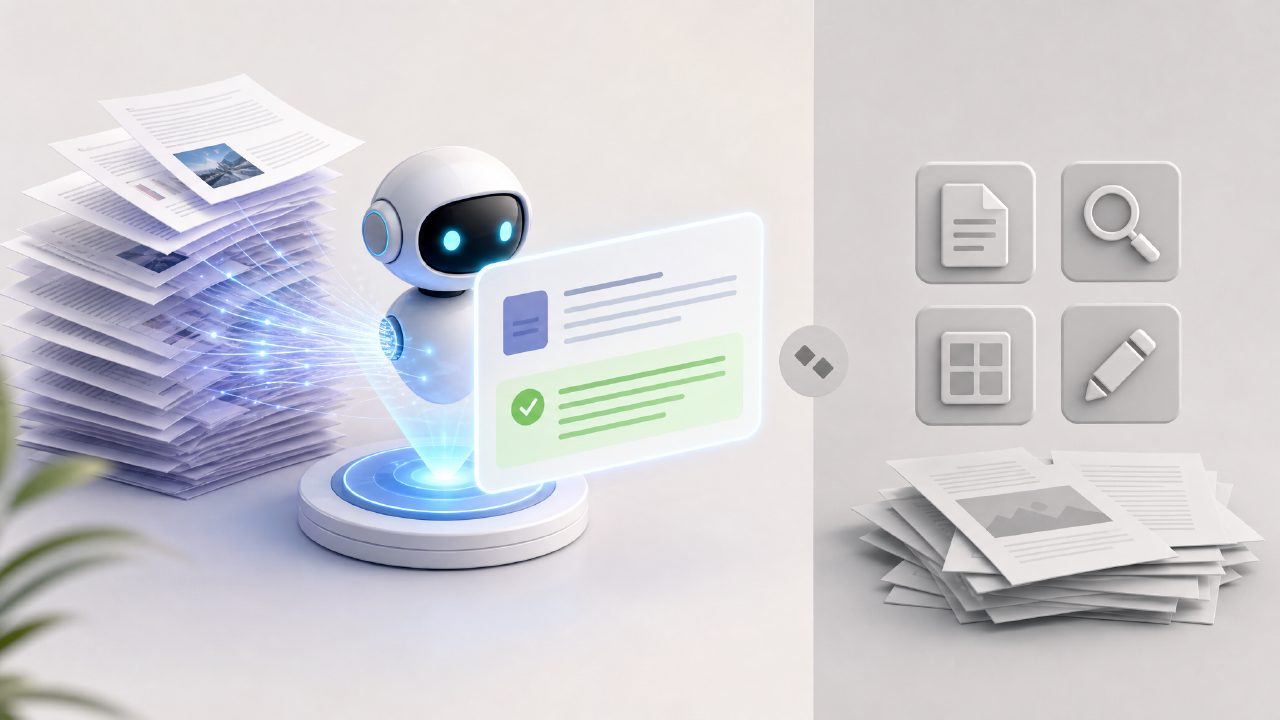
If you’ve ever been stuck trying to get a summary out of a 50-page report or just need to grab text from a scanned contract, you’ve probably landed on ILovePDF first. It’s been the default for basic PDF work for years. But recently I kept hearing about docly — an AI-first PDF tool that promises summaries, text extraction, and smarter editing. So I ran both side by side for a few days to see if docly really justifies another bookmark.
What I tested and how they differ
I used both tools on the same files: a dense academic PDF (40 pages), a scanned invoice as a JPEG, and a long meeting transcript. I wanted to see which one handled the common tasks faster and more cleanly.
ILovePDF is solid for merging, splitting, compressing, and converting. Its OCR works reasonably well, but there’s no summarization or smart extraction. You get the text as a block, and you still have to read through it. Docly, on the other hand, is built around AI — especially its summarizer and text scanner. That’s the core difference.
Docly’s summarizer vs ILovePDF’s nothing
This is the main reason to consider docly. On the academic paper, I ran its free AI pdf summarizer (yes, it exists, and for 2026 expectations it’s surprisingly functional). It gave me a three-paragraph summary with bullet points for key findings. Was it perfect? No — it missed a nuance about sample size limitations. But it saved me twenty minutes of skimming. ILovePDF gave me raw extracted text, which I would have had to summarize myself.
For the scanned invoice, docly’s ai pdf scanner and editor free tier let me extract the text and even pull out the vendor name and total amount as separate fields. ILovePDF’s OCR gave me a text file with everything jammed together. Minor, but it matters when you’re processing a stack of receipts.
The tradeoff: polish vs newcomer roughness
Docly is clearly newer. Its editing interface feels a little cramped compared to ILovePDF’s clean, mature layout. I also found that docly’s summarizer sometimes chokes on files with heavy formatting — tables and images next to text can confuse the output. ILovePDF never hesitates on basic tasks because it doesn’t try to interpret meaning.
So the realistic tradeoff is: you trade reliability for intelligence. If you need a PDF merged or converted now, ILovePDF wins. If you need to understand a long document quickly, docly wins — but you have to double-check its summary for accuracy. I noticed one summary paragraph where it described the conclusion as more certain than the original paper intended. That kind of hallucination is worth watching.
Who should use which?
If you’re a student, researcher, or anyone who regularly faces dense PDFs, docly’s ai pdf summarizer free feature is genuinely useful. It’s not a gimmick — it does cut down reading time. But don’t treat it as a replacement for ILovePDF. I still use ILovePDF for quick merges and compressions because it just works.
For scanning and editing, docly’s AI scanner is decent for extracting structured data, but it occasionally misreads numbers on low-quality scans. ILovePDF’s OCR is more predictable for straight transcription, even if you have to reorganize the output yourself.
- Docly excels at: summarization, text extraction with context, scanning for data points
- ILovePDF excels at: reliability for standard PDF operations, clean interface, no surprises
A cautious recommendation
I don’t think docly replaces ILovePDF yet. But if you’re comparing docly vs ilovepdf based on what each does best, they’re complementary more than competitive. ILovePDF is the dependable workhorse. Docly is the clever intern who can speed up research — as long as you verify their work. I’ll keep both open in separate tabs, but docly is earning the second spot faster than I expected.
Comments
Leave a Comment