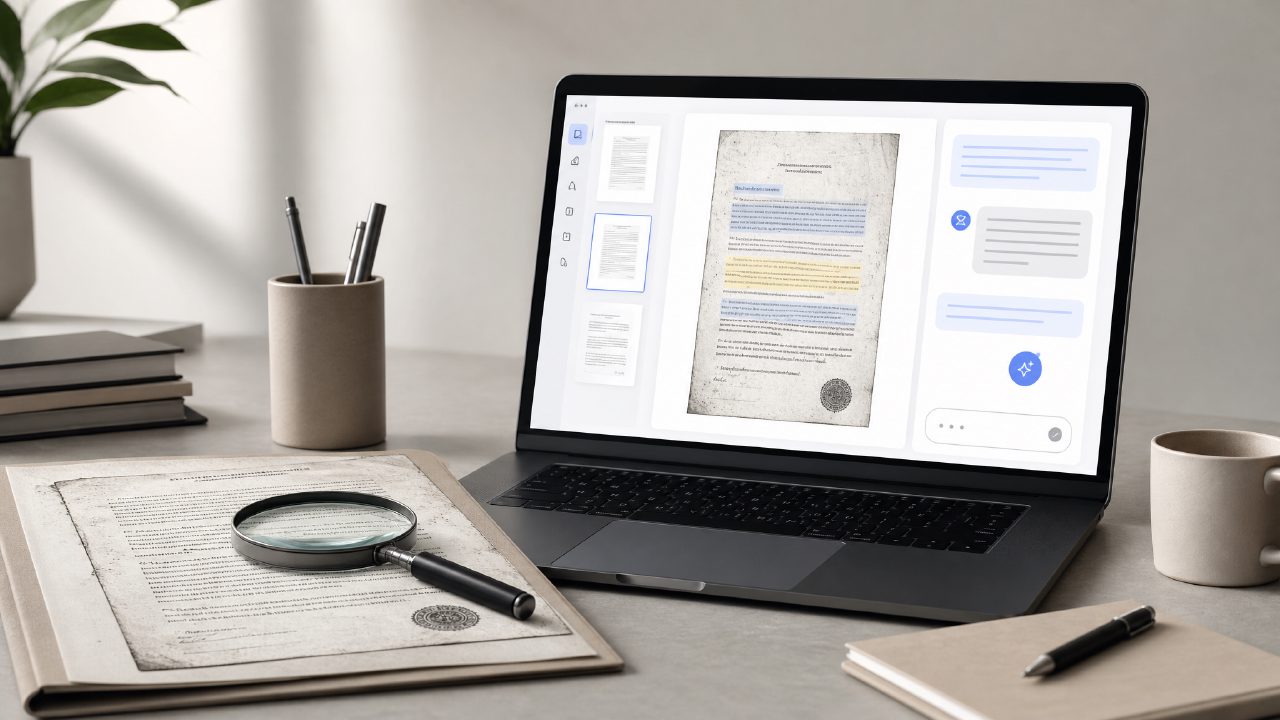
I recently had to deal with a scanned PDF of a vendor contract. The original was a physical document that someone had run through a flatbed scanner, so the text was an image, not selectable. Normally I’d retype the important clauses or use a basic OCR tool, then manually paste into a note-taking app. It’s tedious and error-prone. That’s what pushed me to test an AI PDF editor with OCR and chat — specifically a tool called docly.
Step 1: Uploading the scanned file
I dragged the PDF into Docly’s web interface. No account wall, no credit card prompt — it just uploaded. That was refreshing. The file was about 12 pages, dense legal formatting, with a couple of handwritten margin notes. I expected the OCR to trip on the handwriting, but I was curious how the AI would handle the mix of printed and handwritten text.
Step 2: Running OCR and seeing the results
The OCR engine processed the document in about 20 seconds. When I clicked on the text layer, most of the printed words were selectable and accurate. The handwriting was hit-or-miss — a few margin notes came out as gibberish, but the core contract clauses were clean. This is where my first grounded observation came: the OCR quality is good enough for clean scans, but don’t expect perfect transcription of messy scribbles. That’s a realistic tradeoff — no free AI PDF editor handles every handwriting style flawlessly.
After OCR, I used Docly’s text extraction to pull out all the “Termination” clauses. The extraction was fast and the results were well-formatted. I didn’t have to clean up line breaks or weird spacing, which is a common friction point with basic OCR tools.
Step 3: Chatting with the document
The chat feature is where the AI PDF editor with OCR and chat really stands out. I typed “Summarize the payment terms in three bullet points.” The AI returned a concise list. I then asked “What are the notice periods for termination?” and it cited the relevant paragraphs with page references. That level of referencing made me trust the output more than a generic AI summary. However, I did notice a cautious moment: when I asked a very specific question about an unusual clause (a price adjustment based on foreign exchange rates), the AI gave a plausible but slightly wrong number. So the chat is great for general extraction but not flawless for nuanced legal interpretation.
What I’d use Docly for — and what I wouldn’t
For anyone looking for the best free AI PDF editor to handle routine scanning and summarization, Docly is a solid choice. I can see it replacing my old workflow of using separate OCR and note-taking apps. But if your documents have heavy handwritten annotations or you need perfect accuracy on obscure terms, you’ll still want to double-check the AI’s work.
I also tested it with a research paper (clean text, no scans) and the chat felt faster — likely because it didn’t need the OCR step. That’s a bonus if you mostly work with born-digital PDFs.
Final thought
An AI PDF editor with OCR and chat that actually makes the process faster — not just fancier — is rare. Docly has friction points (handwriting limits, occasional chat hallucination), but for everyday document scanning and quick Q&A, it’s one of the more practical free options I’ve tried recently. It won’t replace a dedicated OCR tool for archival quality, but for turning a messy scan into usable notes, it does the job.
Comments
Leave a Comment