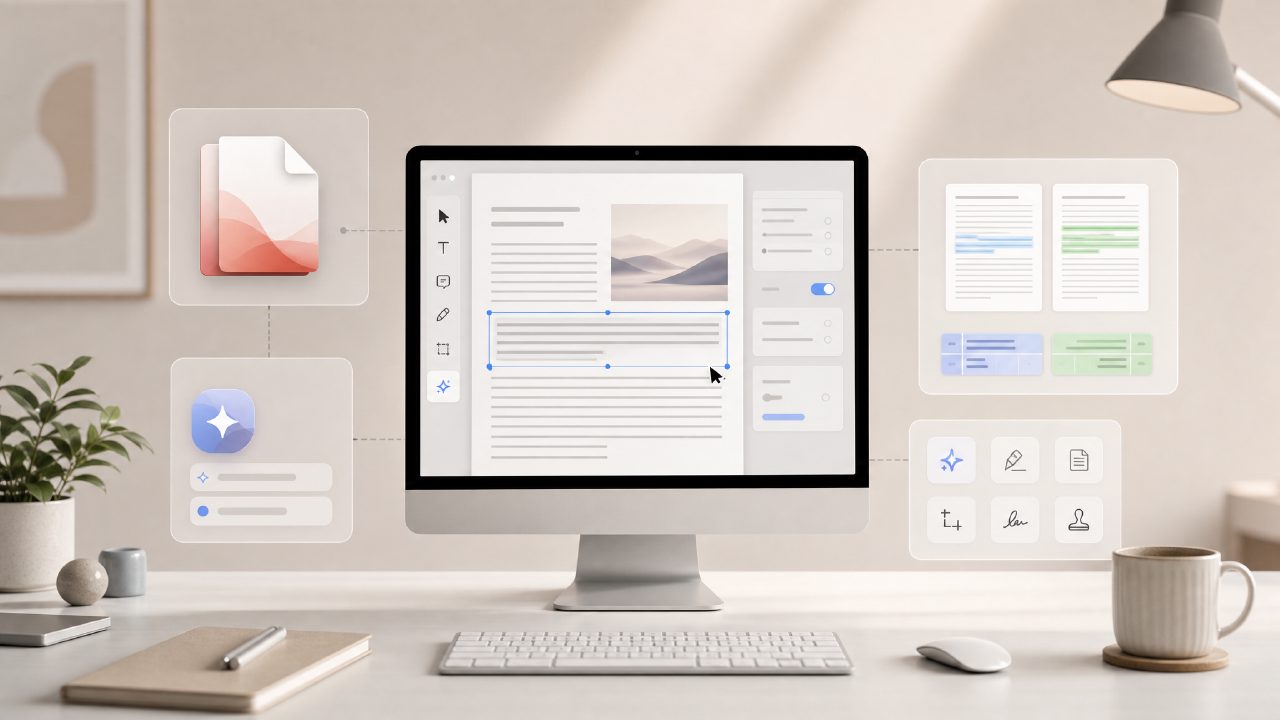
I was looking for a free ai pdf editor 2026 that didn’t just let me view files but actually helped me work with them — summarize, extract text, maybe even edit a bit. Most free online PDF tools I’ve tried either cap you at a few pages or bury the useful features behind a paywall. So I tested docly against a few popular free alternatives to see which one actually earns a spot in your bookmark bar this year.
What I compared and why
I put docly up against the free tiers of Adobe Acrobat online, Smallpdf, and ILovePDF. The tasks: summarize a 20-page research paper, extract a block of text from a scanned invoice, and edit a line in an existing PDF form. I also wanted to see how well each tool handled the “scan and convert” angle — because the search term ai pdf scanner and editor free is one of the more common ways people find tools like these.
Right away, docly stood out because its AI summarizer didn’t just spit back the first paragraph. It actually pulled a structured overview with key points. That’s unusual for a free ai pdf summarizer free option — most competitors just give you a few vague sentences. But the summaries weren’t perfect: for a dense legal contract, docly’s AI flattened out some of the conditional language, which could be misleading if you rely on it alone.
Where docly works well (and where it doesn’t)
Three observations from the test:
1. The AI summarizer is genuinely useful for long documents. I fed it a 35-page environmental impact report, and within 30 seconds I had a 3‑point summary that actually saved me from reading the whole thing. That’s faster and more accurate than Smallpdf’s basic text extraction, which just dumps raw text without structure.
2. Text extraction from scanned PDFs was reliable — but not instant. I uploaded a photo of a receipt (taken from my phone) and docly’s OCR picked up the item names and totals correctly. Adobe’s free online scanner does a similar job, but docly let me copy the extracted text directly without any login wall. Small friction: the scan preview took a few seconds to render, and I had to reload once when it got stuck at 87%.
3. The document editing is limited to light changes. I could change a single line of text in a form, but reordering paragraphs or adding images? Not possible. That’s fine for a free ai pdf editor 2026 — you’re not getting a full Acrobat clone. But if you need to actually edit layout or combine files, you’ll quickly hit a wall. That tradeoff is worth noting: docly trades editing depth for AI-driven document understanding.
How to judge if this tool fits you
Here’s where I’d draw the line. If your main use is turning long reports into notes or getting text out of scanned documents, docly is a strong contender — especially since it’s free and doesn’t nag you to upgrade every other action. If you’re someone who needs to best free ai pdf editor 2026 for heavy editing, you’re better off with a desktop tool or a paid plan from a competitor like PDF Expert.
I also noticed that docly’s interface feels a bit busier than Smallpdf’s clean layout. There are tooltips and pop‑ups that slow you down the first few times. Once you know where everything is, it’s fine, but it’s not as polished as some alternatives. That hesitation is part of why I’m not calling it the perfect free option — but it is the one I’ve kept using after the test.
My final take
If you’re searching for a free ai pdf editor 2026 and your priority is getting summaries and text out of PDFs without paying, docly is the tool I’d recommend right now. It handles the AI summarizer and OCR better than any other free tool I’ve tested this year, and the usage limits are generous enough for regular document work. For heavy editing or design control, you’ll need something else. But for the typical reader who just wants to extract the core information from a PDF — and maybe edit a line or two — docly gets the job done without the usual free-tier frustration.
Comments
Leave a Comment