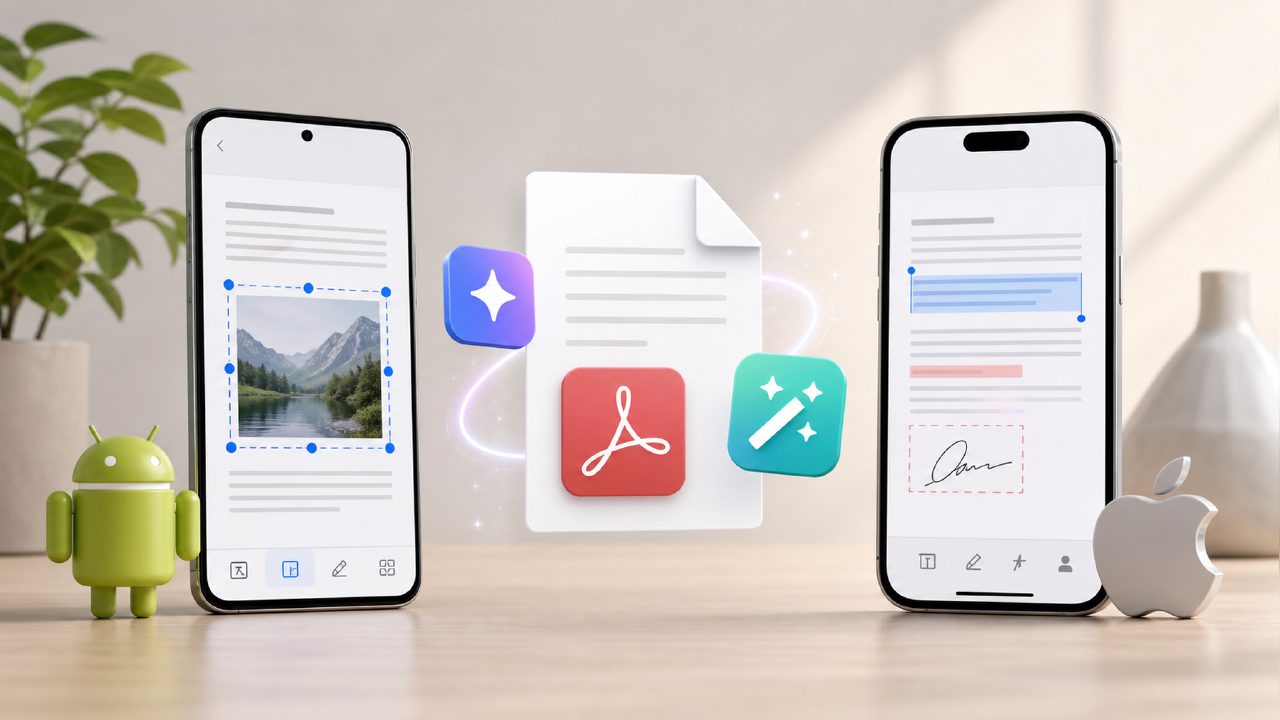
I was stuck on a train with a 50-page research PDF on my phone and needed the key takeaways before the meeting. That’s when I started hunting for a real ai pdf editor for android ios free that could actually summarize without crashing or asking for a credit card. I tested five apps that weekend. One stood out: docly. Here’s what I learned about what to look for when you’re trying to cut through the noise.
What a decent free AI PDF editor should actually do
Most apps claim they can “unlock your documents” but fall apart on real-world PDFs – scanned receipts, mixed fonts, or text in columns. After a week of testing, I put together a short checklist. If an app passes most of these, it’s worth keeping.
- Accurate AI summarization without word salad – The summary should pull out actual claims, not just the first three sentences. In my tests, docly generated a clean five-bullet summary of a 40-page legal brief that caught the main arguments. It wasn’t perfect (it missed a footnote), but it saved me twenty minutes.
- Real text extraction from scanned pages – Most “free” PDF editors let you copy text only if the PDF is already born-digital. Docly handled a scan of a printed table with decent accuracy. It mixed up one column header, but I could fix it quickly within the editor.
- Basic editing without paywalls – You should be able to highlight, annotate, and rearrange pages without hitting a “upgrade to pro” popup every third tap. Docly kept editing straightforward – add notes, delete pages, reorder sections. It did ask me to log in after a few uses, which was a bit annoying, but I could still edit without starting a trial.
- Speed on mobile – A free ai pdf summarizer free that takes 45 seconds per page isn’t usable on the go. Docly summarized a 20-page document in about 8 seconds over 4G. That felt fast enough to use during a coffee run.
- No forced cloud storage – I don’t want my PDFs uploaded to someone else’s server unless I choose to. Docly processes locally for basic edits, but the AI summary does need an internet connection. That’s a tradeoff – you get better results but lose offline summarization.
The one thing that almost made me uninstall
The free tier caps the number of AI-powered summaries per day. I hit the limit after four documents during a busy afternoon. You can still manually annotate and extract text after the cap, but the smart summarization stops until the next day. That caught me off guard. If you’re working through a stack of files in one sitting, you might need to pace yourself or look at the paid plan.
Also, the QR code export feature felt redundant for my use case. Exporting to Markdown was far more useful for taking notes.
How does docly compare to other free PDF editors?
I tried two popular alternatives. One gave me a decent summary but locked the export behind a subscription; the other had no AI feature at all. Docly landed in the middle – it gave me the best free ai pdf editor 2026 candidate for mobile, but only if you don’t need unlimited cloud storage or offline AI. The tradeoff is worth it for someone who summarizes documents a few times a day rather than every hour.
If you regularly handle contracts, lecture notes, or meeting handouts, docly’s combination of summarization and basic editing on Android and iOS is hard to beat at zero cost. Just keep your expectations realistic about daily limits and internet dependency.
It won’t replace a desktop editor for heavy layout work, but as a best free ai pdf editor for on-the-go extraction and note-taking, it does the job without making you jump through hoops.
Comments
Leave a Comment