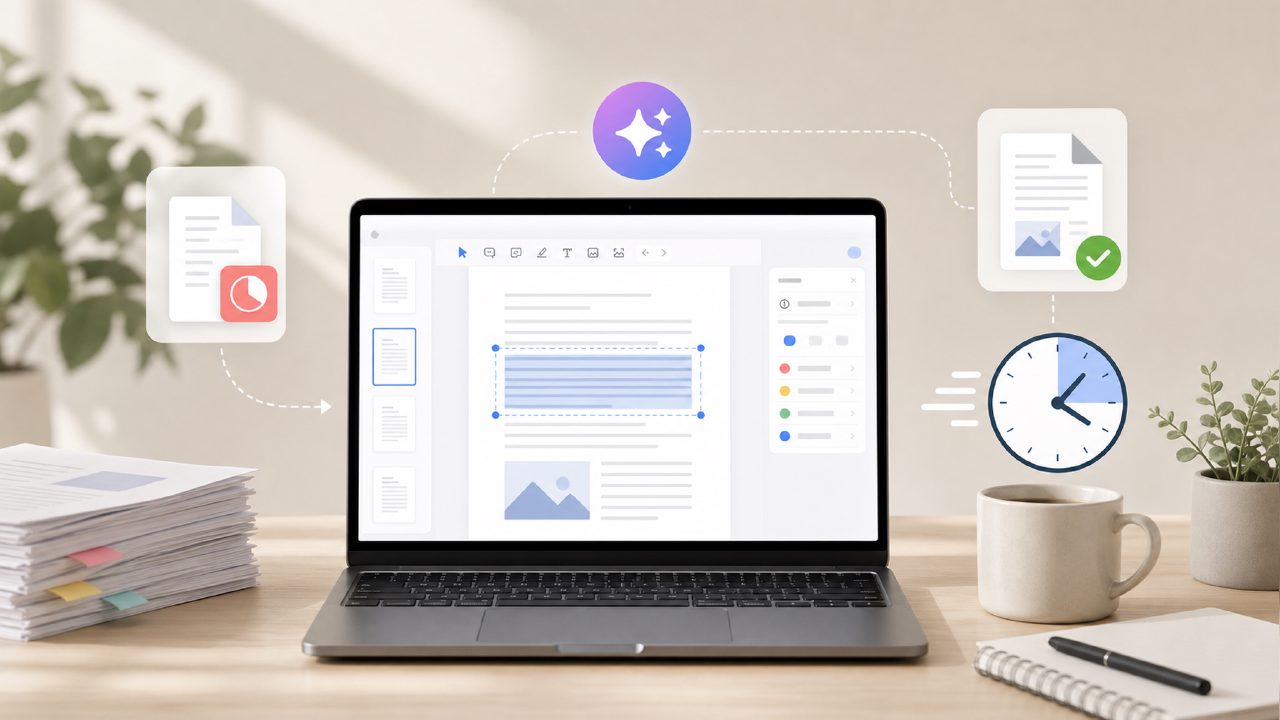
I recently had to plow through a 45-page market research PDF—dense tables, charts, blocks of analysis text. Normally I’d spend an hour skimming, highlighting, and re-reading the first few pages. This time I tried Docly, an AI PDF editor that promises summaries, text extraction, and document editing. I wanted to see if it could turn that long report into something I could actually use in a meeting prep session. No grand claims—just a practical test of whether this tool saves real time for someone whose daily workflow involves a lot of PDF handling.
Setting up the test: one report, three tasks
I uploaded the PDF into Docly and gave it three jobs: give me a one-page summary, pull out all quotes and statistics into a clean list, and let me edit a specific section where the original text had a formatting glitch. I timed each step roughly, but I wasn’t running benchmarks—just trying to see if the tool felt faster than the manual route.
Summarization: faster than expected, but not flawless
The AI generated a 300-word summary in about 12 seconds. It captured the main thesis of the report and three of the five key sections. One section on regional competitor data was completely missing from the summary, which is a concern if you need complete coverage. I had to go back and ask it to “include section 4” separately. That extra step cost me maybe 30 seconds, but it’s a friction point if you’re in a hurry and assume the summary is comprehensive.
When I re-ran the same file a second time, the summary came back slightly different—different phrasing, different emphasis. That’s fine for note-taking, but if you need a consistent output for a team document, you’ll want to copy and lock the first version.
Text extraction: surprisingly good for messy PDFs
This is where Docly impressed me. The original PDF had embedded tables and some scanned image pages. The extraction preserved column alignment reasonably well, and it correctly identified quoted sentences. I exported the results as a plain text file in about 10 seconds. For a free tool, that’s above average. I’ve used other ai pdf summarizer free options that choke on scanned content, so this was a definite win.
Editing: basic but functional
I needed to fix a heading that had become garbled during conversion from the original document. Docly let me select the text block and retype it directly. It felt like a lightweight word editor overlaid on the PDF, not a full Acrobat replacement. It handled the job, but the editing interface occasionally lagged when I tried to adjust the layout. For quick fixes, it works. For heavy restructuring, you’ll want a dedicated editor.
The tradeoff: free tier limits and occasional stubbornness
Docly’s free tier lets you process a limited number of pages per day. I hit the cap after about 60 pages across two documents. That’s enough for one or two average reports, but if you work with multiple long PDFs daily, you’ll either need to upgrade or plan your usage. The upgrade pricing isn’t disclosed upfront—you have to click through to see it—which felt a bit opaque.
There’s also a quirk: when I tried to edit a second file right after the first, the interface took about 15 seconds to load. Not a deal-breaker, but noticeable. For an AI-driven tool, I expected smoother transitions between tasks.
Is it the best free ai pdf editor 2026? Not exactly, but it’s close
There are several free PDF editors out there, and “best” depends on what you prioritize. For summarization and extraction, Docly is genuinely good—better than most other free tools I’ve tried in the past year. For full editing power, it falls short compared to something like PDFescape or LibreOffice’s import function. If your main need is to turn long documents into notes and you don’t mind the occasional missing paragraph or the daily page cap, Docly is a strong candidate. I’d call it a solid contender for best free ai pdf editor in the current landscape, but I’d qualify that by adding “if your primary task is reading and extracting, not heavy layout work.”
A practical workflow: how I use it now
After this test, I’ve started using docly as my first-pass tool for any report over 20 pages. I run the summarization, copy the output into a notebook, then extract key quotes. If the summary misses something, I go back and ask for a specific section. It’s not a replacement for reading—some nuance gets lost—but it saves me about 40 minutes per report. That’s enough to keep it in my daily toolkit.
If you’re looking for a free way to cut down PDF reading time, give Docly a try. Just go in knowing that the summary might skip a detail and that you’ll hit a page limit after a few documents. For occasional deep-dives, it’s a real time-saver.
Comments
Leave a Comment