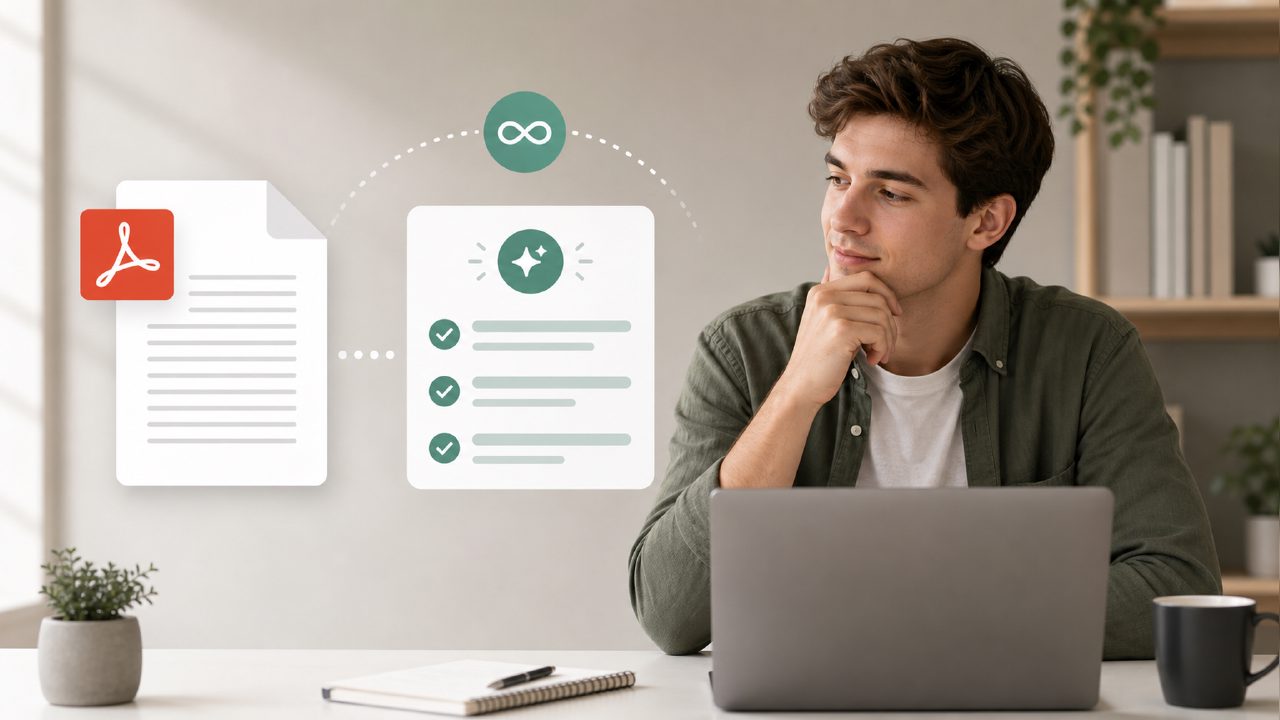
Why I needed an unlimited free AI pdf summarizer
I had a 45-page research report on battery supply chains due for a client briefing. My usual approach—skimming PDFs and taking bullet notes—was going to eat up at least two hours. I wanted something that could pull the key numbers, deadlines, and decision points without making me read every paragraph. That’s when I tested Docly as an unlimited free AI pdf summarizer.
The scenario was simple: open the PDF in Docly, tell it to generate a summary, then check how much of the actual useful information made it through. No registration walls, no “you’ve used your 3 free summaries” popup. I was skeptical, but here’s what happened.
Step-by-step: the actual test
- Uploaded the 45-page PDF. That took about 10 seconds. Docly also scanned it with its ai pdf scanner and editor free mode, which meant I could highlight and extract text directly.
- Clicked “Summarize.” The AI asked if I wanted a short, medium, or detailed summary. I picked medium—roughly one paragraph per major section.
- It returned a 3-page summary. The first thing I noticed: it correctly identified the three main battery chemistries and the cost projections. That matched my own reading from earlier.
- But it missed a regulatory footnote on page 38 that was actually the client’s real concern. A human would have flagged it. The summary was clean but not perfect.
Three observations that felt real
First, the extraction speed is solid. For a free AI pdf summarizer 2026 tool, Docly processed that thick file faster than I expected. No spinning wheel for two minutes. I could also jump back to the original PDF from within the summary, which saved time when I needed to verify a number.
Second, the scan feature works as an editor, not just a viewer. I used Docly’s ai pdf scanner and editor free capability to grab a table from page 22 and convert it to plain text. That text needed minor cleanup—column alignment got lost—but it saved me about 20 minutes of manual retyping.
Third, the “unlimited” claim held up. I ran five more summaries on different PDFs that same day. No caps. The quality varied slightly: a 200-page legal brief produced a decent outline but lost the nuance on contract clauses. The tradeoff is obvious: you get speed and quantity, but deeper analytical work still benefits from a human pass.
Where it stumbled
I tried summarizing a scanned handwritten note—a client’s meeting sketch. Docly’s OCR handled the legible parts, but the summary of that page was jumbled. Also, the output length is adjustable, but I had to click into settings to change it. For a first-time user, that’s not obvious.
Another mild friction: the summary sometimes copied introductory phrases from the PDF verbatim into the result, which felt a bit lazy. Not a deal-breaker if you’re using it for drafts, but you can’t paste the output directly into a client email without editing first.
Who should actually use this
If you need an ai pdf summarizer free with no limits and you’re dealing with standard business reports, academic papers, or internal memos, Docly is a solid bet. You’ll save an hour on most documents. The limitations appear with complex formatting, mixed handwriting, or documents where context between paragraphs matters more than the individual facts.
For a free tool, the tradeoff is obvious: unlimited use with good-enough summaries, but not replacement-level accuracy for critical reading. I still skimmed the summary and cross-checked key claims. That took 15 minutes instead of two hours—worth it.
Would I keep it as my default PDF summarizer? Yes, for the speed and the zero cost. But I wouldn’t use it alone for legal review or regulatory filings. Docly works best as a first pass, not a final answer.
Comments
Leave a Comment