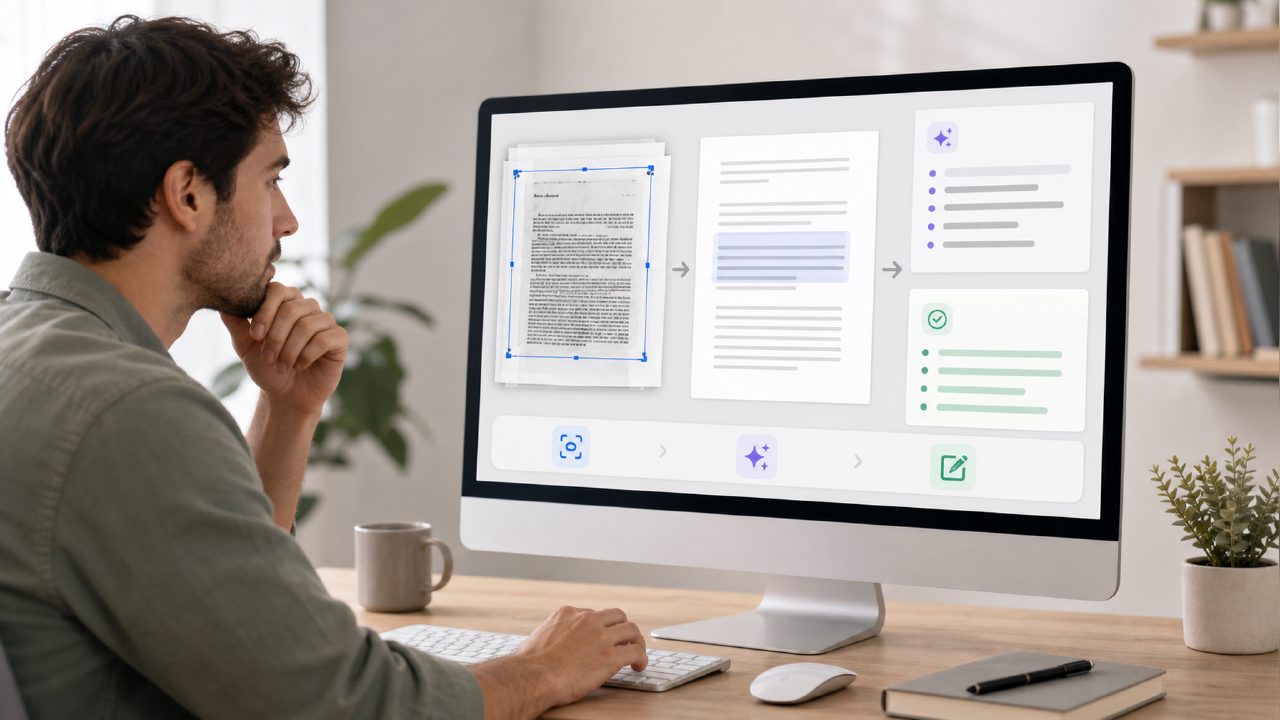
Q: Why would I need an AI PDF editor that does OCR, scanning, summarizing, and editing all in one?
A: Because most PDF tools either do one thing well and everything else poorly, or they bury useful features behind three layers of menus. If you regularly deal with scanned documents – contracts, research papers, printed forms – you quickly realize that a simple PDF reader isn’t enough. You need OCR to turn scans into selectable text, you need summarization when the document is forty pages long, and you need editing to extract quotes or rearrange pages. The catch is that most tools charge for each of these separately. That’s why I spent a few weeks testing Docly to see if it actually delivers on the promise of being an ai pdf editor ocr scan summarize edit tool that doesn’t make you jump between apps.
Q: How well does the OCR actually work on messy scans?
A: I tested it on a few things: a slightly crumpled invoice from a printer, a double-column academic PDF, and a handwritten note that was barely legible. The OCR on the invoice was surprisingly clean – it caught the total amount and vendor details without needing rework. The double-column PDF confused it a bit; some lines from the left column bled into the right column’s text. I had to manually fix a few sentences. The handwritten note came out as gibberish, which I honestly expected. So the OCR is good for typed text in common layouts, but don’t expect magic on handwriting or weird formatting. For a free tier tool, it’s respectable.
Q: Is the summarization feature useful, or just a gimmick?
A: I went into this skeptical because most AI summarizers either produce a bullet list that misses nuance or a wall of text that’s just a shorter version of the original. Docly’s summarization is somewhere in between. I fed it a 30-page research report on renewable energy subsidies. It returned a one-page summary that captured the main arguments and the key numbers. It also added a short “key points” section, which I actually found more useful than the prose summary. But I did notice that it sometimes over-emphasized the opening paragraphs and missed later caveats. So it’s good for getting the gist fast, but I wouldn’t rely on it for critical analysis without reading the original. This makes it a solid candidate for best free ai pdf editor 2026 lists, assuming the free tier stays generous.
Q: Can I actually edit PDFs – like change text and move images – without a headache?
A: Editing is where I hit the biggest friction. Docly lets you select and rewrite text directly, which is nice. But the text reflow isn’t always smooth. I tried to replace a three-word heading with a longer phrase, and the entire paragraph below shifted in a way that broke the page layout. I had to manually adjust line spacing. That’s not unusual for PDF editors, but it’s worth knowing going in. The text extraction feature (copying selected text to the clipboard) worked flawlessly, which is my most common need. For heavy layout editing, you’ll still want a dedicated desktop tool. For quick corrections and note-taking, it’s passable.
Q: Is it really free, or is there a catch?
A: That’s a fair concern, given how many “free” tools throttle you after a few uses. Docly does have a free tier. I got a handful of summarizations and a decent number of OCR pages without hitting a paywall. I’m not sure where the exact limit is, but I used it for about a week on moderate tasks and didn’t see a prompt to upgrade. The interface has a few pro features grayed out, but the core OCR, summary, and edit functions were usable. If you’re looking for a free ai pdf editor 2026 that actually does the basics, it’s worth a test. Just keep in mind that advanced batch processing or high-resolution scans might push you toward a paid plan.
Q: How does the scanning-from-mobile feature work?
A: I used the mobile browser version to snap a photo of a printed contract. The scan straightened the image and ran OCR automatically – that was slick. The text recognition was slightly slower than on desktop, but still under ten seconds. I then opened the result on my laptop and edited a clause. That workflow felt natural. The only downside is that you need a stable internet connection for the AI features, so offline scanning isn’t really supported.
Q: Who is this tool actually best for?
A: In my opinion, it’s best for students, freelancers, and small business owners who need to handle PDFs occasionally – not for someone processing hundreds of documents daily. The AI summarization saves real time when you’re reviewing literature or proposals. The OCR handles most day-to-day scans. And the editing is fine for light fixes. But if you do heavy layout work or need perfect OCR on complex documents, you’ll still supplement with other tools. Docly is a practical all-in-one that doesn’t overpromise, and that makes it a realistic option for the best free ai pdf editor category.
Comments
Leave a Comment