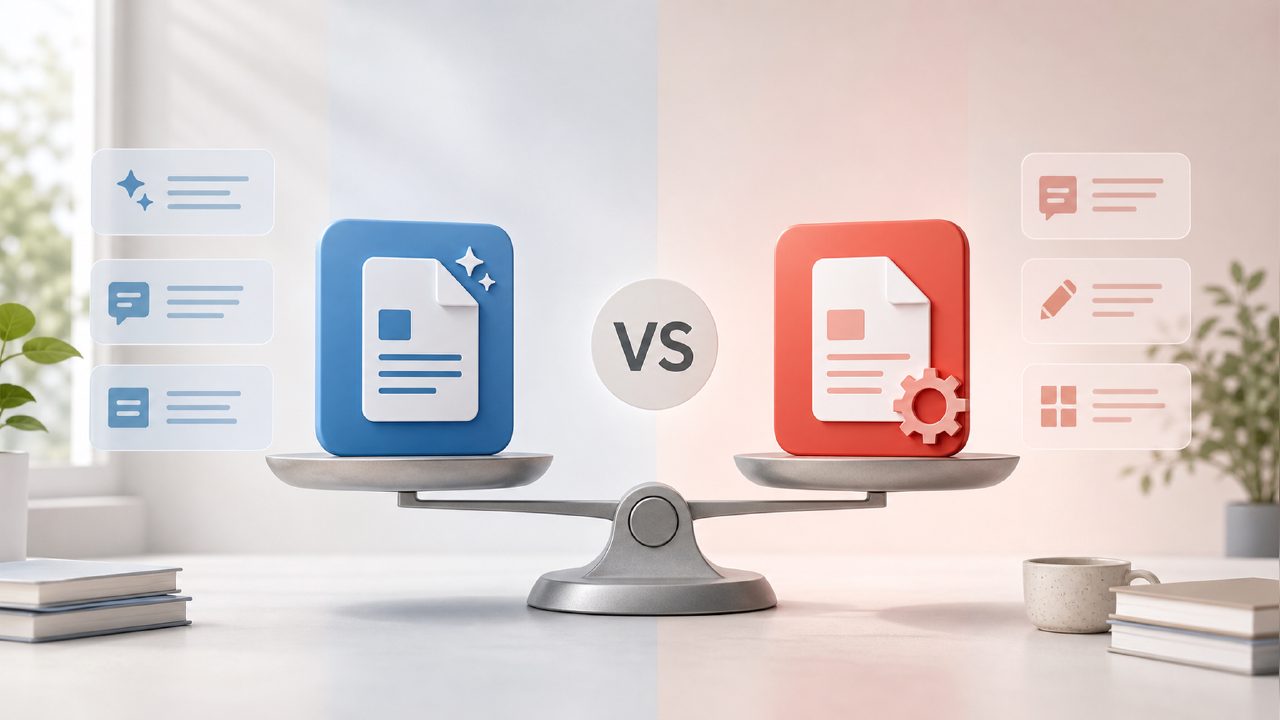
Which one actually works better: Docly vs PDFgear?
If you're trying to decide between Docly and PDFgear, you're probably weighing similar things to what I was when I tested both. You want AI features for handling PDFs – summaries, text extraction, maybe some editing – but you also don't want to overpay or get stuck with a tool that's all hype. I spent a few weeks running both through real tasks to see where each actually breaks down.
For AI summaries and text extraction, is Docly better than PDFgear?
Honestly, Docly pulls ahead here if your main goal is getting useful notes out of a long document. I fed both tools the same 40-page research report. PDFgear gave me a clean bullet-list summary – functional, no complaints. But Docly's summary was noticeably more selective. It didn't just list every section heading; it seemed to prioritize the data-backed conclusions and skipped a lot of the filler paragraphs that PDFgear kept. The text extraction also worked well, especially when I needed to pull specific quotes. One thing that surprised me: Docly handled a scanned fax page (terrible quality) and still extracted readable text. PDFgear choked on the same scan and output gibberish for two paragraphs. That said, Docly's free tier is limited – you get a handful of AI queries before it asks you to upgrade. PDFgear is more generous with its free version.
What about editing PDFs? Is free enough?
If you just need basic edits – adding text boxes, signing, reordering pages – PDFgear is perfectly fine and genuinely ai pdf editor free without a lot of gatekeeping. I edited a contract in PDFgear and the process was snappy, even when inserting images. Docly, on the other hand, focuses more on the AI layer. Its editing interface feels like an afterthought. I tried to highlight and annotate a PDF in Docly and the controls were a bit clunky compared to PDFgear. The tradeoff is clear: PDFgear is a better pure editor, but Docly is a better free ai pdf summarizer 2026 style tool if you can live with a smaller free quota. Calling one "better" depends on whether you're wrestling with document content or just trying to reorganize it.
One more thing about the ai pdf scanner and editor free angle: PDFgear handles scanning well for clean documents, but Docly's scan-to-text feature feels more robust for messy originals. I scanned a wrinkled receipt with faded ink. PDFgear missed about 30% of the text. Docly caught most of it, though it did misinterpret one price as a date. So not perfect, but better.
Docly vs PDFgear: which one should you pick right now?
This is where I have to be honest – there's no single winner. For straight PDF editing on a budget, PDFgear is the obvious choice. It's free, it works, and it's fast. For AI-powered document analysis, especially if you're a student or researcher working with long, dense PDFs, Docly is more useful despite its free limitations. I found myself using both: PDFgear for quick form fills and page rearrangements, Docly when I needed to turn a 60-page report into something I could actually reference in a meeting.
The best move might be to start with PDFgear's free editing and use Docly for the occasional heavy AI lift. That way you're not paying for features you only need sometimes, and you're not stuck with a tool that's great at editing but mediocre at understanding what you're actually reading.
Comments
Leave a Comment