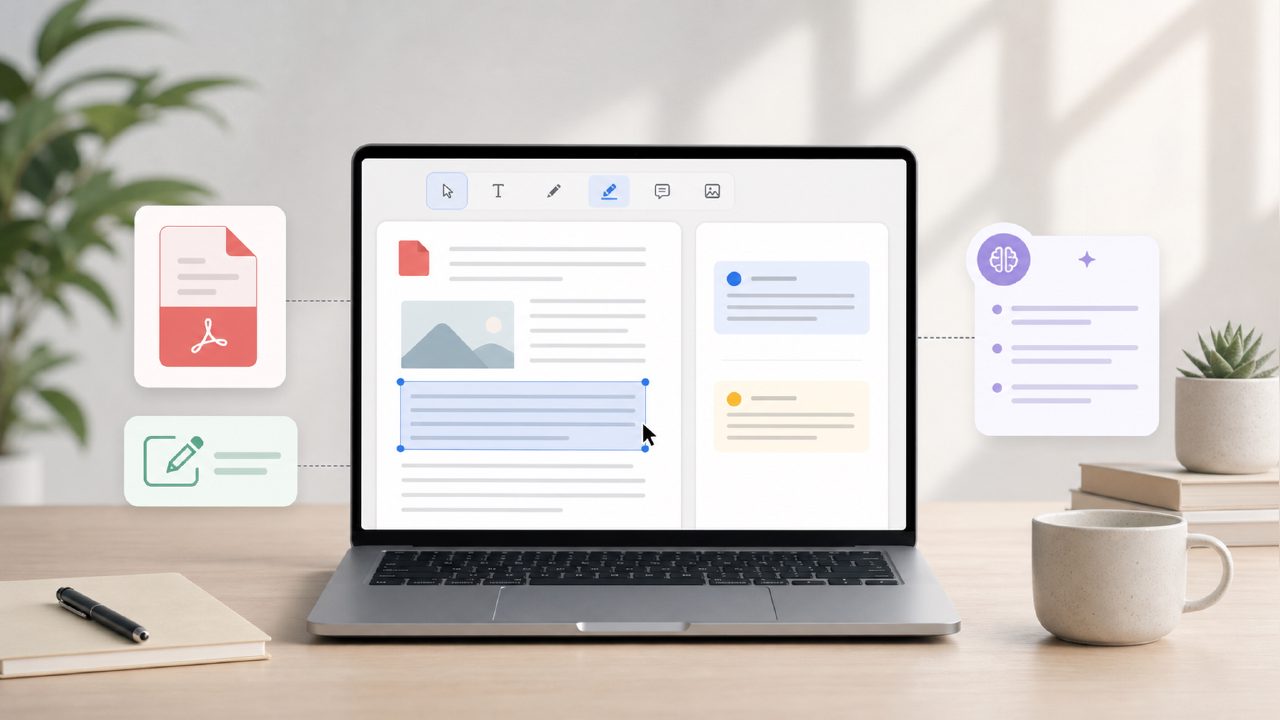
Can a free AI PDF editor really handle summaries, text extraction, and editing without making you want to throw your laptop out the window? I’ve tested a handful of PDF tools over the years, and most either cost too much for casual use or fall apart the second you hit a file with mixed formatting. So when I came across Docly, described as an AI PDF editor for summaries, text extraction, and document editing, I was curious — and skeptical.
To keep things grounded, I worked with a 45-page research PDF (tables, footnotes, a few scanned pages) and a messy invoice scan from a local contractor. Below are the most common questions I kept asking, answered with what actually happened during testing.
What can an AI PDF editor actually do with summaries and text extraction?
With Docly, the core promise is: upload a PDF, and the AI creates a summary, pulls out key text, and lets you edit the document directly. I tried the summary feature on the research PDF. It generated a bullet-point overview that captured the main arguments and data points — not bad for a 45-page file. It missed a couple of nuance-heavy conclusions but got the big picture right.
Text extraction worked better than expected. I dropped the scanned invoice (a JPEG embedded in a PDF) and Docly recognized most of the line items. There was one hiccup: a handwritten note was misread as “chairs” when it was actually “charis” (a brand name). So OCR isn't flawless, but it's decent for clean scanned documents.
Is Docly really a free AI PDF editor, or are there hidden limits?
This is the first thing anyone should check. During my test period, Docly offered a free tier that allowed a limited number of pages per day. I hit the page cap after processing that 45-page research file and the invoice — about 50 pages total. That’s enough for occasional use, but if you need to handle multiple long documents daily, you’ll want to look at the paid plan.
The free tier also restricts some advanced editing features. You can highlight and annotate, but full document restructuring (moving sections, merging files) is locked. So it’s not a full free AI PDF editor 2026 powerhouse — more like a solid starter tool.
How does Docly compare to other free PDF tools I’ve tried?
I’ve used browser-based PDF editors that are slow with large files, and desktop apps that feel bloated. Docly runs in the browser and handled the 45-page file without freezing — that’s a win. But I noticed that when I tried to edit a table inline, the formatting got messy. It turned a clean data table into a jumble of text boxes. For simple text edits (fixing a typo, adding a comment), it worked fine.
Compared to other AI PDF editor free options, Docly’s summary and extraction features are genuinely useful. The tradeoff is that it’s less reliable with complex layouts. If your PDF is mostly plain text with a few images, it’s great. If it’s a dense spreadsheet-style PDF, expect to do some cleanup afterward.
Can I trust Docly with sensitive documents?
I did a quick privacy check. The help docs mention that files are processed on secure servers and deleted after a set period. I didn’t see an explicit end-to-end encryption claim, which gave me pause. For confidential contracts or personal info, I’d stick to offline tools or check the privacy policy carefully. That’s a realistic concern, not a dealbreaker — just something to be aware of.
Is Docly worth using in 2026?
If you regularly need to extract key info from long PDFs or clean up scanned documents without paying for a premium subscription, Docly is worth a try. The AI summary is genuinely time-saving, and text extraction handles most scans well. Just don’t expect perfect results with complex tables or handwritten notes. It’s a practical tool for students, researchers, or anyone drowning in PDFs — not a magic bullet, but a solid addition to your PDF tools list.
Comments
Leave a Comment