A few weeks ago, I was staring at a 40-page research PDF that needed to be turned into actionable notes before a deadline. I didn’t have time to read every paragraph, highlight manually, or copy-paste chunks of text. So I went looking for the best free AI pdf editor that could actually handle the load without asking for a credit card upfront. That’s how I ended up testing Docly extensively for a day.
I wanted something that combined summarization, text extraction, and light editing in one tool. Paid software like Adobe Acrobat was overkill for a one-off project, and most free editors I tried either capped summaries at a few pages or ignored scanned images. Docly promised to do all three – and it mostly delivered, but not without a few quirks.
Testing Docly on a real project
I picked a dense academic paper titled “The Impact of Urban Green Spaces on Well-being” (PDF, 38 pages, about 12k words). The goal was to extract a clean summary, pull out key quotes, and make a few minor annotations. Here’s how Docly handled each step.
Upload and AI summarization
Dragging the file into the browser took about five seconds. The free tier processed the document surprisingly fast – maybe 20 seconds for a full scan. Docly then generated a three-paragraph summary that I could adjust for length. The summary was coherent and captured the main findings (correlation between park access and lower stress levels, the role of biodiversity). But it did miss a couple of nuanced discussion points about socioeconomic factors. If you need a surface-level overview, it’s fine. For deep research, you’ll still want to skim sections.
I found the free AI pdf summarizer 2026 functionality here to be solid for everyday use. It even gave me the option to download the summary as a separate text file, which was handy.
Text extraction and scanner tests
Part of the paper had tables and footnotes. Docly extracted the body text accurately, but the footnotes got mixed into the run of the main content. I also tested the ai pdf scanner and editor free feature by taking a photo of a printed page from the same paper. The scanner recognised the text fairly well – maybe 95% accuracy – but stumbled on a small, serif footnote font. That’s a realistic limitation for any mobile scan solution.
The extraction output was clean enough to paste into a note-taking app without heavy re-formatting. If you’re working with purely scanned documents (not born-digital PDFs), you’ll want to keep an eye on a few words that might need manual correction.
I also used the ai pdf summarizer free on a second PDF – a product manual with lots of lists. That worked better, likely because the text was simpler and less dense.
Editing capabilities
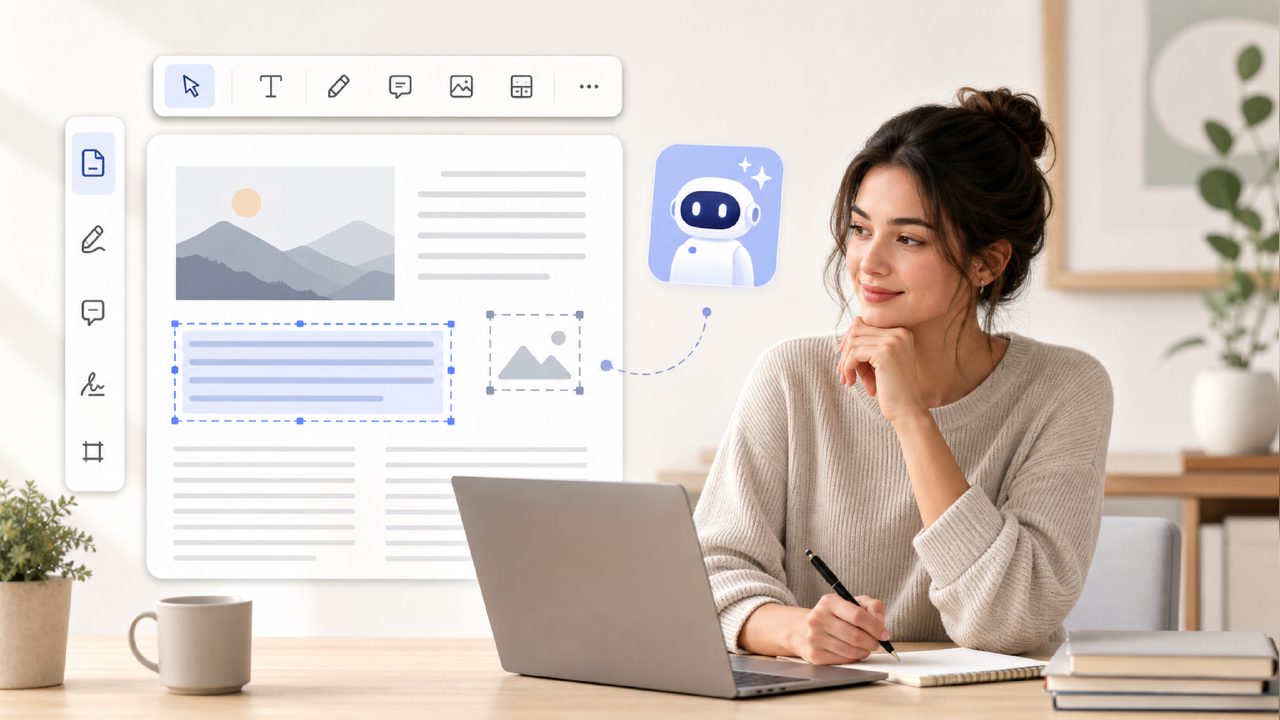
Docly’s editor lets you add text boxes, highlights, and strike-throughs directly on the PDF. It’s basic but functional. I highlighted three sections and added a small note in the margin. The highlight tool applied colour but didn’t allow me to change opacity – not a dealbreaker, but a small friction. The interface felt slightly cluttered with toolbars on both sides; I accidentally closed the sidebar twice.
What Docly gets right – and where it bends
The main strength is the speed. For a free tool, it processes files quickly and handles a variety of PDF types. The summarizer genuinely saves time if you need a quick gist. The scanner integration is a nice bonus for mobile users.
But there’s a tradeoff. The free tier limits the number of PDFs you can process per day (I think it capped at three full summaries before prompting for upgrade). For occasional use, that’s fine. For heavy workloads, you might run into the restriction. Also, the editor isn’t great with complex layouts – tables and multi-column text sometimes got misaligned.
I’d describe my overall impression as “good enough for most quick tasks, but not a complete replacement for a desktop editor”. The cautious take: it’s promising, but I wouldn’t rely on it for mission-critical formatting work.
Who should consider Docly
If you’re a student reading journal articles, a professional skimming reports, or someone who needs to quickly scan a printed document and get notes out, Docly is worth trying. It’s one of the better options I tested when searching for the best free ai pdf editor that doesn’t feel crippled. Just go in aware of the daily cap and the minor extraction quirks.
Would I use it again? Yes – for my next quick summarization project. But for a large annotated report with complex formatting, I’d probably stick with a paid tool or combine Docly with manual editing. That’s a realistic middle ground.
Comments
Leave a Comment