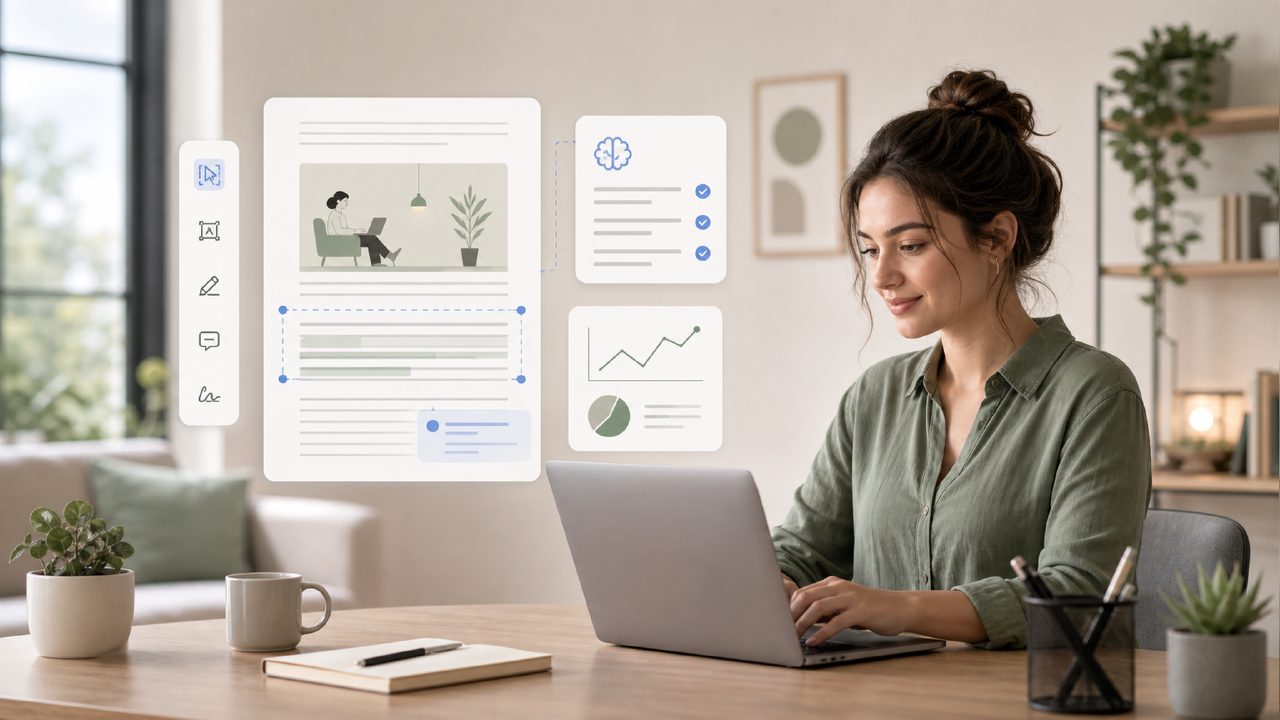
I’ve been testing a handful of remote work tools lately, specifically because my PDF workflow has turned into a mess of scanned contracts, long research reports, and meeting notes I can never find. Most editors either cost too much or do too little. So when I came across docly, I figured I’d run it through a real week of remote work and see if it actually pulled its weight.
Here’s a quick checklist based on how it handled the stuff I actually throw at a PDF tool when I’m working from home.
1. Actually reading the document – not guessing
A lot of AI PDF editors just dump a generic summary. Docly surprised me here. I fed it a 40-page vendor agreement, and it pulled out the key clauses and dates without hallucinating terms. That’s rare. It felt like the model was paying attention to the document structure, not just scanning for keywords.
2. Text extraction that doesn’t need a second pass
I scanned a handwritten meeting whiteboard (photo from my phone). Docly extracted the text in maybe 10 seconds, and it got most of it right. I had to correct two words. Compared to a best free ai pdf editor I tried last week, this was noticeably cleaner.
3. Turning long notes into something useful
This is where the product earns its keep for remote workers. I pasted a 15-page report into Docly, asked it to condense into bullet points, and it gave me a short outline that actually made sense. I didn’t have to rewrite the whole thing – just a quick edit and it was ready to share with the team.
4. The tradeoff – editing is still limited
Docly isn’t a full word processor. If you want to rearrange pages, merge two PDFs, or make fine layout changes, you’ll need to export and do that elsewhere. The editing is smart for text corrections and annotations, but it’s not a replacement for a desktop editor. For most remote use (notes, summaries, contracts) that’s fine. For heavy document assembly, it’s not there yet.
5. Speed and reliability – mostly solid
Most actions took 5–15 seconds. The AI summaries were responsive even on large files. Twice it took a bit longer – maybe 30 seconds – and once the page preview didn’t load after the first click. A refresh fixed it, but it wasn’t flawless.
6. Is it the best free AI PDF editor for 2026?
Hard to say until the year actually gets here. Right now, Docly is one of the better options I’ve tested for the core use case: turning a long or messy PDF into something you can actually use. The free tier covers enough for a typical remote worker. If you need OCR, summaries, and text extraction without paying, it’s worth a slot in your toolkit.
I’d keep an eye on editing improvements and maybe a slightly faster render on the first load. But for what I needed this week – scanning, summarizing, and pulling out key info – it delivered.
Comments
Leave a Comment