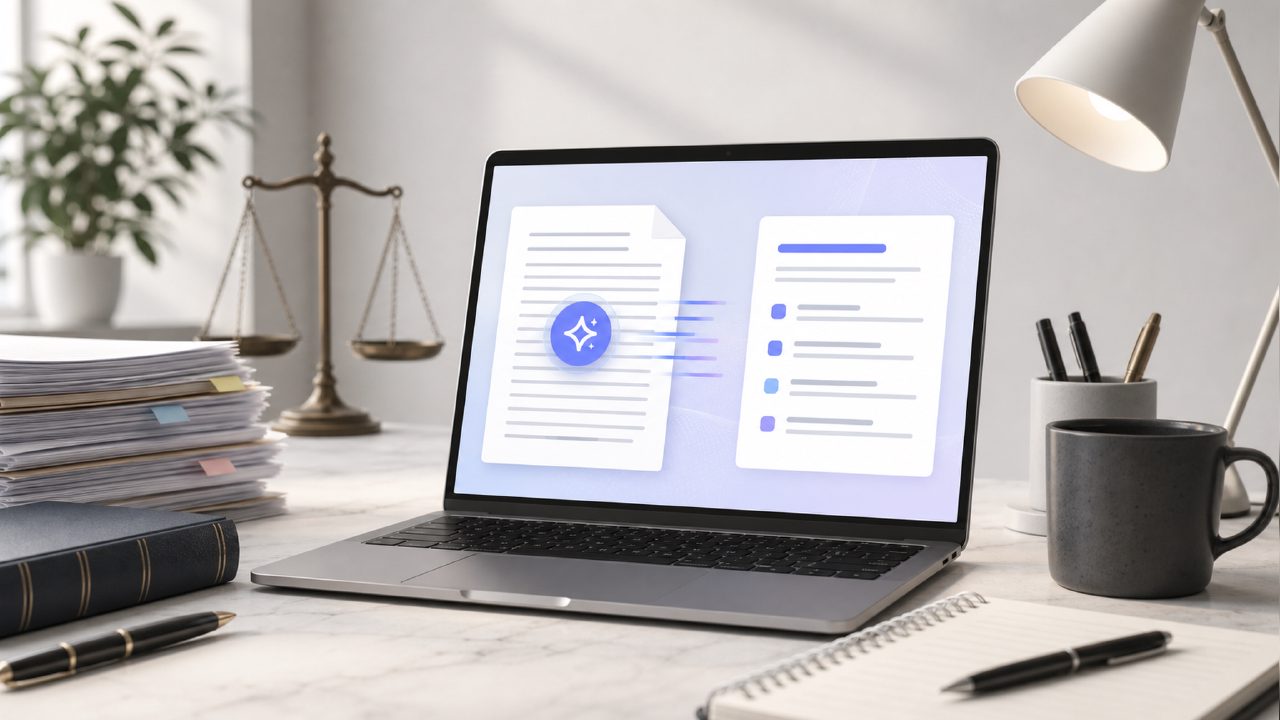
I needed a solid free AI PDF summarizer 2026 for a research stack that was getting out of hand—three legal briefs, two policy documents, and a fifty-page environmental impact report. Manually scanning each one wasn't realistic, and most free tools I'd tried either capped the page count or returned summaries that felt like random sentence extractions. Docly came up when I searched for a best free AI PDF editor 2026 that actually let me edit and extract text without paywalling every useful action after two uses. I tested it for about a week, mostly on dense academic and legal PDFs, and here's what I found.
What Docly does with a PDF
Docly positions itself as an AI PDF editor that handles summaries, text extraction, and document editing. When you upload a PDF, it gives you a few options: summarize, extract text, or edit the document directly. The summary tool uses AI to pull key points from longer files. For my forty-page policy document, the summary came back around three paragraphs—tight, not overly simplified, and it caught the main arguments and conclusions. That was better than I expected from a free AI PDF summarizer 2026. Extraction worked well too; I pulled tables and bullet points without losing formatting on most files.
One thing that surprised me: the scan feature. You can take a photo of a physical document with your phone, and Docly converts it into an editable PDF. I tested it on a printed table with small text, and the OCR handled it cleanly—better than some paid apps I've used. That said, the image quality matters. A blurry phone photo gave me a few garbled words, which is fair but worth noting if you're scanning receipts or handwritten notes.
Where it felt useful—and where it didn't
The editor itself is straightforward. You can highlight, annotate, and add text boxes. It's not as feature-packed as something like Adobe Acrobat, but for a free tool it covers the basics. For quick annotation and comment-sharing with a team, it worked fine. I also liked that I could extract text from a scanned PDF and paste it into a note without having to re-type everything. That alone saved me maybe twenty minutes on one document.
But the editing experience had friction. On a PDF with complex layout—multiple columns, embedded images, sidebars—the text extraction sometimes picked up content out of order. I had to re-arrange a couple of paragraphs manually. Also, the AI summary isn't perfect. On a very technical legal document with nested clauses, the summary missed a few nuanced exceptions. If you need absolute precision for legal or compliance work, I'd double-check the output. That's not a dealbreaker, but it's a realistic limitation for a ai pdf summarizer free tool in early 2026.
Tradeoffs and fit
If you're a student, researcher, or someone who regularly handles medium-length PDFs (under 100 pages), Docly is a solid pick for a best free AI pdf editor 2026. The combination of OCR, summarization, and editing in one free tool is rare. Most alternatives split these features across different apps or require a subscription after a trial. Docly gives you all of them without an immediate paywall, and the free tier seemed generous during my test—no hard cap on documents per day, though heavy users might run into a rate limit eventually.
Where it doesn't fit: power users who need advanced PDF manipulation like form creation, advanced redaction, or batch processing. For those, you'd probably want a paid tool. Also, if you're working with extremely long documents (300+ pages), the summary may become too generic. It's better suited for focused reports, research papers, and business documents under 100 pages.
One more tradeoff: the interface is clean but feels a little basic. Some buttons are small, and the menu layout takes a moment to learn. I accidentally clicked "extract" when I meant "edit" a couple of times. Nothing major, but the UX could be slightly more intuitive.
Verdict for a free ai pdf summarizer 2026
Docly does what it promises for a free PDF summarizer and editor. The summary output is genuinely helpful for research, the OCR is reliable, and the editing tools cover most everyday needs. It's not flawless—complex layouts cause ordering issues, and the summaries require a quick sanity check for technical content. But for the price (free), it's one of the better tools I've tested this year. If you're looking for a best free ai pdf editor 2026 that won't nag you to upgrade after every third document, docly is worth a try. I'll probably keep it installed for my own research work, especially for quick summaries and text extraction from scanned files.
Comments
Leave a Comment