I got into book restoration because my grandfather left me a box of scanned family recipe books—PDFs so crusty they looked like they had been through a house fire. For weeks, I tried to clean them up manually. By page ten, I was bored out of my mind. The whole project felt like homework, not a hobby.
That's where Docly stepped in. It didn't just speed things up; it completely changed the vibe of the whole process.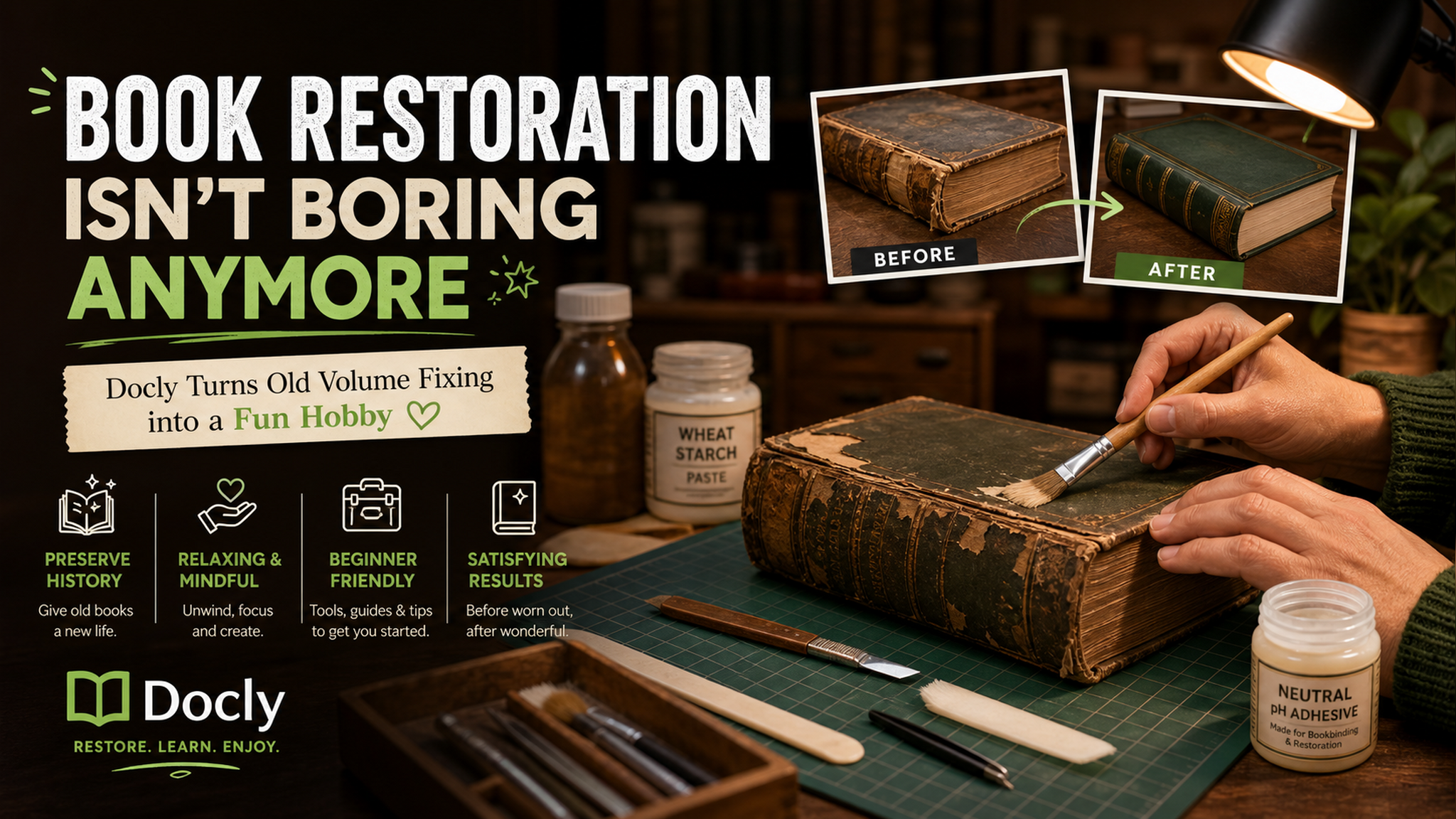
The boring part that suddenly wasn't
Here's the thing about old PDFs: the worst part isn't actually the stains or the faded text. It's the tedium. You open one file, scroll through blurry paragraphs, try to copy a recipe, and end up with "l0s3ng 73xt" instead of actual words. After three documents, your eyes glaze over.
Docly's text extraction saved me from that spiral. I dragged in a scan of my grandmother's 1980s cookbook—yellowed pages, handwritten notes in the margins, cat paw prints. The AI pulled out the text cleanly, even from the hand-scrawled bits. I didn't have to retype anything. That alone turned a weekend slog into an afternoon of actually reading the recipes instead of fighting the format.
Three ways I actually used it (without forcing it)
First use case: I had a 200-page scanned textbook from college that was falling apart. I ran it through Docly, extracted the key chapters, and turned them into notes for a friend who was studying for the same exam. The summary feature condensed entire sections into bullet points that actually made sense. No more squinting at JPEG-quality text.
Second: I found a PDF of a vintage zine from the 90s—someone had scanned it at 72 DPI, and the text was basically a suggestion. Docly's editing tools let me clean up the contrast, sharpen the text, and export it as a readable file. It wasn't perfect, but it went from "unreadable" to "actually fun to flip through" in about ten minutes.
Third: I'm a compulsive note-taker. I used the AI summary feature to extract the core arguments from a long academic paper, then edited the summary into my own study notes. Normally I'd spend an hour highlighting and transcribing. Docly handled the heavy lifting in under a minute, and I just tweaked the final version.
Where it falls short (so you don't learn the hard way)
I'm not going to pretend this thing is magic. Docly is great at handling clean-ish scans and typed text. But if you're working with genuinely wrecked material—think water damage, extreme glare, or handwriting that looks like a doctor's prescription—the extraction quality drops. It'll still work, but you'll get more errors. I spent extra time fixing recipe names that got mangled because the original ink was too faint.
Also, the editing tools are solid but not Photoshop-level. If your idea of "restoration" involves reconstructing missing parts of a page or doing artistic touch-ups, you'll want a dedicated editor. Docly is for making PDFs functional again, not for making them gallery-ready.
What it's really good at is cutting through the boring parts. If you're a student with a stack of scanned articles, a hobbyist digitizing family archives, or just someone who hates retyping, this tool makes the whole process feel like less of a chore. It turns "I need to restore this PDF" into "I want to read what's inside it."
And honestly? That's the difference between a project that sits in a folder for six months and one you actually finish.
Comments
Leave a Comment