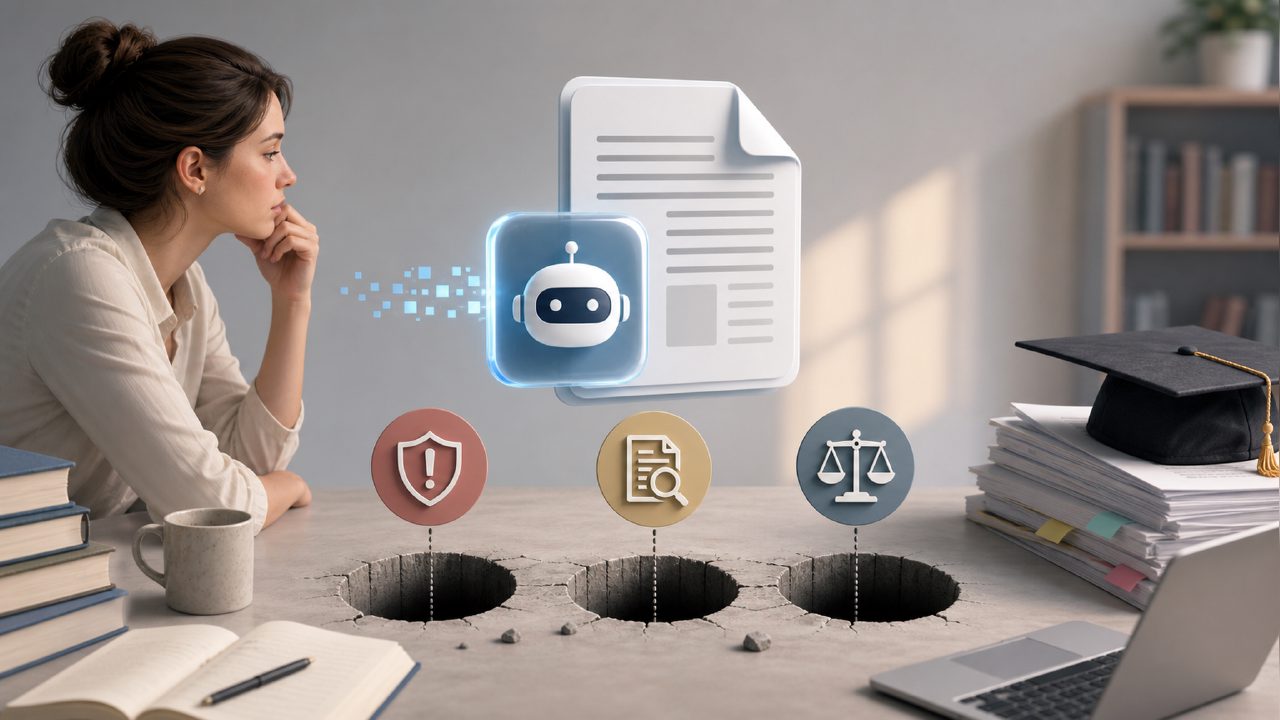
If you’re knee-deep in journal articles, lecture slides, and research PDFs, you’ve probably looked for the best free AI PDF editor 2026 might have to offer. The promise is tempting: upload a dense paper, get a clean summary, extract key quotes, even edit the document without wrestling with formatting. But after testing several academic PDF tools over the past few weeks, I’ve run into a handful of recurring pitfalls that don’t show up in the marketing copy. So I’ll walk through the common mistakes I made—and what I learned—while evaluating one option in particular: docly.
The illusion of “set it and forget it” summaries
The first gotcha is assuming the AI summary is always accurate enough to cite or paraphrase. I uploaded a 40-page meta-analysis on cognitive load theory into docly. The generated overview was clean, well-structured, and captured the high-level thesis. But when I checked it against the original, it quietly dropped a key nuance about “germane load” that changed the tone of a recommendation. For a literature review, that would be a real problem.
Observation: The tool handles straightforward expository text well. But abstract or conditional language (e.g., “these results may not generalize to X”) often gets flattened into certainty. If you rely on it for final notes, keep the original PDF open beside it.
When “scanned” doesn’t mean “scanned well”
Another trap: assuming all text extraction is bulletproof. Many academic PDFs are scans of older books or conference proceedings. Docly does OCR, and it’s good—but not flawless. I ran a 1987 conference paper with water-stained margins. The extraction returned garbled symbols in three table cells and misread a subscript as a comma. That’s a minor issue for casual browsing, but for a data table you intend to cite, it’s a landmine.
Tradeoff: The text extraction speed is impressive (faster than I expected), but it breaks on unusual layouts or poor source quality. If you work with historical or low‑DPI documents, plan to do a manual pass afterward.
“Free” tiers have hidden length limits
When I searched for the best free ai pdf editor before testing, the threshold question was always: how much can you actually process for free? Docly’s free tier handles decent file sizes, but I hit a ceiling with a 70‑page dissertation summary. The tool politely said “character limit reached” and truncated the output halfway through the methodology section. No warning beforehand.
That caught me off guard. The tool is useful for short articles (say 10–15 pages) without hitting limits. For longer documents, you either upgrade or break the file into sections. That’s not a dealbreaker, but it’s a friction point if you’re evaluating it as the free ai pdf editor 2026 you might recommend to colleagues.
Editing mode: smoother than I feared, rougher than I hoped
Docly also lets you edit PDF content directly—insert text, adjust formatting, merge pages. I tested it with a submission draft that needed a new paragraph in the middle of a results section. The inline editor placed the text correctly, but the surrounding formatting shifted slightly, and I had to re‑align a figure caption manually. It wasn’t broken, just finicky.
If your editing needs are light (typo fixes, adding a single sentence), it works fine. Complex restructuring or heavy annotation? You’re better off using a dedicated tool with richer fine control.
One more caveat: tone and style tuning
The AI summary includes a “tone” setting (concise, detailed, bullet-point). I tried all three on the same paper, and the “detailed” option added explanatory phrases that weren’t in the original—filling in what the AI assumed was missing context. That’s helpful if you’re skimming, but dangerous if someone else is relying on your notes for accuracy. I found myself spending extra time striking out invented bridges between paragraphs.
That’s a genuinely useful feature that has its own gotcha: decide whether you want summary or gloss. If you need a strict summary, keep it on “concise.”
Who should treat this as a first pass, not a final tool
I’d recommend docly to graduate students or researchers who need to familiarize themselves with a large corpus quickly—extract the skeleton of a paper, decide what’s worth reading deeply, then move on. It shines as a scanning and triage tool. Where it’s weak is as a reliable source of citation‑ready notes or as a fully automated editor. The best free AI PDF editor 2026 will still be the one that matches your actual workflow, not the one with the shiniest demo.
Practical conclusion: use it to save time on the first pass. Read the output critically, verify anything you plan to use, and don’t assume the tool caught every detail. That cautious approach turned docly from a risky shortcut into a genuinely useful partner in my reading routine.
Comments
Leave a Comment