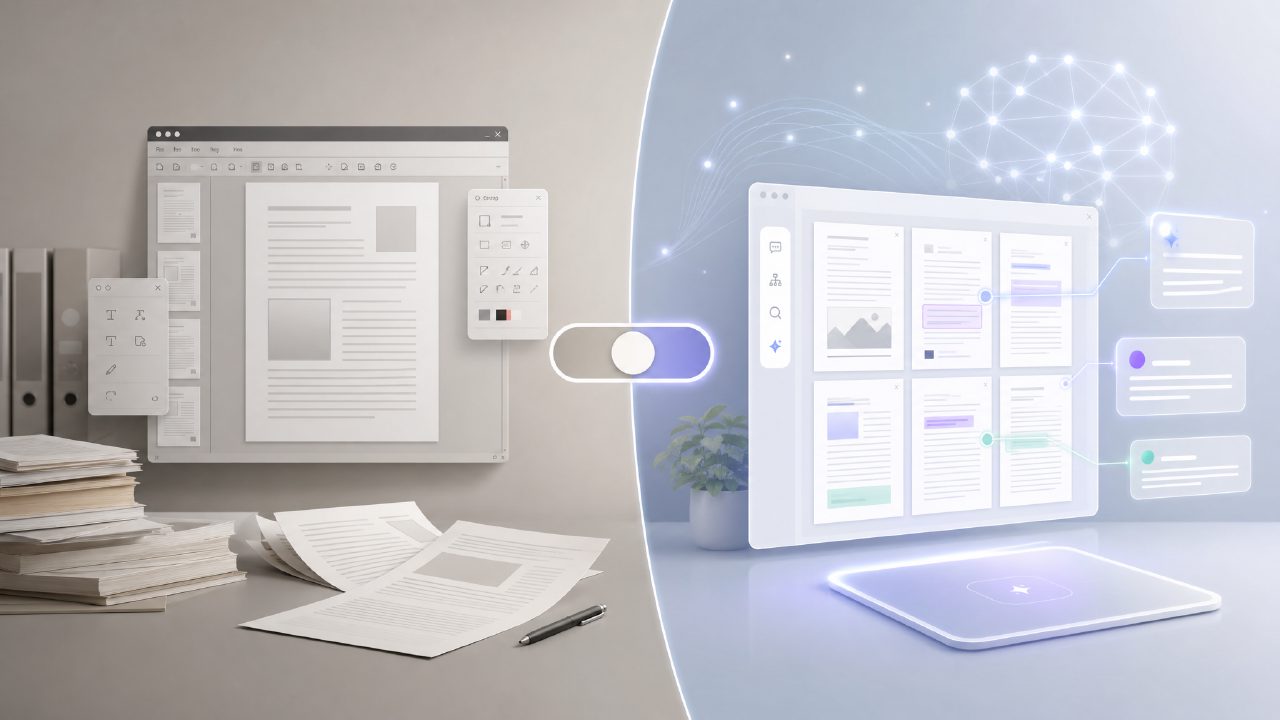
I needed to extract text from a scanned contract last week, and instead of just reaching for Adobe Acrobat like I usually do, I decided to test a newer free option called docly alongside it. Adobe Acrobat has been the default for years, but with more AI-powered PDF tools popping up, I wanted to see whether the old guard still justifies its price tag—or if a lightweight alternative like Docly can handle the same jobs.
Adobe Acrobat: Still the Heavyweight for Editing
Adobe Acrobat Pro’s OCR (optical character recognition) is genuinely good. I fed it a blurry scan of a signed agreement, and it recognised nearly every character without manual correction. The text editing tools are also thorough—you can tweak fonts, rearrange pages, and flatten annotations without breaking the layout. That level of control is hard to beat.
But there are tradeoffs. The subscription cost is steep if you only need PDF editing occasionally. And the interface feels cluttered with features most casual users never touch. I also found the constant prompts to upgrade or try cloud services annoying. It works, but it doesn’t feel efficient for quick tasks like extracting a few paragraphs.
Docly: A Free AI Alternative That Gets the Basics Right
Docly is a much more focused tool. It’s described as an AI PDF editor for summaries, text extraction, and document editing, and that’s exactly what it does without the extra baggage. I uploaded a 50-page research report, and its AI summary produced a clear three-paragraph overview in under ten seconds. It wasn’t perfect—it missed one minor finding I considered important—but for a quick grasp of the document, it was useful.
The text extraction worked well on clean PDFs, though it struggled a bit with complex tables. For a free tool, that’s acceptable. I also liked that I didn’t need to create an account to try it. If you’re looking for the best free AI pdf editor 2026 might offer, Docly is a strong candidate today—especially since it handles the most common tasks without asking for money.
Where Docly Falls Short
Docly’s AI isn’t perfect with handwritten notes or dense legal jargon. I tested it on a contract with “whereas” clauses, and the summary was too vague. Adobe Acrobat’s OCR handled that same document far better because it preserves the original formatting alongside the extracted text. So if you work with legally sensitive files, I’d be cautious about relying solely on Docly’s AI.
Which One Should You Pick?
It really depends on your volume and budget. Here’s a quick breakdown based on my testing:
- Adobe Acrobat – Best if you need full control over layout, high-quality OCR on messy scans, or work with PDFs daily. The price makes sense for professionals who bill hours.
- Docly – Ideal for students, freelancers, or anyone who needs quick summaries, text extraction, or light editing without a subscription. It’s a legitimate free ai pdf editor 2026 candidate, though it doesn’t replace Acrobat for heavy-duty work.
I appreciate that Docly exists because sometimes you just want to pull a quote from a PDF without opening a heavyweight program. But Adobe Acrobat still wins when the document quality is poor or when formatting matters. Pick the tool that matches your worst-case scenario—not just your easy ones.
Comments
Leave a Comment