I spend weekends repairing old books. Not the valuable ones—just battered library discards and flea market finds with torn spines, foxed pages, and brittle covers. The process is tactile: sanding, gluing, pressing. But there’s a hidden bottleneck that has nothing to do with my hands: the digital component.
Many of these books come with scanned PDFs, or I create scans before I start work, partly for reference and partly because I want a clean digital copy before the physical one changes. But raw scans are a mess—crooked pages, smudged text, irrelevant blank sheets. Sorting through them manually was eating up time I wanted to spend on actual restoration.
That’s where Docly came in. I started using its text extraction and summarization features not for editing, but for triaging the digital archive of each book. I can drop a 300-page scan and ask it to extract only the chapters I’m about to repair. The summary mode gives me a condensed structure, which helps me decide if a missing page in the physical copy is even important.
A concrete example: the recipe book project
Last month I took on a 1920s community cookbook. The spine was gone, pages loose, and the original index was missing. I scanned everything, then used Docly to extract all recipe titles and group them by category—soups, desserts, etc. The AI wasn’t perfect; it misread “pimiento” as “pimento” and missed a few handwritten additions. But it saved me from manually retyping 200 entries. The extracted text became the basis for a new reference page I printed and bound into the repaired book.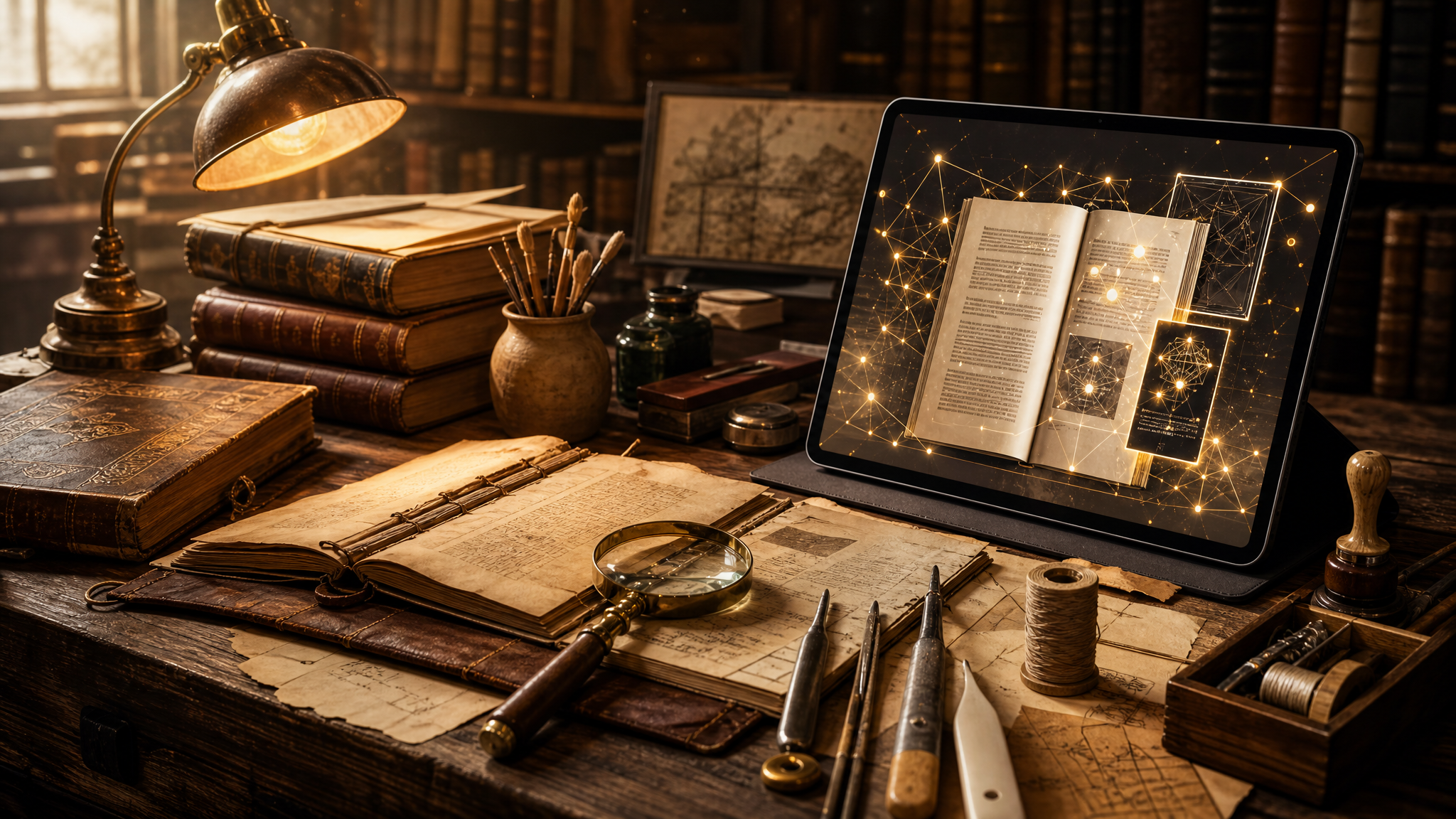
Tradeoffs you should know
Docly isn’t built for book collectors specifically, and that shows in a few ways. If your scans are poor quality—low DPI, skewed pages, faint handwriting—the AI stumbles more than I’d like. I’ve had to rescan some pages at 600 DPI just to get reliable OCR. Also, the summarization works best on continuous text, not on heavily formatted tables or margin notes. For those, I still do manual transcription.
But the tradeoff is worth it for the speed gain. A single repair session now includes a ten-minute digital prep phase with Docly, instead of an hour flipping through scans. And the extracted text stays editable, which means I can annotate it with repair notes (page 42 has a watermark, use wheat paste for the hinge) and keep a living document alongside the physical restoration.
Who should think twice
If your hobby is purely about rare book valuation—say you’re cataloging first editions and don’t need to touch the pages—then a generic PDF reader plus a spreadsheet is enough. Docly’s real value is for the hands-on repair crowd who also want a digital workflow that doesn’t feel like a second job. For me, that fit is spot on.
I still glue and press with my hands. But the AI PDF tools handle the part I never liked: turning messy scans into useful notes.
Comments
Leave a Comment