You've read a book. Maybe you highlighted some passages. But now the highlights sit in a notebook, or worse, in a file you never open. Being a "book curator" sounds cool—someone who extracts the best ideas and repackages them meaningfully—but the effort of doing it manually kills the habit for most people. You don't need more willpower; you need a faster way to turn what you read into usable notes.
Why curation usually fails before it starts
Curation is not just summarising. It's selecting, organising, and connecting ideas from multiple sources. That takes time. Realistically, between reading a 300-page book and finishing three other commitments, the curation step gets dropped. The result: good insights stay locked inside PDFs you'll never re-open.
Docly doesn't fix your motivation. It changes the friction point. Instead of manually typing out notes or flipping back to remember where a specific argument was made, you can extract what matters in seconds.
How Docly turns PDFs into curated material
The core workflow is simple: upload a PDF, and Docly handles the heavy lifting. It generates a summary that actually keeps the structure of the argument. It extracts key text so you can pull quotes without re-reading entire chapters. And it lets you edit the extracted content directly—rephrase a passage in your own words, trim it down, or annotate it for later use.
What this means for curation is that you can go from finished book to a usable set of notes in one sitting. You aren't trying to remember what you read. You're selecting, tweaking, and saving.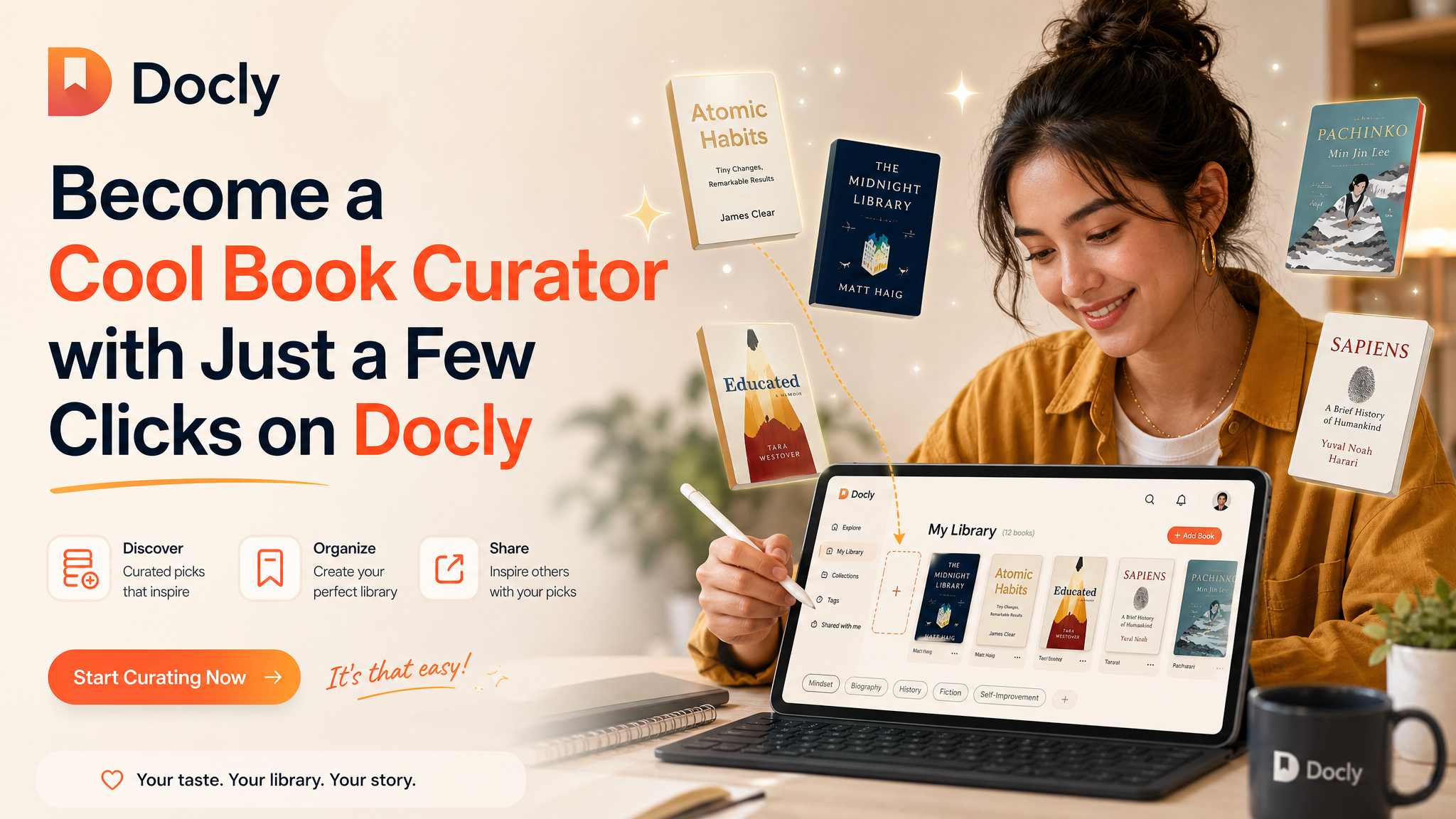
Scenario one: the research pile-up
Say you're reading three books on behavioural economics for a project. Individually, each has good parts. Together, they overlap and contradict. With Docly, you summarise each book, pull the contradictory passages side by side, and edit them into a comparative note. That's curation. It took you 20 minutes, not three hours.
Scenario two: the personal knowledge base
You read non-fiction regularly and want a personal archive of ideas. Not full summaries—just the concepts you want to revisit. Docly lets you extract specific paragraphs, annotate them, and save them as organised snippets. Over a year, that builds into a library of curated insights you can actually search.
What to watch out for
AI summaries are good but not perfect. They can miss the nuance of an author's tone or flatten a complex argument into generic bullet points. If your curation depends on preserving subtlety—say, a philosophical argument or a literary analysis—you'll want to read the full text and use Docly as a starting point, not a replacement.
Also: PDF quality matters. Scanned books with poor OCR will produce messy extracts. Docly handles standard PDFs well, but if you're working with low-quality scans, expect to clean up the text manually.
Finally, curation is about selectivity, not volume. It's easy to extract everything and end up with a bloated set of notes. The tool won't decide what's worth keeping—you still need to exercise judgment. The difference is that Docly removes the mechanical burden so you can focus on that judgment.
Practical takeaway
If you've wanted to build a curated library of book insights but stopped because of the time cost, Docly makes it realistic. The process becomes: read, extract, edit, save. You skip the re-reading and the note-taking fatigue. The result isn't a perfect archive—it's a usable one, built in minutes instead of hours. That's the difference between a good intention and a working habit.
Comments
Leave a Comment