If you've inherited a box of old books or spent years hunting down gilded-spine editions at estate sales, you already know the frustration: the physical copies are fragile, the pages yellow, and there's no clean digital version anywhere. Docly PDF Tools is worth looking at if your goal is to digitize, organize, or extract usable content from those scanned documents.
What Docly Actually Does with Scanned Documents
Docly is an AI-powered PDF editor built around three core tasks: summarizing long documents, extracting text from scanned files, and editing PDF content directly. For book collectors and restoration enthusiasts, the scan-to-text pipeline is the most relevant feature. You upload a scanned image or PDF of an old book, and Docly attempts to pull readable text from it — useful when you want to create searchable notes from a rare volume without retyping everything by hand.
The summarization tool works well on dense, text-heavy documents. If you've scanned a 300-page Victorian-era reference book, you can get a condensed version of its contents quickly. That's genuinely useful for cataloguing a collection or deciding which sections deserve closer attention.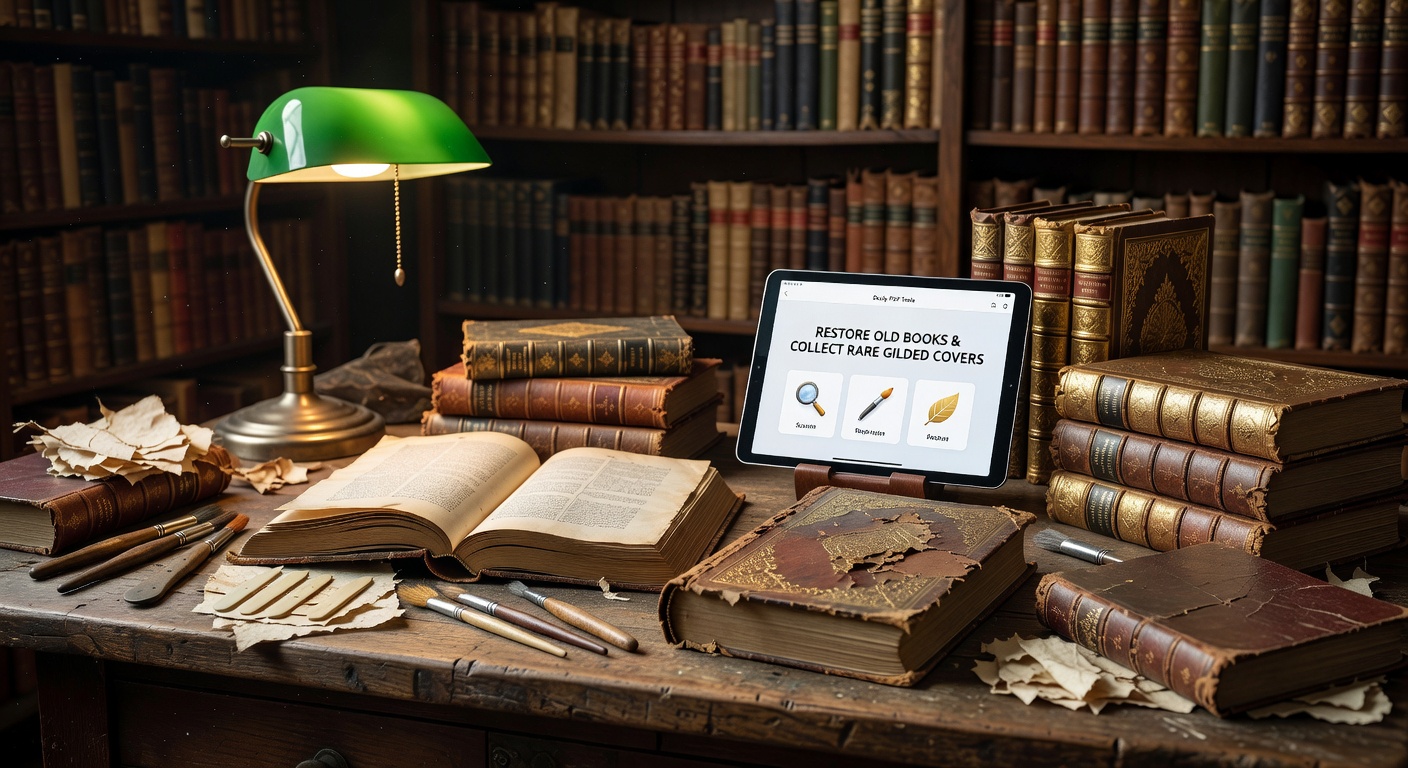
Realistic Use Cases for Collectors
A few scenarios where Docly fits naturally into a collector's workflow:
- Cataloguing gilded covers: Scan the title page and cover, upload to Docly, extract the text details (title, author, edition notes), and build a clean record without manual transcription.
- Preserving marginalia: Old books often have handwritten annotations. Docly's text extraction can capture printed text, though handwritten notes may need manual review depending on legibility.
- Turning reference books into working notes: A scanned antique field guide or botanical encyclopedia can be summarized into topic-based notes you can actually search and use.
- Sharing excerpts: If you want to share a passage from a rare edition with another collector or researcher, Docly lets you extract and edit that section cleanly.
Where It Falls Short
Docly is a PDF tool, not a full book restoration platform. It won't repair torn pages, enhance faded ink visually, or produce archival-quality image outputs. If your priority is visual restoration — cleaning up scanned images, correcting color on gilded covers, or producing print-ready files — you'll need dedicated image editing software alongside Docly.
OCR accuracy on very old typefaces or heavily degraded pages can also be inconsistent. Ornate Victorian fonts and faded 19th-century print are harder to parse than modern text. Expect to spot-check extracted text rather than treat it as final.
Is It the Right Fit?
Docly makes sense if your main need is working with the content of old books — extracting, summarizing, editing, and organizing text from scanned PDFs. It's less suited to collectors whose focus is purely on the physical or visual preservation side. The tool is practical and fast for document workflows, but it's not a substitute for archival scanning software or image restoration tools.
For anyone building a personal digital library from a rare book collection, Docly handles the tedious text-processing layer well enough to save real time.
Comments
Leave a Comment