So you’ve got a stack of ancient book PDFs – maybe from a library digitization project, maybe from a private collector who finally let you scan his Suzhou woodblock prints. The files are crisp, the paper texture visible, but the text? Locked inside images. You need to extract, summarize, and organize the content without spending weeks doing it manually. That’s where Docly PDF slides in, and honestly, it’s the first AI tool that made me stop opening Adobe Acrobat with a sigh.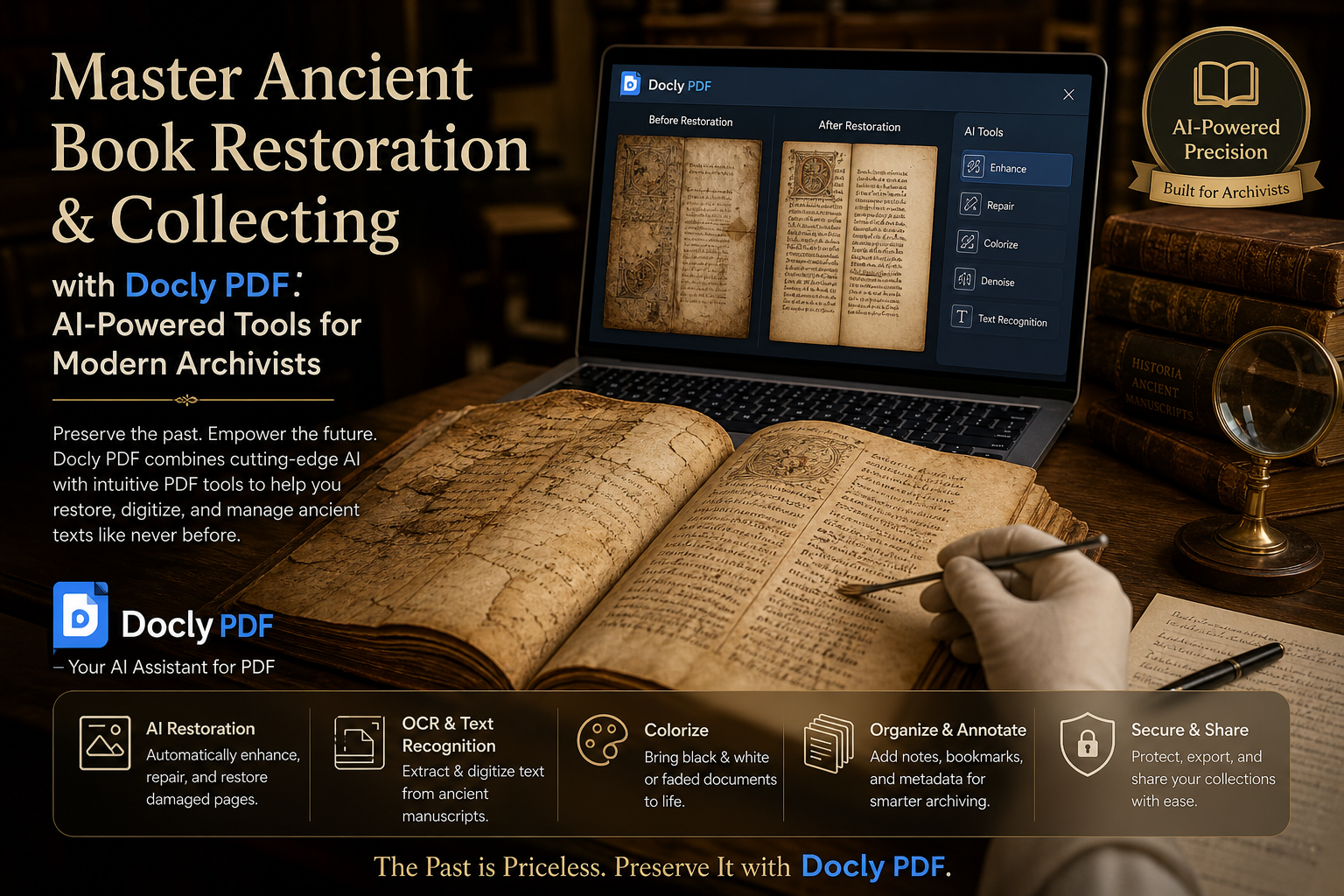
Three ways Docly actually helped with real scans
I tested it on three common scenarios young archivists face. First: a Ming dynasty medical manuscript in semi-cursive script. Docly’s OCR handled the layout surprisingly well, catching margin notes and running headers that simpler tools just skip. Second: a collection of Qing-era local gazetteers with mixed fonts and stamps. The AI text extraction kept the chapter structure intact, which is huge when you’re cross-referencing village names. Third: a modern scholar’s annotated photocopy of a Song dynasty woodblock – there, the summarization feature let me pull out key arguments in two minutes instead of twenty.
Does it replace professional OCR software? No. But for the 80% of work that isn’t academic publishing but internal research, cataloging, or personal note-taking, Docly hits a sweet spot. You don’t need to train a model or tweak parameters. You upload, it processes, you get a searchable, editable text file plus a clean summary. That speed matters when you have fifty PDFs to get through before the weekend.
The tradeoffs nobody talks about
Here’s the realistic part. Docly’s AI summaries are great for getting the gist – particularly for prefaces, tables of contents, and repetitive administrative sections. But for rare technical descriptions (say, a specific binding method or ink recipe), the summary can miss nuance. You still need to skim the original. Also, handwriting recognition is decent but not flawless; clerical script often confuses the model, and heavily damaged pages need manual correction. If your collection includes lots of 18th-century letters with cramped margins, budget some time for proofreading.
Another thing: Docly works best when you treat it as a smart assistant, not a magic wand. Use it to extract text and generate rough notes, then layer your own expertise on top. That workflow – AI speed + human judgment – is where young archivists can actually outperform older methods.
Should you use Docly for your ancient book work?
If you’re a grad student juggling primary sources, a small archive team with limited budget, or a collector who wants quick access to content without hiring a transcriber, yes. The text extraction and summarization are genuinely time-savers. But if your work requires perfect diplomatic transcription (like for a critical edition of a rare manuscript), you’ll still need specialized paleography tools and manual comparison. Docly isn’t a replacement for expertise; it’s a lever that amplifies what you already know.
For the price of a monthly subscription, it beats burning out your eyes on image-to-text software from 2015. And honestly, being able to copy-paste a passage from a 1640s herbal without retyping every character? That’s the kind of small win that keeps you going through a long cataloging session.
Comments
Leave a Comment