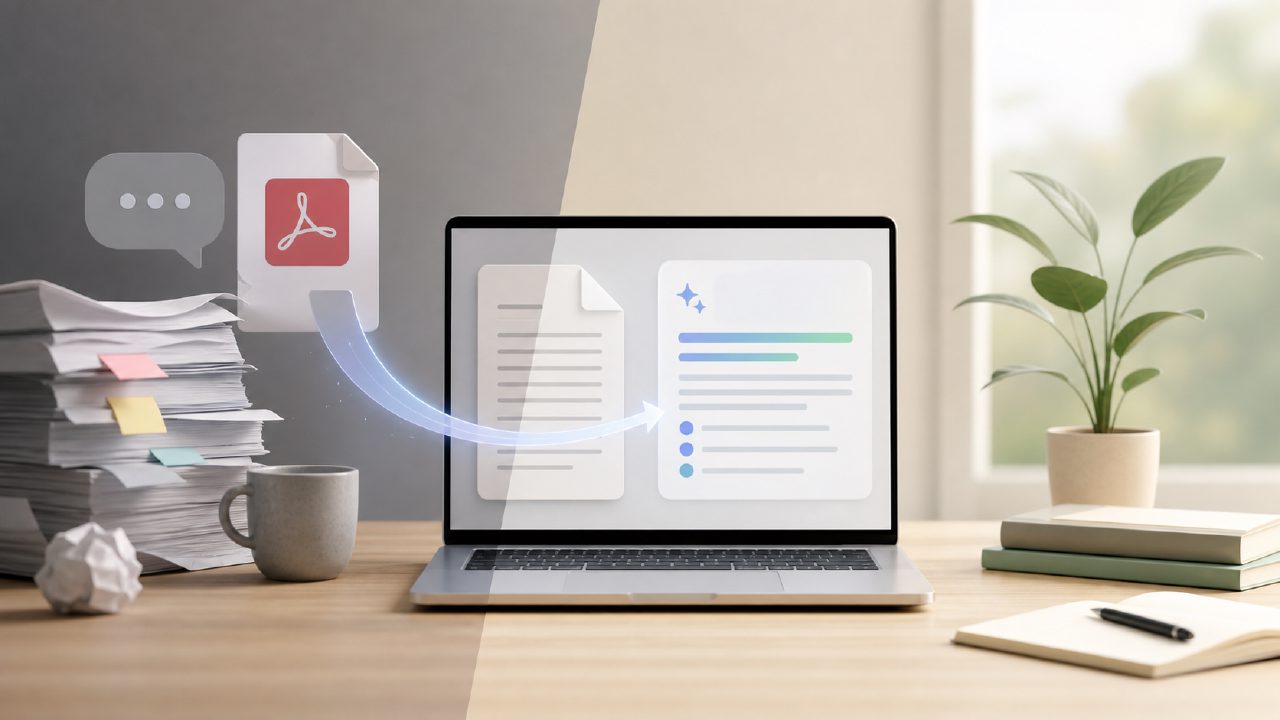
Why “Better Than ChatPDF” Doesn’t Mean What You Think
If you’re searching for the best free AI PDF summarizer better than ChatPDF, you’ve probably hit the same wall I did. ChatPDF works fine for short documents, but once you throw a 50-page research paper or a scanned contract at it, things get messy. Summaries get shallow, formatting breaks, and you still end up skimming the original.
So I started testing alternatives, specifically looking at tools that could handle longer PDFs and actual text extraction without losing the key points. That’s how I ended up using docly for a few weeks, mostly with dense legal documents and academic PDFs. Here’s what I found, and a few things that tripped me up along the way.
The “Free” Trap: Watch the Limits Before You Rely on It
First real gotcha: “free” often comes with a processing cap. I saw a tool that boasted unlimited summaries — until my third 30-page document, when it suddenly demanded an upgrade. Docly’s free tier actually handled around 15 mid-sized PDFs before it asked me to consider a plan. That’s decent, but if you’re a heavy user, check the exact limit before building a workflow around it.
Another caveat: some free summarizers silently skip scanned PDFs unless they have built-in OCR. I tested one that just said “no text found” on a scanned court ruling. Docly handled that scan fine, but only after I noticed the small “scan” toggle in the upload menu. Easy to miss.
The Quality Ceiling in AI Summaries
Every AI summarizer has a blind spot: it treats every sentence as equally important. I fed a 40-page report into a popular alternative (not ChatPDF), and it returned a bullet list of first-sentence summaries. Useless. Docly was better at picking out the actual argument threads — it recognized that the conclusion and methodology sections mattered more than the introduction. But it still missed nuance twice: once when a key exception was buried in a footnote, and again when a table contained data the AI couldn’t parse.
Here’s the limitation you need to accept: no free AI PDF summarizer is perfect with tables, charts, or footnotes. If your PDF relies heavily on visual data, you’ll still need to skim the original. That’s not a fault of docly specifically — it’s the current ceiling of the tech.
Text Extraction: Good, But Not Always Clean
I needed to pull specific clauses from a 60-page contract. ChatPDF gave me a paragraph-long jumble. Docly’s extraction tool let me select a range of pages and export only the relevant sections. That saved time. But here’s the friction: the extracted text sometimes dropped line breaks inside sentences, especially from PDFs with two-column layouts. I had to manually clean up a few quotes before I could paste them into a brief. Nothing major, but worth knowing if you need publication-ready text.
One Editor-Worthy Feature That’s Easy to Overlook
Docly also includes a basic PDF editor — you can highlight, add comments, and even edit text directly in the PDF. I didn’t expect that in a summarizer. It’s not a full Acrobat replacement, but for quick markups it works. I used it to annotate a summary alongside the original document. The editing itself felt responsive, though the interface could be more intuitive. I accidentally deleted a paragraph once and had to re-upload the file. Keep a backup.
The Tradeoff: Speed vs. Depth
One realistic tradeoff: docly processes documents faster than ChatPDF on long files, but the speed comes from compressing context windows. The summary for a 100-page book was noticeably less detailed than for a 30-page paper. For shorter documents (under 50 pages), it’s excellent. For full book-length PDFs, you’re better off using chapter-specific uploads.
I also noticed that summaries for non-English PDFs (I tested a Spanish article) were still acceptable but less accurate. If your work is multilingual, test it with a sample first.
So, Is It Really Better Than ChatPDF?
For most daily PDF tasks — summarizing academic papers, extracting text from scanned documents, editing short files — docly is a practical improvement over ChatPDF’s free tier. The summary quality is more nuanced, the extraction is more precise, and the built-in editor reduces context switching. But it’s not magic. You still need to check tables, footnotes, and multi-column layouts manually. And the free cap is reasonable but not infinite.
If you’re looking for the best free AI PDF summarizer better than ChatPDF for handling long, complex documents with decent reliability, docly is worth a real try. Just go in with your eyes open about what the AI can and can’t do.
Comments
Leave a Comment