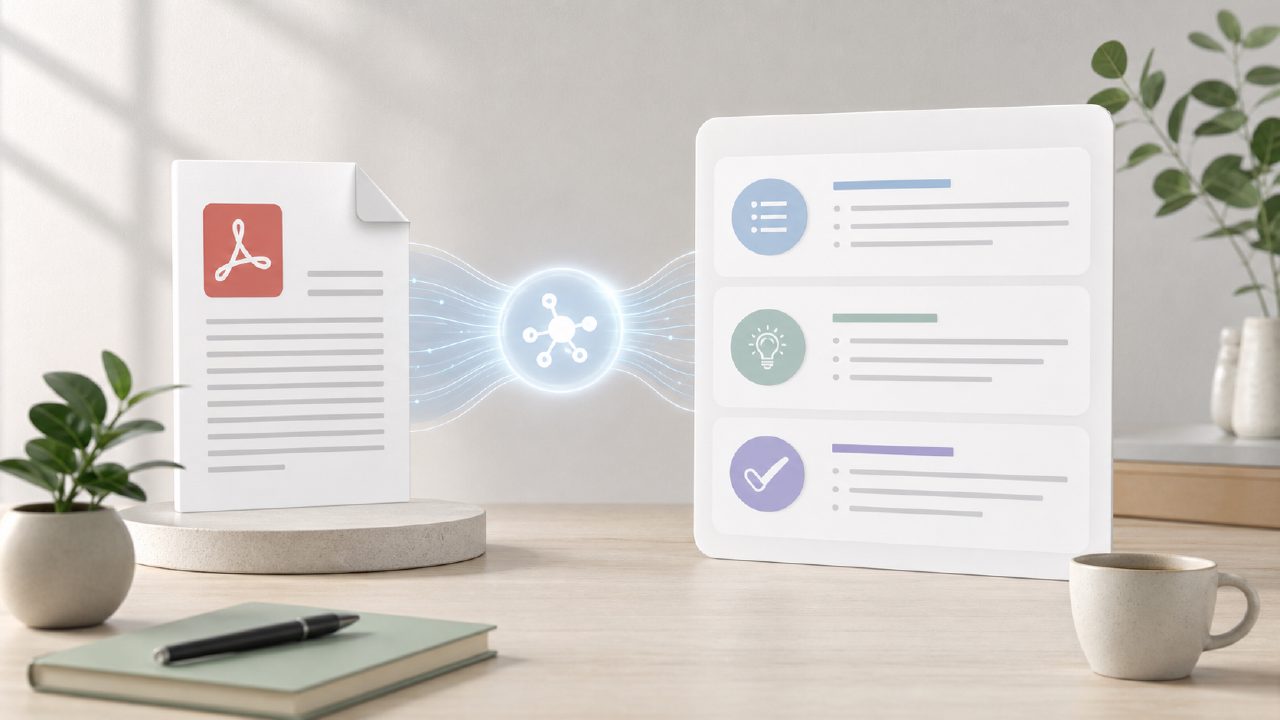
I had a 45-page research PDF on my hands last week—dense, academic, and absolutely not something I wanted to read line by line. I needed the core arguments, key data points, and a clean summary I could actually use for my notes. That’s when I started looking for an ai pdf summarizer free tool that didn’t feel like a gimmick.
Starting with Docly’s free tier
I landed on Docly pretty quickly. It markets itself as an AI PDF editor, but I was mostly interested in the summarizer and text extraction features. The free version lets you upload PDFs and get a summary in a few seconds. I uploaded my 45‑page file and waited.
The first thing I noticed was speed. It took maybe 30 seconds to process—fast enough that I didn’t think it had crashed. The summary it returned was about 500 words: bullet points covering the main thesis, methodology, and results. It wasn’t perfect—the language felt a bit compressed, and it skipped some nuance in the discussion section—but it gave me a solid starting point.
Specific observations from real use
I ran three different PDFs through docly to get a clearer picture:
- Research paper – The summary pulled out the abstract’s key claims accurately, but it missed a contradictory finding in the results section. That’s a tradeoff: you get speed and clarity, but you lose depth. For a quick overview, fine. For a critical review, you still need to skim the original.
- Legal contract (15 pages) – Docly handled text extraction well. I copied out the termination clause and obligation sections with formatting intact. The AI didn’t try to summarize legal language (which I think is smart—AI over‑simplifying legalese is dangerous). It just extracted clean text.
- Scanned document (image PDF) – This is where I hit friction. The free version didn’t process the scanned file; I got a message that OCR was a paid feature. I can’t really fault that—it’s a clear limitation. But if you work with lots of scanned pages, the free tier won’t help much.
Realistic tradeoffs with the free version
Docly’s free ai pdf summarizer free plan is genuinely useful, but it’s limited. You get a certain number of summaries per month (I didn’t hit the cap, but it’s in the fine print). The summary length is also capped—I tried to request a longer, more detailed version and was prompted to upgrade. That’s the main tradeoff: free gets you a solid quick summary, but if you need more control (word count, tone, extraction depth), you’ll need to pay.
Another cautious note: the AI sometimes summarized minor points as if they were major. In one PDF, a tangential example got a bullet point, while the core argument was condensed into one line. I had to cross‑check. So it’s a time‑saver, not a replacement for reading when accuracy matters.
Is it the best free ai pdf editor?
Is Docly the best free ai pdf editor overall? I wouldn’t say that outright. For pure editing (annotations, merging, splitting), there are other free tools that do more. But if your main need is summarization and text extraction, it’s one of the strongest I’ve tested without paying. The interface is clean, no annoying pop‑ups asking you to upgrade every five minutes. I could see it being a regular shortcut for researchers and students.
Worth noting for anyone planning ahead: features like OCR and longer summaries are likely to stay paid. If you’re evaluating now for heavy use in 2026, the free tier might be a starting point but not a long‑term solution.
Bottom line on the ai pdf summarizer free
If you need a quick, no‑fuss summary from a standard text PDF, Docly works. It’s fast, the output is usable, and the free tier gives you enough to judge whether the paid upgrade is worth it. Just go in knowing it’s a time‑saver, not a deep‑read replacement. For my 45‑page paper, it cut my prep time in half. That’s enough to keep me using it.
Comments
Leave a Comment