Links rot. Pages disappear. That article you bookmarked three years ago now returns a 404, and the PDF someone emailed you in 2021 is buried somewhere in a folder you haven't opened since. If you've ever lost access to something you actually needed, you already understand the problem this is about.
Building a private library — a real one, not just a browser bookmark folder — means capturing documents before they vanish, stripping out the noise, and turning raw files into something you can actually search and use later. That's a workflow problem as much as a storage problem.
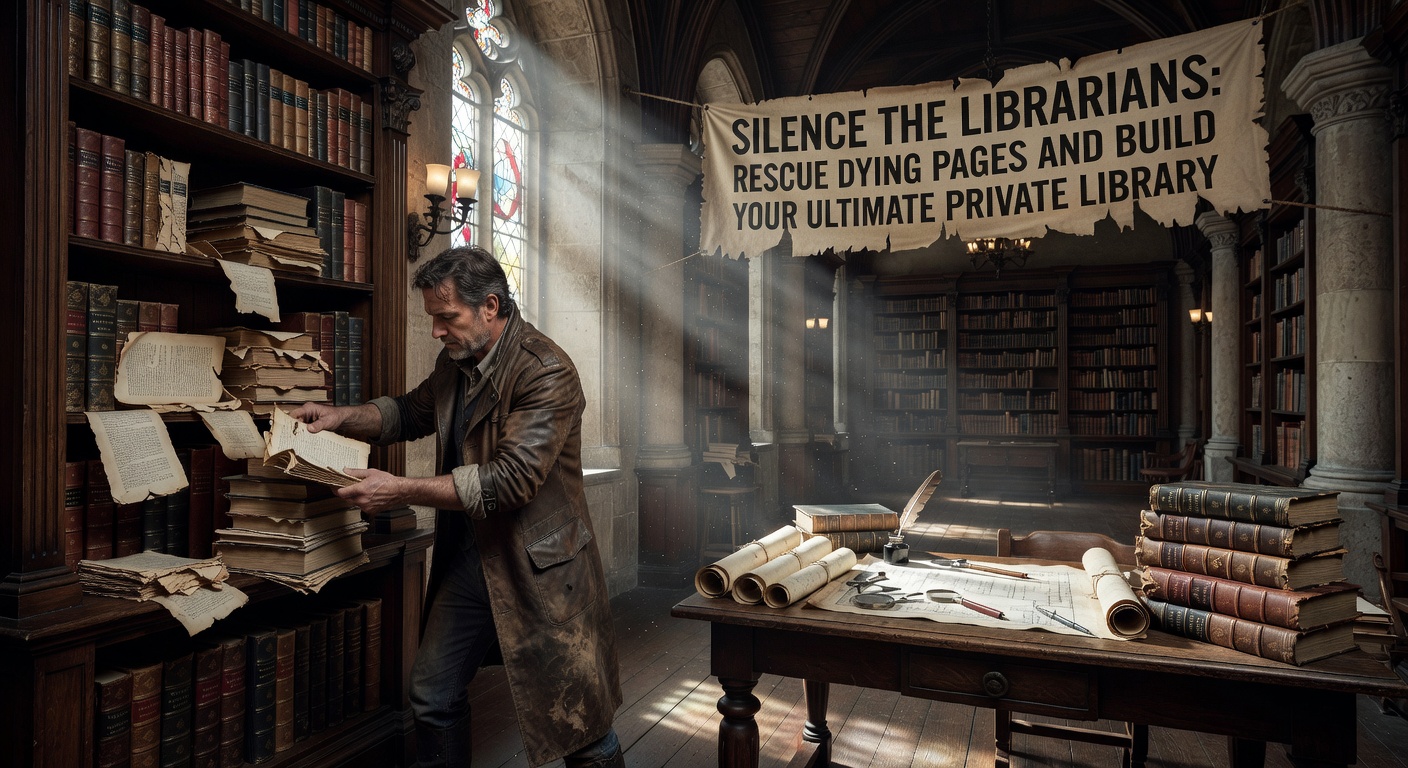
The Real Work: Turning Dead Files Into Usable Notes
Most people's "archive" is a graveyard of PDFs they've never reopened. The file is there, but the useful information inside it isn't accessible — it's locked in a scan, buried in a 60-page report, or formatted in a way that makes skimming painful. Saving a file is the easy part. Making it retrievable is where most systems break down.
Docly approaches this as an editing and extraction problem. You can pull text out of scanned documents, generate summaries of long files, and reshape content into notes you'll actually reference. For someone building a personal knowledge base, that's the difference between an archive and a pile.
Where This Fits — and Where It Doesn't
A few concrete situations where this kind of tool earns its place:
- You've downloaded a 90-page industry report and need the three sections that are actually relevant to you.
- You have scanned receipts, contracts, or research papers that aren't searchable as-is.
- You're consolidating notes from multiple PDFs into a single reference document.
It's less useful if your documents are already well-organized and text-searchable, or if your archive is mostly images and videos rather than documents. The AI summary feature works best on structured text — dense academic PDFs or formal reports — and will give you less on loosely formatted or heavily visual files.
Building the Library, Practically
The sustainable version of a private library isn't about hoarding everything — it's about reducing friction between saving something and finding it again. Extracting clean text from a PDF before filing it, summarizing a long document into a short note, and keeping edited versions alongside originals are small habits that compound over time.
Docly handles the extraction and editing side of that loop. What you do with the output — how you organize, tag, or connect it — is still on you. Think of it as a processing layer, not a full knowledge management system.
If your problem is specifically that you have too many PDFs you can't read efficiently, it's a reasonable tool to have in the workflow. If you're looking for something that also handles web clipping, link archiving, or cross-device sync, you'll need to pair it with something else.
```
Comments
Leave a Comment