Old manuscripts are fragile in ways digital files aren't. The ink fades, the paper yellows, and scanned copies often come out as flat image PDFs that you can't search, edit, or extract text from. If you're trying to build a personal vintage library from inherited documents, archival scans, or downloaded historical texts, that's where the friction starts.
The Real Problem With Aged Document Scans
Most scanned manuscripts land on your hard drive as image-based PDFs. You can view them, but you can't do much else — no copying a passage, no searching for a name, no pulling out a section to use in notes. For anyone cataloguing a collection of old letters, handwritten journals, or printed pamphlets, this is a genuine bottleneck.
Docly's AI PDF tools handle this by running text extraction on scanned files, converting what's essentially a photograph of a page into editable, searchable content. That's the foundation for anything useful you want to do with the document afterward.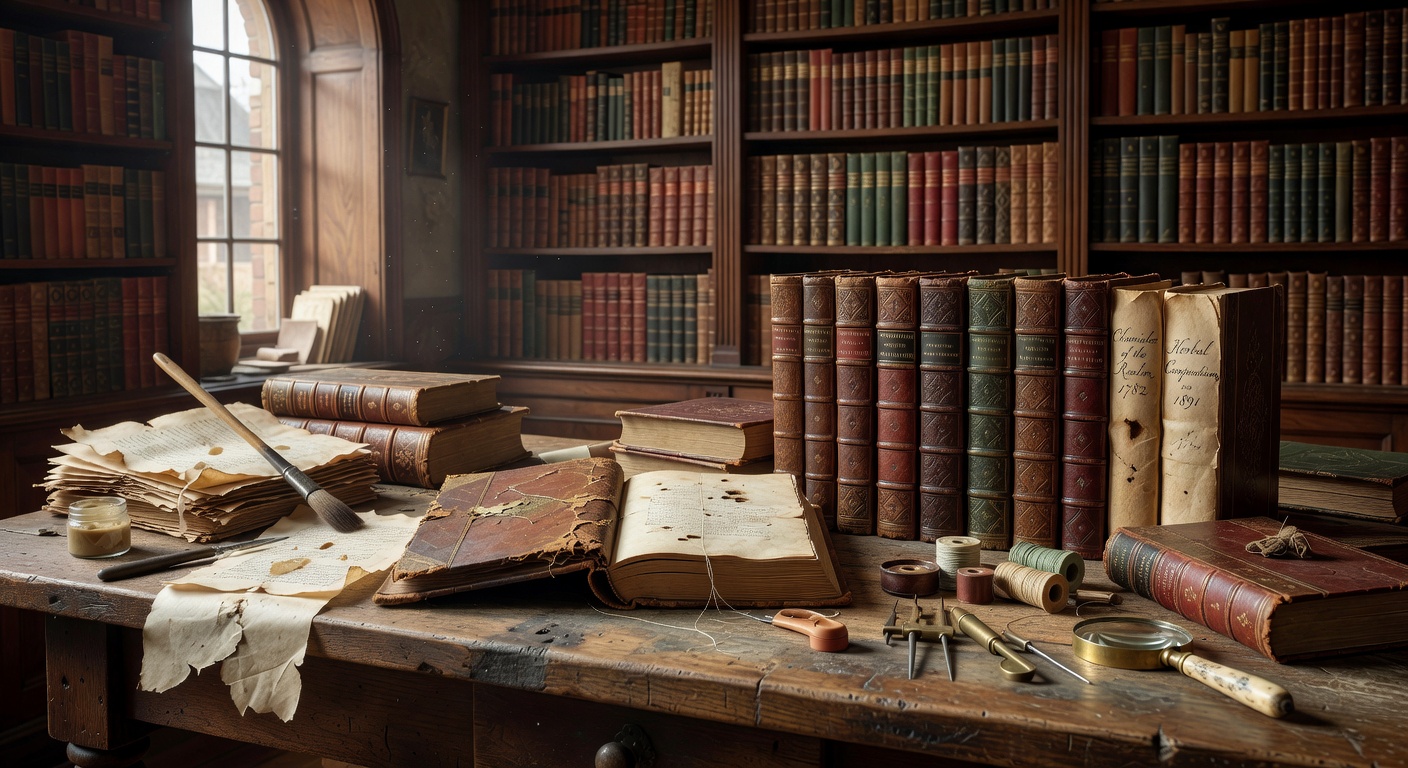
Renewing Aged Manuscripts With Docly
Say you've scanned a set of 19th-century family letters. The pages are legible but dense, and you want to pull out names, dates, and locations to build a reference index. With Docly, you can extract the text layer, then use the summarization feature to get a condensed version of each letter — useful when you're working through dozens of pages and need to triage what's worth deeper reading.
For a more curated vintage library, the document editing tools let you annotate and reorganize content without touching the original scan. You keep the aged aesthetic of the source file while building a cleaner, navigable version alongside it.
Another practical case: old recipe manuscripts or handwritten instruction booklets. Extracting the text makes them keyword-searchable, so you're not flipping through a 40-page scan every time you want to find a specific entry.
Where It Works Well and Where It Doesn't
Docly performs well on typed or printed historical documents with reasonable scan quality. Heavily degraded pages — severe foxing, torn edges, very faint ink — will produce messier extraction output, and you'll need to manually clean up the text. That's not a flaw unique to Docly; it's a limitation of OCR-based tools generally.
Handwritten manuscripts are harder. Cursive script, especially older styles, is inconsistent enough that automated extraction often needs correction. Docly is more reliable as a starting point than a finished solution for handwritten material.
If your goal is purely archival preservation with no need to edit or extract, a dedicated archival scanning workflow is probably more appropriate. Docly is better suited to people who want to actively work with the content — read, annotate, summarize, and organize — rather than just store it.
Building the Collection Over Time
The practical value compounds when you're working with a larger set of documents. Turning long manuscripts into structured notes means you can actually reference your collection without re-reading everything from scratch. For researchers, collectors, or anyone maintaining a personal archive, that's the difference between a library you use and one that just sits on a drive.
Docly won't restore a damaged manuscript or replace specialist conservation work. But for making aged documents readable, searchable, and genuinely usable in a personal vintage library, it covers the core workflow without requiring technical setup or separate OCR software.
Comments
Leave a Comment