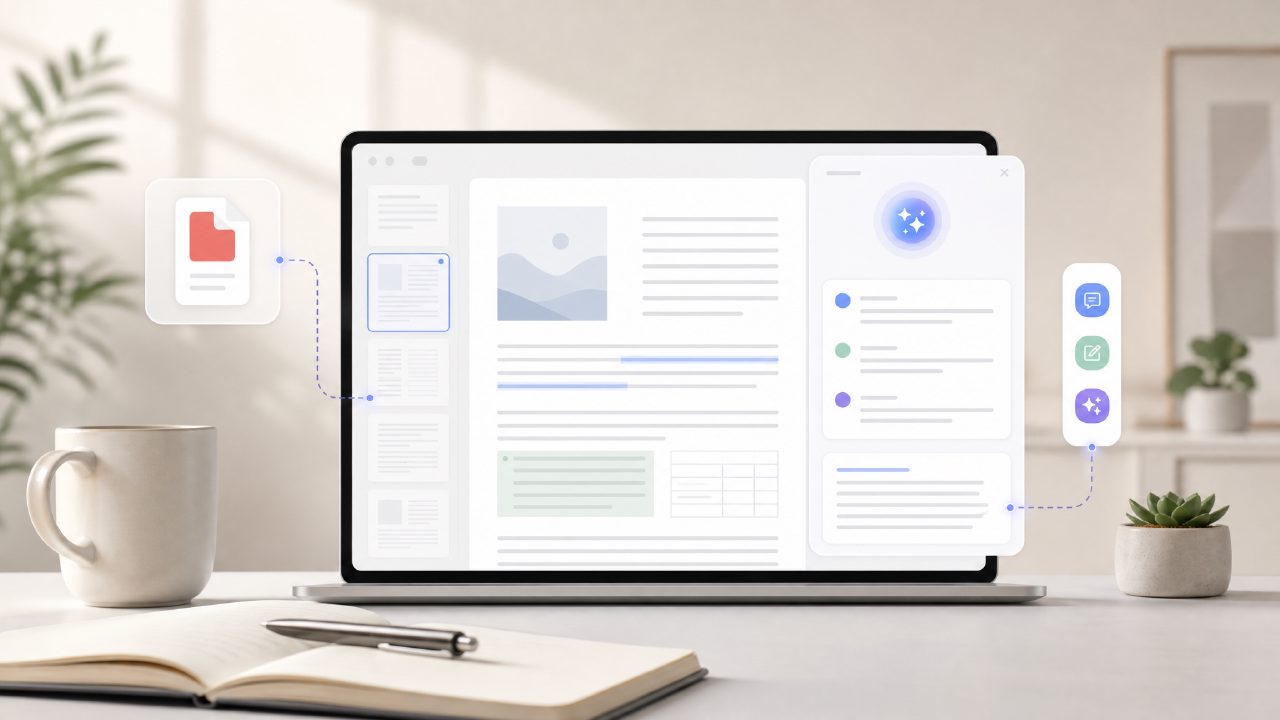
I had a 40‑page research report due in two hours and absolutely no time to read it line by line. That’s when I finally tried a real time AI PDF summary and edit tool—specifically Docly—to see if it could save me without missing the critical points.
I uploaded the PDF, and within seconds Docly gave me a bulleted summary. I was genuinely surprised that it caught the key findings, though it did skip one methodology detail I later had to look up. Still, for speed it beat any free AI PDF summarizer 2026 I’d tested so far.
Step‑by‑step: How I processed the report
1. Upload and real‑time summary
The interface let me drag‑and‑drop the file. The AI started working almost immediately—no waiting for a queue. The summary appeared in about 6 seconds, which is fast enough to feel “real‑time.”
2. Text extraction for citations
I needed a few direct quotes. The extract tool highlighted sentences I could copy with one click. It wasn’t always perfectly accurate with footnotes, but for main text it worked fine.
3. Editing the PDF inline
I used the edit feature to add notes and correct a typo in the original document. It felt a bit clunky—the text reflowed awkwardly after a change—but it saved me from reopening the file in a separate editor.
Three things that stood out (good and bad)
- Speed is real – The “real‑time” claim holds up for documents under 100 pages. Longer files needed maybe 10 seconds, but still faster than any manual skim.
- Summaries are good but not deep – For a quick overview of a conference paper, it nailed the structure. For a dense legal document, it missed nuance. I wouldn’t rely on it alone for anything that requires careful interpretation.
- Free tier is surprisingly generous – I used it for three documents before hitting any limits. That makes it a solid candidate for anyone searching for an AI PDF scanner and editor free tool without committing to a subscription right away.
Where I hit friction
When I tried to edit a table, the tool couldn’t handle it—the cells broke apart and I had to undo. Also, the “scan” feature (for paper documents) worked well enough on a clear photocopy, but a crumpled receipt came out garbled. So the scanning part isn’t flawless, but it’s usable if your originals are clean.
One more honest note: I’ve seen other tools that claim to be a free AI PDF summarizer free, but most either limit pages or add watermarks. Docly didn’t watermark my exported summary, which was nice. The tradeoff? You can’t batch process multiple files at once on the free plan.
Would I use it again?
For quick skims, absolutely. If I were a student needing to digest a handful of articles in a day, I’d rely on an AI PDF summarizer free tool like this. But for work that requires thorough analysis—like verifying every citation or comparing two versions of a contract—I’d still read the full document. Docly gets you most of the way there, but it’s not a replacement for careful reading.
I ended up finishing my report in under an hour instead of two. That alone made docly worth trying. Just keep your expectations grounded: it’s a real time AI PDF summary and edit tool that works well when you need speed, but it still needs human judgment for the final polish.
Comments
Leave a Comment