If you've ever downloaded a limited art edition catalog or certificate of authenticity as a PDF, you know the frustration. The legend—the part that lists edition numbers, artist proofs, and print details—is often scrambled, mislabeled, or locked inside a flat file you can't touch. Maybe the edition numbering is wrong. Maybe the legend text overlaps with image data. You just need to fix it without retyping everything.
Where Docly Actually Helps with Art Edition PDFs
Docly isn't built specifically for art publishers, but its AI text extraction and editing tools solve a surprisingly specific problem: pulling messy legend data out of locked or scanned PDFs and letting you correct it in place.
Here's a realistic workflow. You receive a scanned PDF of a limited edition print run—say, 150 editions plus 10 artist proofs. The legend at the bottom is a low-res scan. You can't select the text in a normal PDF reader. Docly's extraction reads the scanned legend, pulls the edition numbers and medium info into editable text, and gives you a clean version you can correct before sending it back out.
Another scenario: a gallery sends you a multi-page catalog PDF where the legend on page 3 lists "Edition of 200" but the actual print run was 75. You need to fix that single line without disrupting the layout of the rest of the catalog. Docly lets you target that text, edit it, and save the updated file without rebuilding the whole document.
A third case that comes up: you're compiling notes across several edition release PDFs from different years. Instead of manually copying legend details into a spreadsheet, you run the batch through Docly's summary tool and get a condensed list of edition sizes, mediums, and release dates. It's not perfect—formatting varies enough that you'll still clean up a few entries—but it beats transcribing by hand.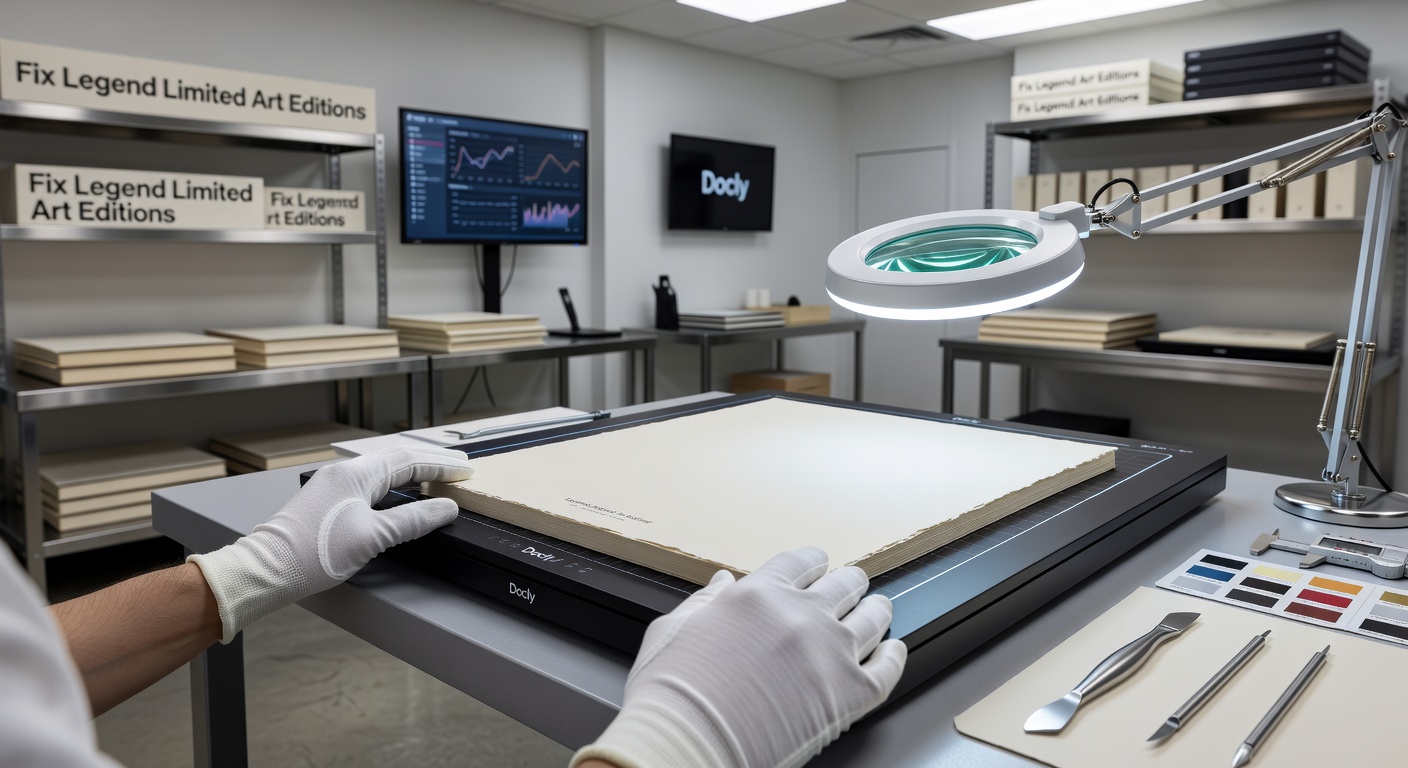
Tradeoffs and When It Might Not Fit
Docly works best when the legend text is the problem, not the legend layout. If your issue is that the edition table is visually misaligned—columns shifted, rows overlapping—Docly's text editing won't fix that. It edits text; it doesn't rebuild table structures. You'd need a layout-focused tool like InDesign or Acrobat's advanced edit mode for that.
Also, the AI extraction is good but not flawless on heavily stylized text. Art edition PDFs love decorative fonts, small caps, and tight tracking. If the legend uses a thin serif at 8pt on a textured background, expect to correct a few characters after extraction. It's still faster than typing from scratch, but don't assume zero cleanup.
One more thing: if you're working with certificate PDFs that have embedded security or digital signatures, Docly can edit the text but stripping or altering signed documents may invalidate them. For certificates of authenticity that need to remain legally intact, edit a copy and keep the original untouched.
Worth It for Legend Fixes?
If your recurring problem is text errors in art edition legends—wrong numbers, missing artist proof lines, outdated medium descriptions—Docly handles that well. The extraction saves time on scanned documents, and the inline editing avoids the export-edit-reimport loop. Just go in knowing that visual layout issues and heavy font styling will still need manual attention elsewhere. For straightforward text corrections in limited edition PDFs, it does the job without unnecessary friction.
Comments
Leave a Comment