Old documents fade. Ink thins out, pages yellow, and scanned PDFs of handwritten letters or archival records come out muddy and hard to read. If you've ever tried to extract text from a century-old deed or a faded family recipe, you know the frustration — OCR tools choke on low-contrast scans, and manual retyping takes hours.
Docly's AI PDF tools handle this kind of document without much fuss. The scan-to-text pipeline is built to work with imperfect input, which matters when your source material isn't a clean modern printout.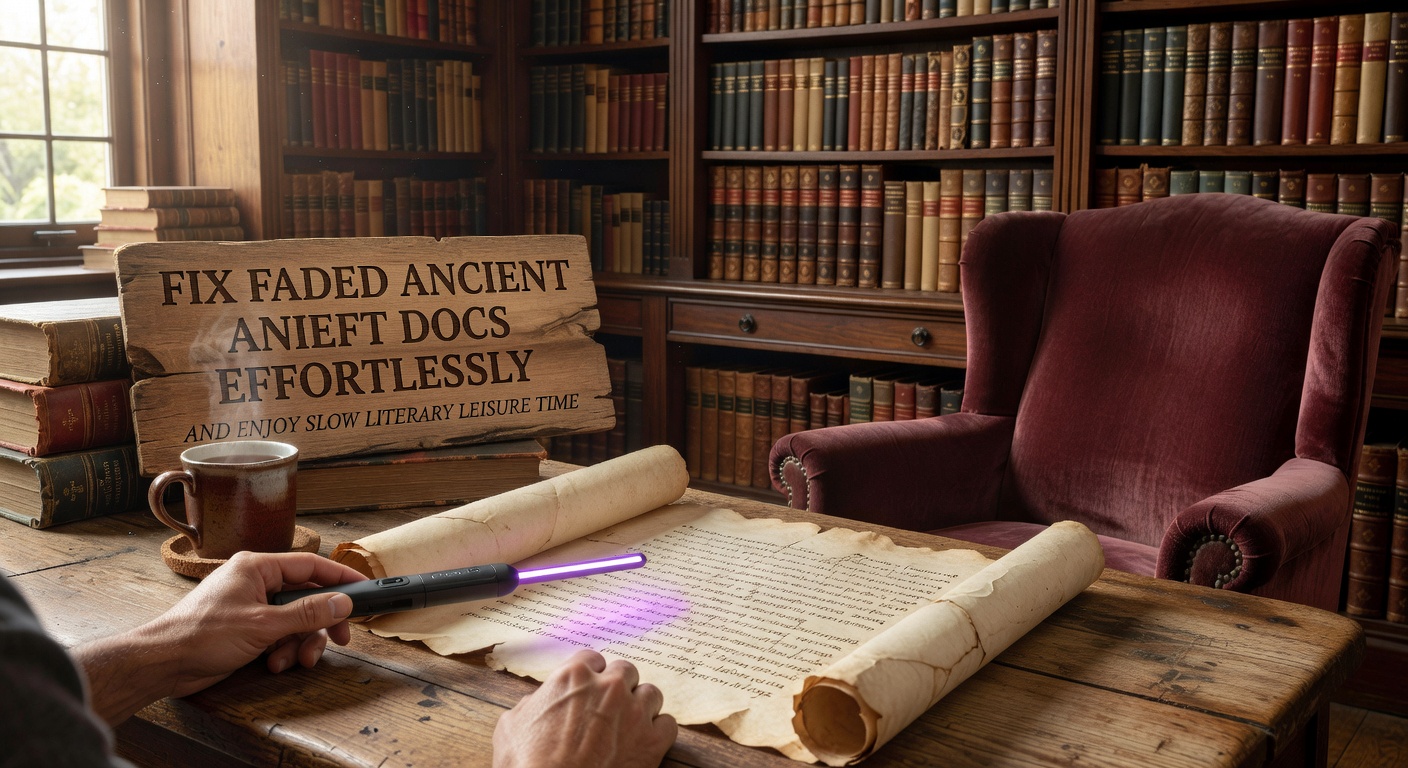
What Actually Happens When You Upload a Faded Scan
Docly processes the image layer of a scanned PDF and attempts text extraction even when contrast is poor. For a lightly faded typewritten page from the 1940s, it pulls out readable text with reasonable accuracy. For heavily degraded handwriting, results vary — cursive from older eras is genuinely hard, and Docly won't always get it right. That's an honest limitation worth knowing upfront.
Where it performs well is on printed documents with moderate fading: old newspaper clippings, scanned legal papers, vintage instruction manuals. The AI summary feature then lets you condense a long archival document into a short set of notes, which is useful if you're working through a stack of historical records and need to triage what's worth reading closely.
Slow Reading, Practically Supported
There's a quieter use case here too. Some people work with old texts not for research deadlines but for pleasure — reading through old correspondence, annotating a scanned edition of a 19th-century novel, or just sitting with a digitized journal. Docly's editing tools let you add notes directly to the PDF, highlight passages, and keep everything in one file rather than juggling a document and a separate notes app.
It won't replace a dedicated annotation tool like Hypothesis or a full academic PDF reader, but for casual literary use it's light enough to stay out of the way.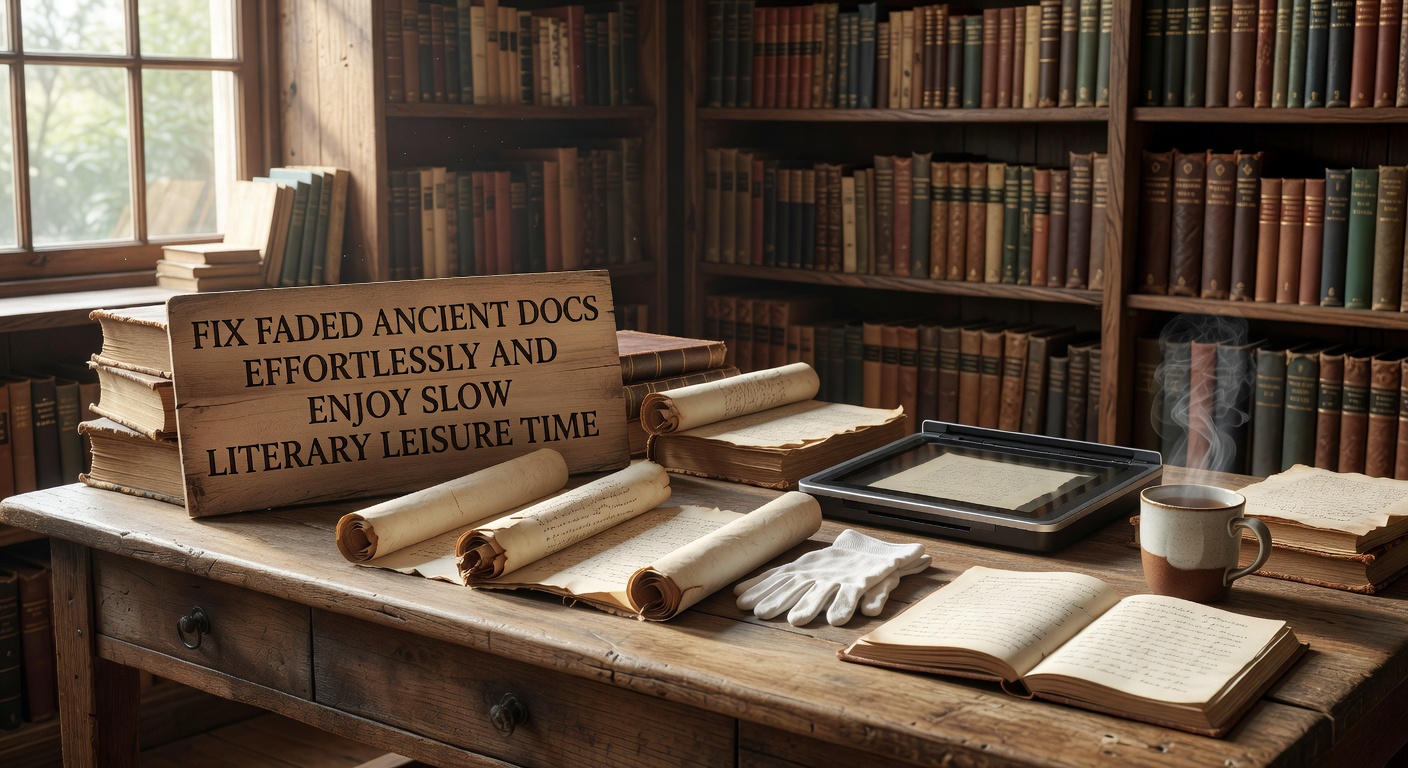
Where to Be Realistic About Fit
If your faded documents are primarily handwritten and pre-20th century, AI extraction will struggle regardless of which tool you use. Docly is not a specialized archival digitization platform — it's a general-purpose AI PDF editor that handles degraded scans better than most consumer tools, but it has a ceiling.
For typed or printed historical documents, it's a practical choice. For serious archival work with fragile manuscripts, you'd want dedicated digitization software or professional scanning services first, then bring the cleaned output into Docly for editing and summarization.
The summary and notes features are genuinely useful for anyone working through long documents slowly — whether that's a researcher, a hobbyist genealogist, or someone reading old family papers on a Sunday afternoon.
Comments
Leave a Comment