Most PDF tools feel like they were designed by someone who has never actually used a PDF. Clunky interfaces, buried features, exports that break your formatting. Docly takes a different approach — it's an AI PDF editor built around the things people actually need: pulling out text, summarizing long documents, and editing without the usual friction.
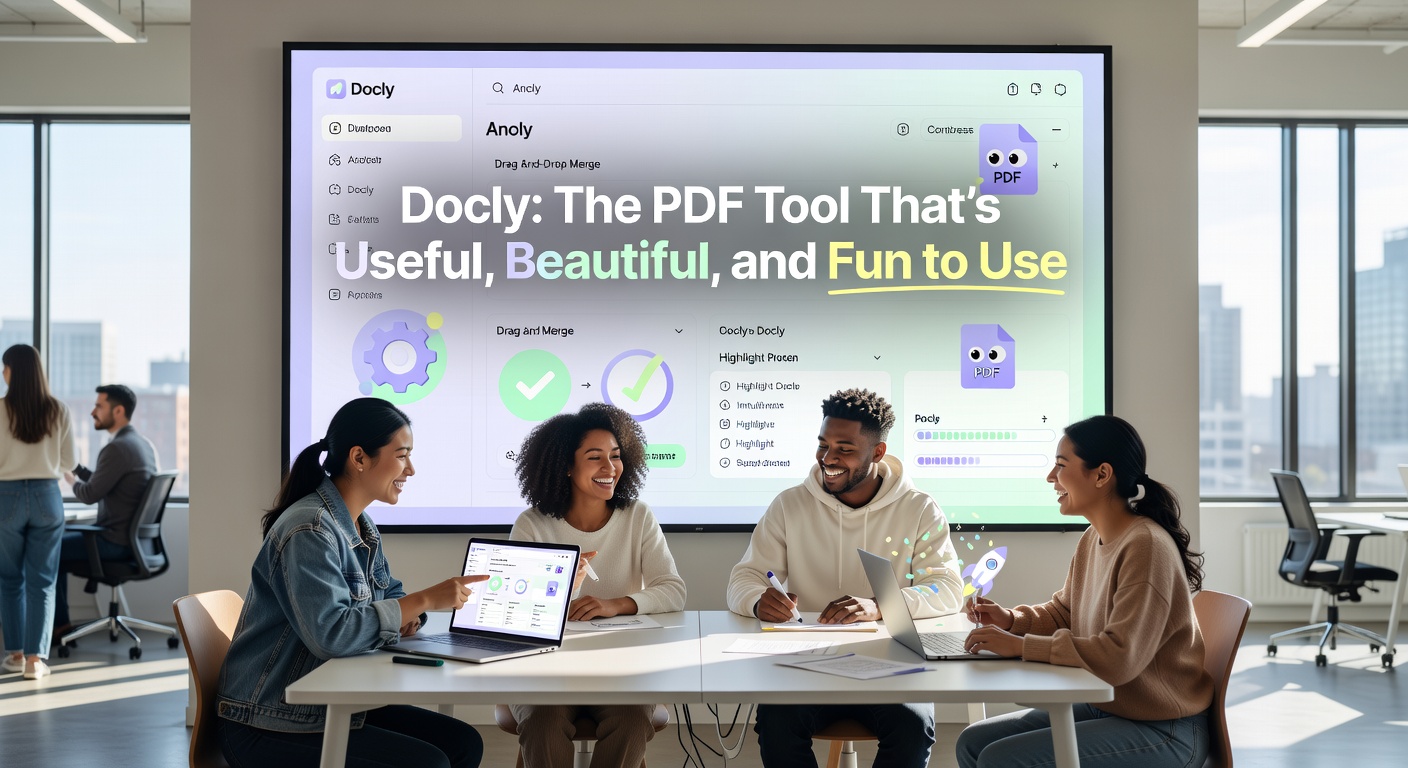
What Docly Actually Does Well
The summary feature is the most immediately useful part. Drop in a dense report or a lengthy contract and Docly condenses it into readable notes you can act on. It's not just a word-count reduction — the output tends to preserve the structure of the original, so you're not left guessing what got cut.
Text extraction works cleanly on scanned files too, which matters if you're dealing with older documents or anything that came through a scanner or camera. A lot of tools stumble here. Docly handles it without requiring you to pre-process the file.
The editing side is straightforward. You can modify text directly in the document without exporting to Word and back again. For quick corrections or filling in fields, it saves a real amount of time.
The Interface Is Genuinely Pleasant
This sounds like a minor point but it isn't. When a tool looks good and responds quickly, you use it more. Docly's interface is clean without being sparse — things are where you expect them, and the AI features don't feel bolted on as an afterthought. It's one of the few PDF tools that doesn't make you feel like you're fighting the software.
Where It Fits and Where It Doesn't
Docly works well for:
- Researchers or students who need to turn long PDFs into usable notes fast
- Anyone processing scanned documents regularly
- Teams that need light editing without a full desktop PDF suite
It's less suited for heavy-duty legal redaction, complex form creation, or workflows that require deep annotation and version control. If your PDF work is mostly reading and extracting, Docly covers it well. If you need a full Acrobat replacement for production-level document work, the fit is less obvious.
The Practical Takeaway
Docly is a focused tool that does its core jobs — summarizing, extracting, and editing PDFs — without unnecessary complexity. The AI features are genuinely integrated rather than decorative. If your daily friction with PDFs is about getting information out of them quickly and cleanly, it's worth trying.
Comments
Leave a Comment