Most document chaos doesn't feel expensive until you're paying a lawyer to re-read a contract you can't find, or re-signing a form because the original got buried in a folder from 2022. The cost isn't always a line item — it's time, mistakes, and duplicate work.
Docly is a free AI PDF editor that handles scanning, summarizing, and editing in one place. The "saves you money" angle is real, but it's specific — it shows up in a few concrete situations, not everywhere.
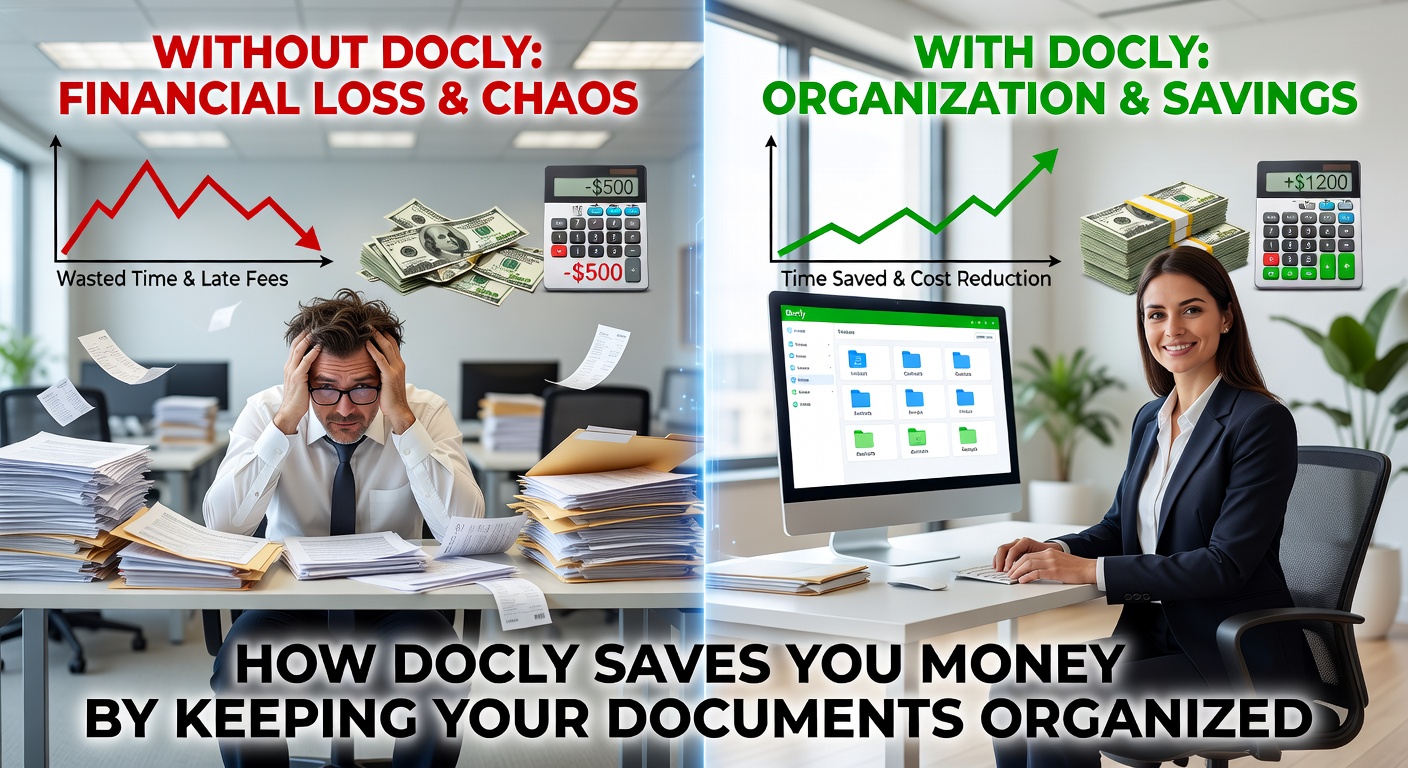
Where the actual savings come from
If you're freelancing or running a small business, you've probably paid for Adobe Acrobat at some point just to edit a PDF someone sent you. Docly covers that use case for free — you can edit text, fill fields, and export without a subscription. That's $20–$30/month back in your pocket if you were paying for Acrobat Standard.
The summarization feature matters more than it sounds. When you're reviewing a 40-page vendor contract or an insurance policy, having Docly pull out the key clauses in plain language means you spend 10 minutes instead of an hour — or you catch something before it becomes a problem. That's the kind of thing that used to require either a paralegal or a lot of careful reading.
Scanning and OCR is another area. If you're digitizing receipts, invoices, or signed agreements, Docly converts them into searchable, editable documents. No more hunting through photo rolls or paper files when tax season hits.
Realistic scenarios where it pays off
A freelancer getting a new client contract can drop it into Docly, get a plain-language summary of payment terms and IP clauses, then edit the PDF directly to add their signature and return it — without touching a paid tool.
A small business owner scanning and organizing supplier invoices monthly will find the OCR and folder structure useful for keeping records audit-ready. Not glamorous, but the alternative is a shoebox of PDFs with names like "scan0047.pdf."
Someone managing rental agreements or lease renewals can use the summarization to track what changed between versions, which is easy to miss when you're comparing two dense documents manually.
Where it's not a perfect fit
Docly works well for standard PDF workflows. If you need advanced redaction, certified digital signatures, or complex form creation with conditional logic, it's not the right tool — those are enterprise-level needs that paid platforms handle better.
The AI summarization is useful for getting the gist, but you shouldn't rely on it as a substitute for legal review on anything high-stakes. It's a first pass, not a final answer.
If your team is already deep into Google Workspace or Microsoft 365 with built-in PDF tools, the switching cost might not be worth it unless you're hitting specific gaps those tools don't cover.
For most individuals and small teams dealing with everyday document work, Docly removes the friction that quietly costs money — the subscriptions, the time, the missed details. It's not magic, but it's genuinely useful for the problems it's built to solve.
Comments
Leave a Comment