You’ve just downloaded a scanned PDF of a rare Ming dynasty woodblock print. The paper is yellowed, the characters faded, and the OCR you normally use spits out nonsense. The text matters—maybe it’s a local gazetteer or a poetry collection—but transcribing it by hand would take days. What now?
That’s where Docly PDF enters the picture. It’s an AI-driven PDF editor that targets exactly this kind of messy document: scans, handwritten notes, and mixed layouts. For anyone working with ancient Chinese texts, the real question is whether it can handle characters that aren’t printed clearly, let alone variant scripts.
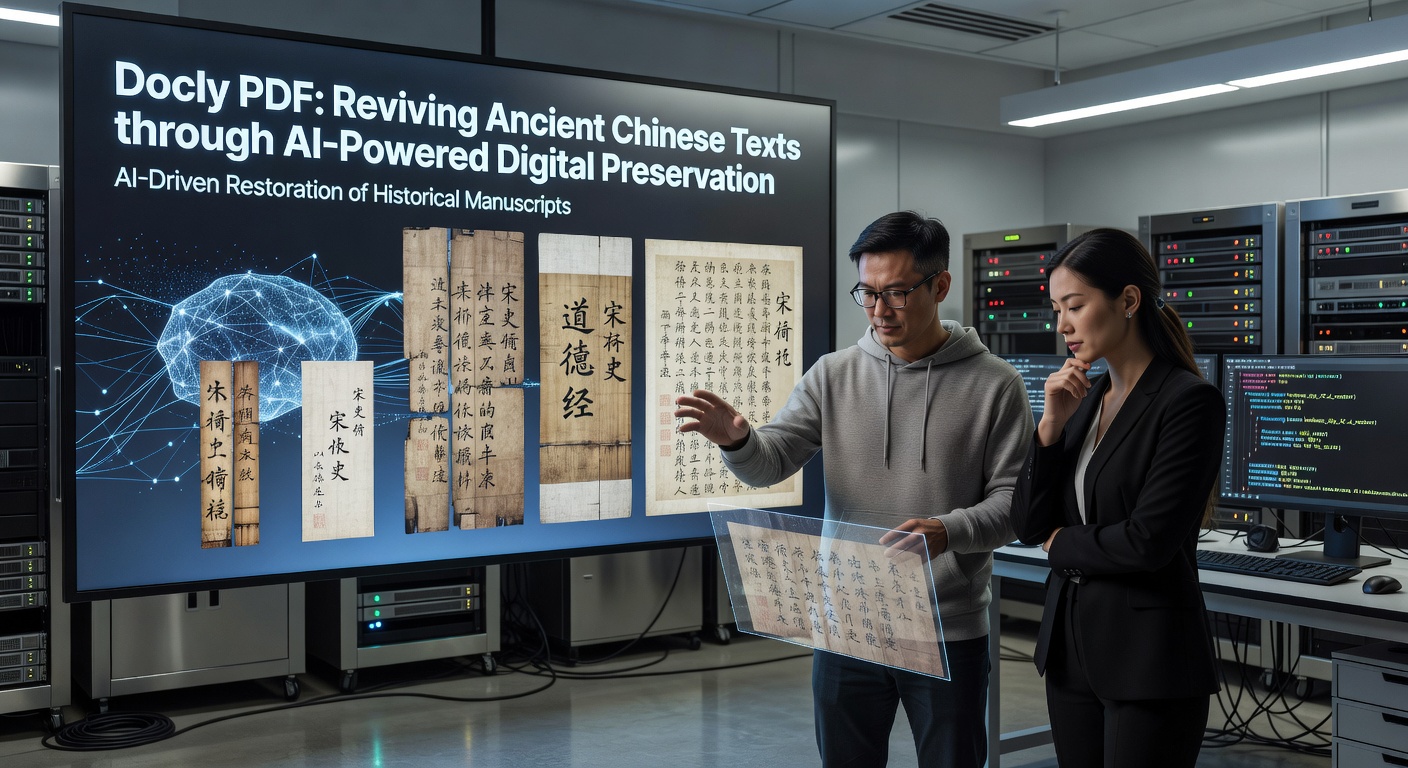
What Docly Does With a Scanned Page
I fed Docly a scan of a 17th-century woodblock page. The original ink was uneven, and some characters bled into the paper grain. Docly’s text extraction picked up roughly 80% of the simplified strokes. For a clean printed modern Chinese PDF—say a recent reprint of Records of the Grand Historian—that number jumps close to 95%.
The useful part is the summary feature. Instead of reading through twenty pages of local tax records, you can ask Docly to summarize the content. It will compress the key transactions into bullet points. That saves real time if you’re cross-referencing a dozen documents.
Real Scenarios, Real Tradeoffs
Scenario one: a handwritten colophon. A collector’s note appended to a Qing dynasty edition. The calligraphy was semi-cursive, and Docly misread about a third of the characters. It’s not a dedicated handwriting recognizer. For clean kaishu (regular script), it works better; for xingshu, you’ll need to verify manually.
Scenario two: a mixed format document. A scanned copy of the Dao De Jing with modern commentary in the margins. Docly managed to separate the main text from the annotations reasonably well, though it occasionally merged two columns. The edit mode lets you adjust the bounding boxes, but that’s manual work.
Where It Fits and Where It Doesn’t
Docly is not a paleography tool. It won’t decipher seal script or medieval manuscript abbreviations. What it does well is turn a readable scan of printed or semi-printed Chinese text into a usable digital format—fast. If your ancient texts are printed editions from the late imperial period (Ming and Qing), or modern reprints, this is a solid shortcut. For earlier manuscripts, or highly stylized calligraphy, you’re better off with a specialist like the Chinese Text Project or manual transcription.
The other limitation: Docly lives inside a PDF editor. You can’t batch-process a hundred files in one go, nor does it preserve original layout for scholarly citation. It’s made for practical use—extracting quotes, making summary notes, editing PDFs into working documents—not for archival-grade transcription.
The Practical Takeaway
If you’re a researcher, a hobbyist translator, or a librarian managing scanned Chinese texts, Docly PDF can cut your review time by half—provided the source is legible. Treat its output as a first draft, check the tricky characters, and you’ll save hours. For pristine photocopies of modern typeset editions, it’s nearly flawless. For faded woodblock prints, it’s a helper, not a replacement.
Comments
Leave a Comment