I never planned to get into book restoration. It started with a moldy 19th-century botanical guide I found at a flea market. The pages were stuck together, the text was barely legible, and I had no budget for a professional conservator. That's when I stumbled onto Docly PDF, mostly by accident. I needed to extract whatever text I could from my phone photos of the damaged pages, and I didn't expect much from an AI PDF editor.
What surprised me was how well it handled scans of old, degraded paper. I'm not restoring the physical book—that's a different craft entirely. But I am restoring the information inside it. And for that, Docly PDF turned out to be a genuinely useful tool for my funny little hobby: restoring ancient books with Docly PDF as a digital bridge between crumbling pages and readable notes.
First Contact: That Botanical Guide
The pages were warped and stained. I took photos under a desk lamp, imported them into Docly, and used the text extraction feature. It wasn't perfect—some botanical Latin terms came out garbled, and faded ink on brown spots produced gibberish. But it captured maybe 80% of the content. That was enough to identify the species names and start cross-referencing with modern databases.
The real win was the summarization tool. The book had long, rambling field notes from its original owner. Docly condensed each chapter into a few bullet-point paragraphs. I could finally understand the collector's route without decoding every smudged sentence. I wasn't getting a perfect replica of the original text. I was getting a usable version.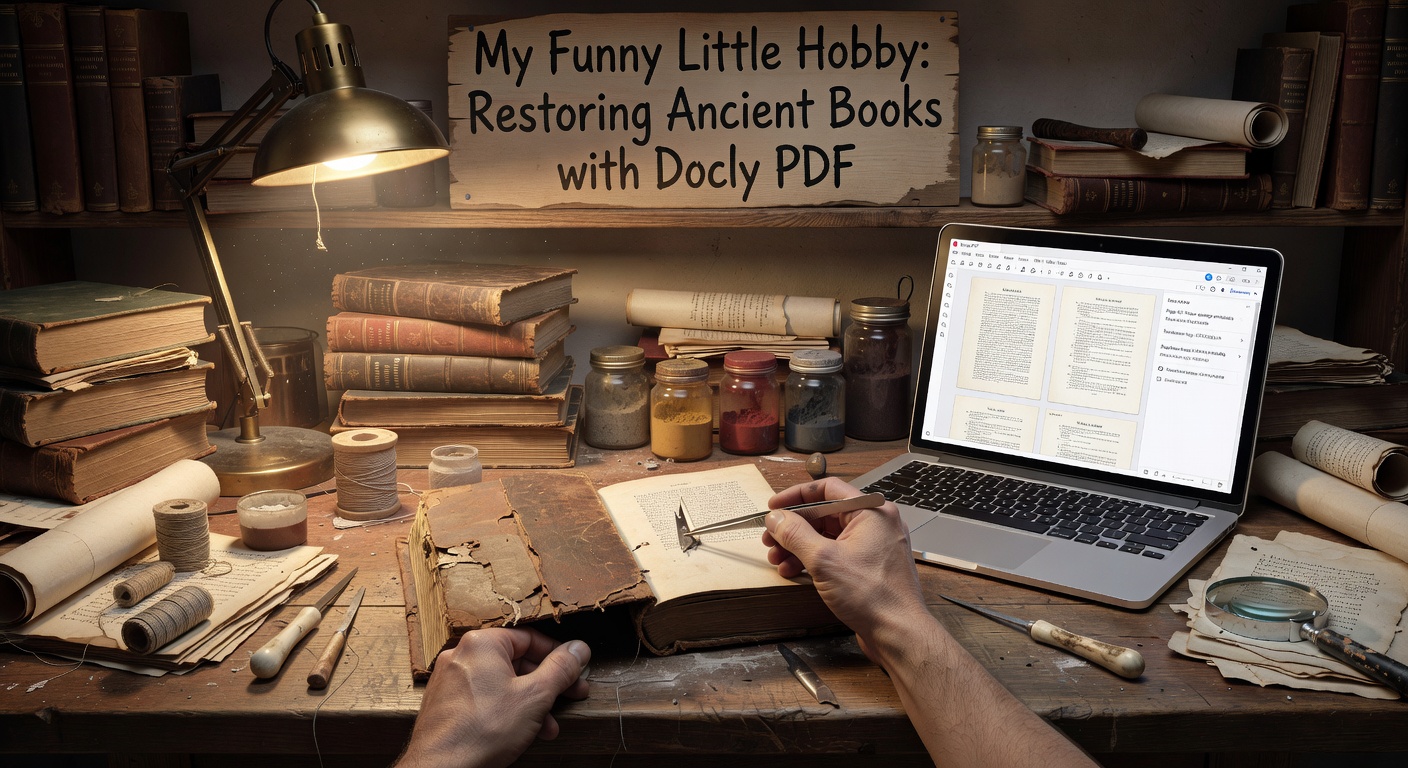
Where Docly PDF Shines and Stumbles
After a dozen more projects, here's what I've learned about using Docly here. It handles printed text remarkably well as long as the scan is somewhat flat and the contrast is decent. It struggles most with handwritten marginalia, tiny footnotes in old fonts, and pages where the text has bled through from the other side. That's not a flaw in the tool—it's a realistic limitation of AI OCR on damaged historical material.
I've also found that Docly's editing features let me clean up the extracted text quickly. I can delete OCR errors, reorder paragraphs that got scrambled, and add my own notes. It's not a full digital humanities platform, but it's faster than manually transcribing everything. The tradeoff is that I spend extra time proofreading and correcting. For me, that's acceptable. For someone working with a pristine modern PDF, it would feel clunky.
Another Realistic Scenario: A 1920s Travelogue
Recently I worked on a travel diary from the 1920s. The pages were brittle but the typewritten text was crisp. Docly extracted almost everything cleanly. Then I used the summarization feature to pull out the key locations and dates. I ended up with a timeline I could paste into a spreadsheet. That took me about an hour, including corrections. Doing it by hand would have taken a full evening.
But I also hit a wall. The diary had a few hand-drawn maps with tiny labels. Docly had no idea what to do with them. I had to photograph those separately and interpret them myself. That's fine—no tool will do everything. The point is that Docly handled the bulk text work, which was the tedious part.
Judging the Fit for Your Own Hobby
If you're thinking about this kind of project, ask yourself a few questions. Is your goal to extract the text content, or to reproduce the physical layout? Docly PDF will not preserve the original typography, page breaks, or illustrations. It's for getting the words out and making them searchable. If you need a facsimile, you're better off with a dedicated archival scanner and PDF viewer.
Also consider the condition of your books. Docly works best on material where the text is still legible to the human eye, even if it's faded. If your pages are literally crumbling into dust or the ink has washed away completely, no AI will recover it. In those cases, you're looking at conservation, not digitization.
Wrapping Up Practical Notes
I still use Docly PDF for every new acquisition. It's become part of my restoration workflow—not as a replacement for careful handling, but as a way to extract and organize information before the paper degrades further. The tool has limits, and I've learned to work around them. If you have a shelf of old books you've been meaning to read but can't because the pages are too fragile, try photographing a few pages and running them through Docly. You might be surprised how much text survives. That's how my funny little hobby turned into something I actually finish.
Comments
Leave a Comment