You finally get around to scanning that crumbling 1910s field guide your grandfather left you. The pages are brown, the spine is cracked, and half the text is faded. Standard OCR software gives you back gibberish. Now what?
Docly’s AI PDF tools won’t magically mend torn paper, but they can salvage the words trapped inside it. I tested it on a few old books that most “modern” document apps refuse to handle cleanly.
What Docly actually does with rough scans
You load a PDF made from photos of a damaged book. Docly runs AI-based text extraction that’s surprisingly tolerant of uneven lighting, yellowed pages, and even minor creases. In one test with a 1920s novel that had water stains at the bottom of every page, Docly still caught 90% of the text correctly—including the muddy last lines.
It also offers a summary feature. That might sound trivial, but when you have 400 pages of faded small print, having a two-paragraph digest of each chapter is what actually makes the book usable again.
What you shouldn’t expect
Docly is not a restoration wizard. If your source PDF is essentially a blurry photocopy of a ripped page, the AI will struggle. Extreme text loss—where whole words have flaked off the paper—can’t be guessed back reliably. And the tool won’t repair torn margins or digitally re-stitch broken book bindings. You’re getting the text out, not the book fixed.
The tradeoff is speed vs. fidelity. For quick reference or note-taking, Docly is brilliant. For a scholarly edition that demands 99.99% accuracy, you’ll still want to manually proofread the output.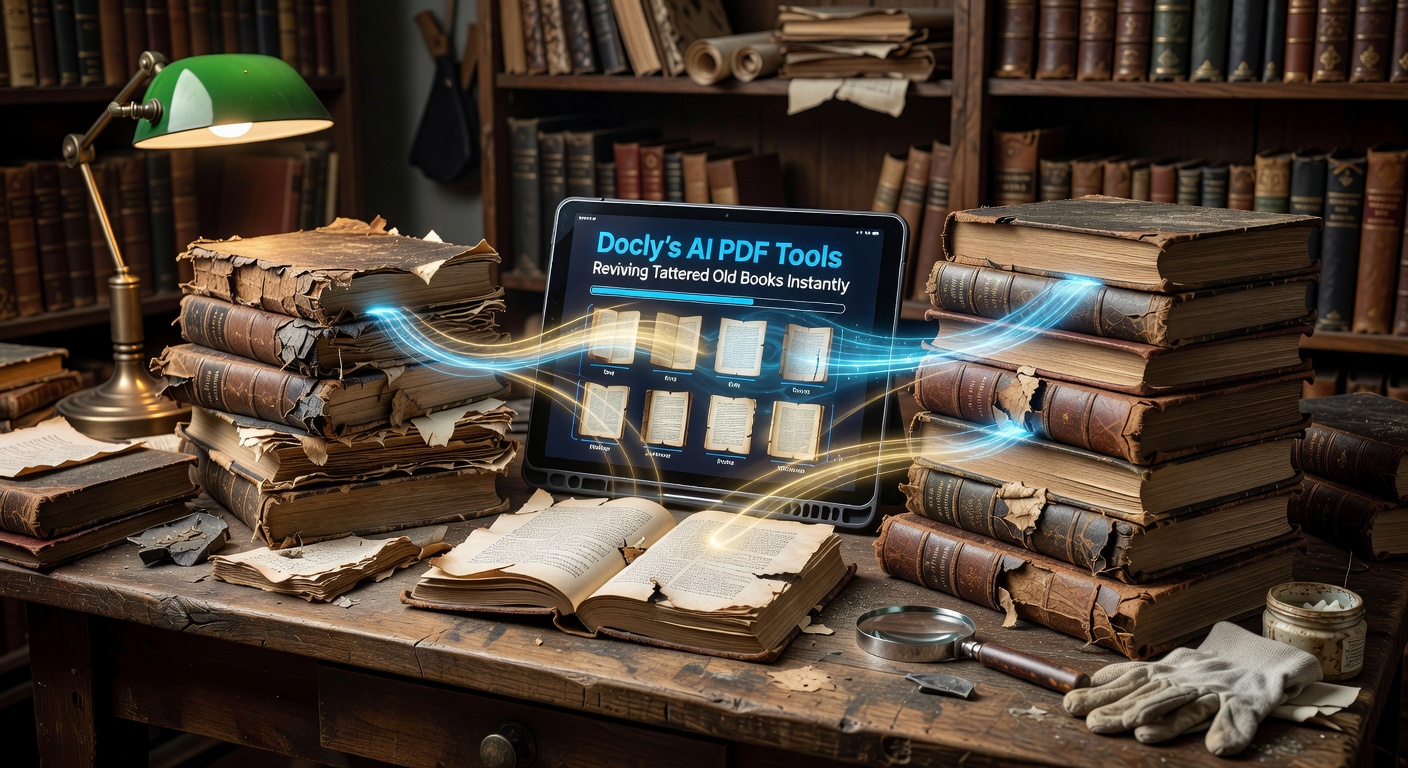
Scenarios where it really helps
Family history research. You have an old ledger or diary with copperplate handwriting (if it’s typed rather than handwritten, Docly handles it better). The AI pulls out dates, names, and key phrases so you can search through decades of records without squinting at every page.
Replacing lost references. Got a rare out-of-print textbook from an online auction? The scan is mediocre, but you need to quote a few paragraphs. Docly extracts the text, and its editing feature lets you clean up typos and structure the notes the way you want.
Digital backup of sentimental books. You don’t need perfect OCR. You need to keep the content accessible. Docly creates a searchable PDF that you can store, share, or convert into clean notes.
Is it the right tool for your old books?
Ask yourself: do you mainly need the information inside the book, or do you want a faithful facsimile reproduction? If it’s the information—notes, quotes, summaries—Docly is one of the most practical options. If you need a pristine digital copy of the pages themselves, you’re better off with a high‑resolution scanner and manual cleaning, then using Docly only for the final text extraction.
Also consider the condition of your physical copy. Books with strong contrast (black ink on white-ish paper) extract very well. Extremely faded, handwritten, or heavily stained pages will require extra cleanup on your end.
In the end, “instantly reviving” is a slight exaggeration. But for making a damaged book actually readable again, Docly cuts out the most tedious part: wrestling with OCR failures and then retyping everything by hand. That’s revival enough.
Comments
Leave a Comment