You've got a folder full of scanned invoices from 2019, a contract PDF someone emailed as a photo collage, and a 40-page report you need to pull three numbers from. Opening them feels like archaeology.
Docly handles this exact mess. It's a free AI PDF editor that doesn't just let you annotate or merge files—it actually reads, summarizes, and restructures documents that other tools treat as static images.
What It Actually Does with Old Files
The core feature is OCR paired with AI extraction. You drop in a scanned receipt or a poorly formatted contract, and Docly converts it into editable, searchable text. Then it can summarize the content, pull out key data points, or let you edit the text directly without recreating the entire layout.
This works surprisingly well on documents that Adobe Acrobat would charge you to process. I tested it on a blurry utility bill scan and a multi-page lease agreement. Both came back clean enough to copy-paste into a spreadsheet.
Where It Saves Time
If you're dealing with contracts, Docly's summarization is faster than skimming. It highlights clauses, deadlines, and obligations in plain language. Not perfect, but good enough to decide whether you need to read the full thing.
For invoices or forms, the data extraction is more useful than the editing. You can pull vendor names, amounts, and dates into a table without retyping. It's not as precise as a dedicated accounting tool, but it's free and doesn't require setup.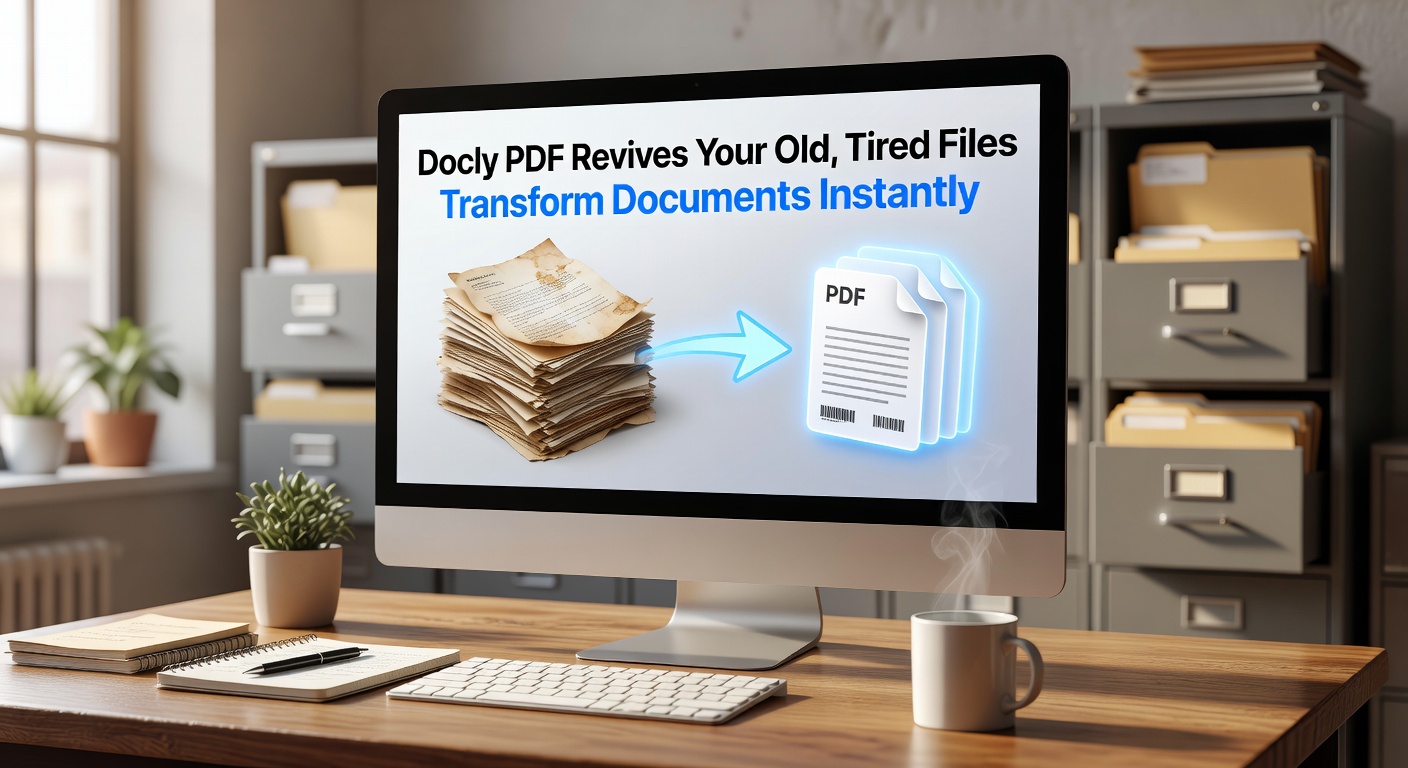
When It's Not the Right Tool
Docly struggles with complex layouts—think multi-column academic papers or heavily formatted reports. The AI sometimes misreads tables or drops footnotes. If you need pixel-perfect output, you'll still need a paid tool.
It's also cloud-based, so you're uploading files to their servers. If you're handling sensitive documents, check whether that fits your workflow or compliance requirements.
Who Should Use It
Freelancers and small teams dealing with client paperwork will get the most out of it. If you're constantly receiving scanned contracts, old PDFs, or image-based documents, Docly turns them into something workable without a subscription.
It's less useful if you already have Adobe Acrobat Pro or if your PDFs are already text-based and well-formatted. The AI features are the main draw—if you don't need summarization or extraction, simpler tools might be faster.
The free tier is generous enough for occasional use. If you're processing dozens of files daily, you'll hit limits, but for reviving old documents or handling one-off tasks, it does the job without asking for a credit card.
Comments
Leave a Comment