Some PDFs are just a mess. Scanned receipts that won't let you select text, research papers with walls of unformatted content, contracts where you need one specific clause but have to scroll through forty pages to find it. If you've been copying text into a separate doc just to make it usable, Docly is built for exactly that frustration.
What Docly Actually Does
Docly is an AI PDF editor that handles three things most people actually need: summarizing long documents, extracting text from scanned files, and editing PDF content directly. It's not a full desktop suite — it's focused on making documents workable faster.
The scan-to-text feature is where it earns its keep for a lot of users. Upload a photographed receipt, a scanned contract, or a printed form, and Docly pulls out the text so you can search, copy, or edit it. No more retyping things manually.
The summary tool is useful when you're dealing with dense reports or long agreements. Instead of skimming a 30-page document hoping to catch the key points, you get a condensed version you can actually act on. It won't replace reading something you need to understand deeply, but for triage — deciding what's worth your full attention — it works well.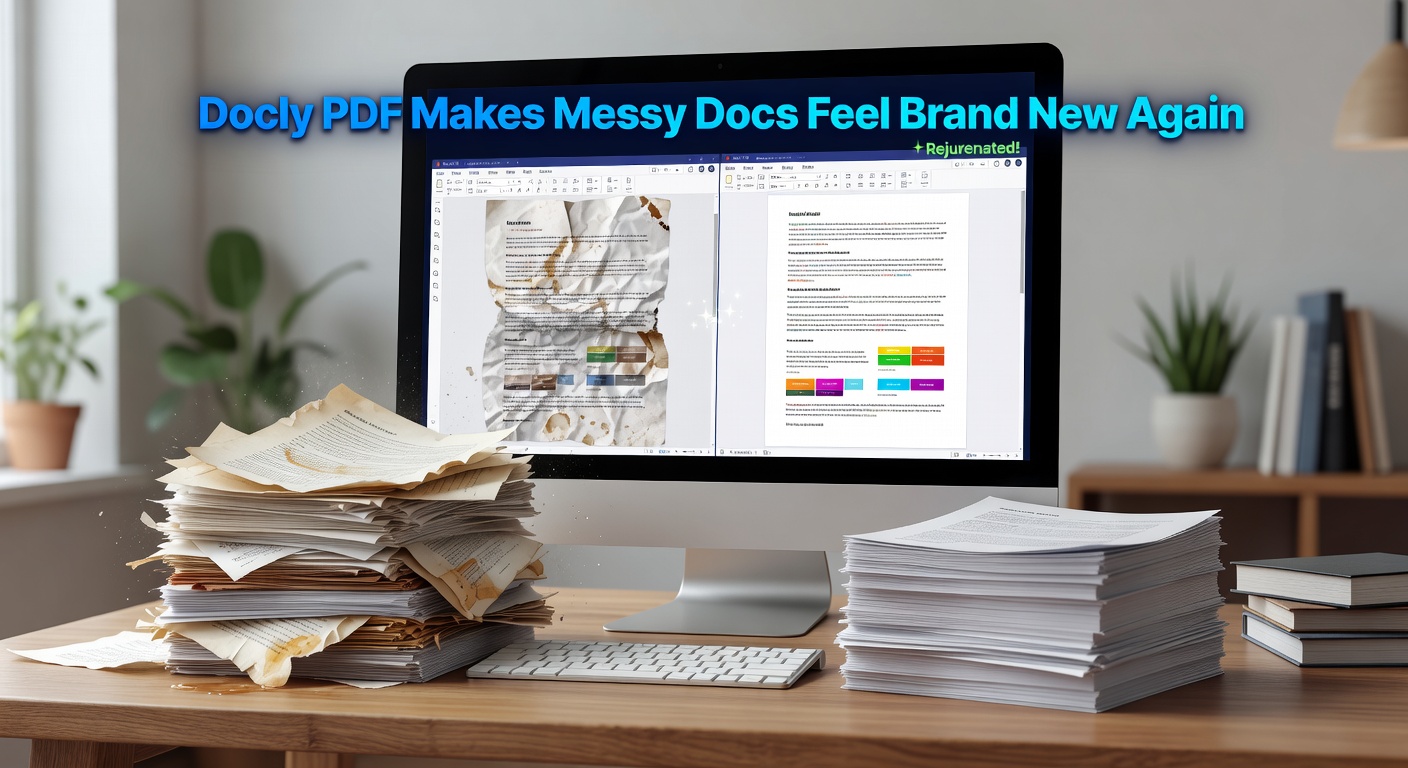
A Few Realistic Scenarios
If you're a freelancer dealing with client contracts, Docly lets you pull out key terms and deadlines without reading every clause. If you're a student working with academic PDFs, the summary feature cuts down the time spent figuring out whether a paper is actually relevant to your research. For small business owners handling invoices and receipts, the scan and extract function saves real time at the end of the month.
Where it's less useful: highly formatted documents with complex tables or multi-column layouts can come out messier after extraction. And if you need to make precise design edits — adjusting fonts, repositioning images — Docly isn't that kind of tool.
Is It the Right Fit?
Docly makes sense if your main problem is getting usable content out of PDFs quickly. It's not trying to replace Adobe Acrobat for professional publishing workflows, and it doesn't need to. The tradeoff is simplicity: fewer features, but the ones it has are genuinely practical.
If you already have a full PDF suite and only occasionally deal with scanned files, the overlap might not justify adding another tool. But if messy, uneditable PDFs are a regular part of your day, Docly removes a lot of the friction without much setup.
The AI layer is what separates it from basic PDF readers — not because AI is a selling point on its own, but because summarization and smart extraction are genuinely faster than doing it by hand. That's the actual value here.
Comments
Leave a Comment