Most people run into the same wall: you have a PDF that needs editing, converting, or summarizing, and every tool either wants a subscription or caps you at one file before asking for a credit card. Docly takes a different approach — it's built around doing the actual work without making you jump through hoops first.
What Docly Actually Does
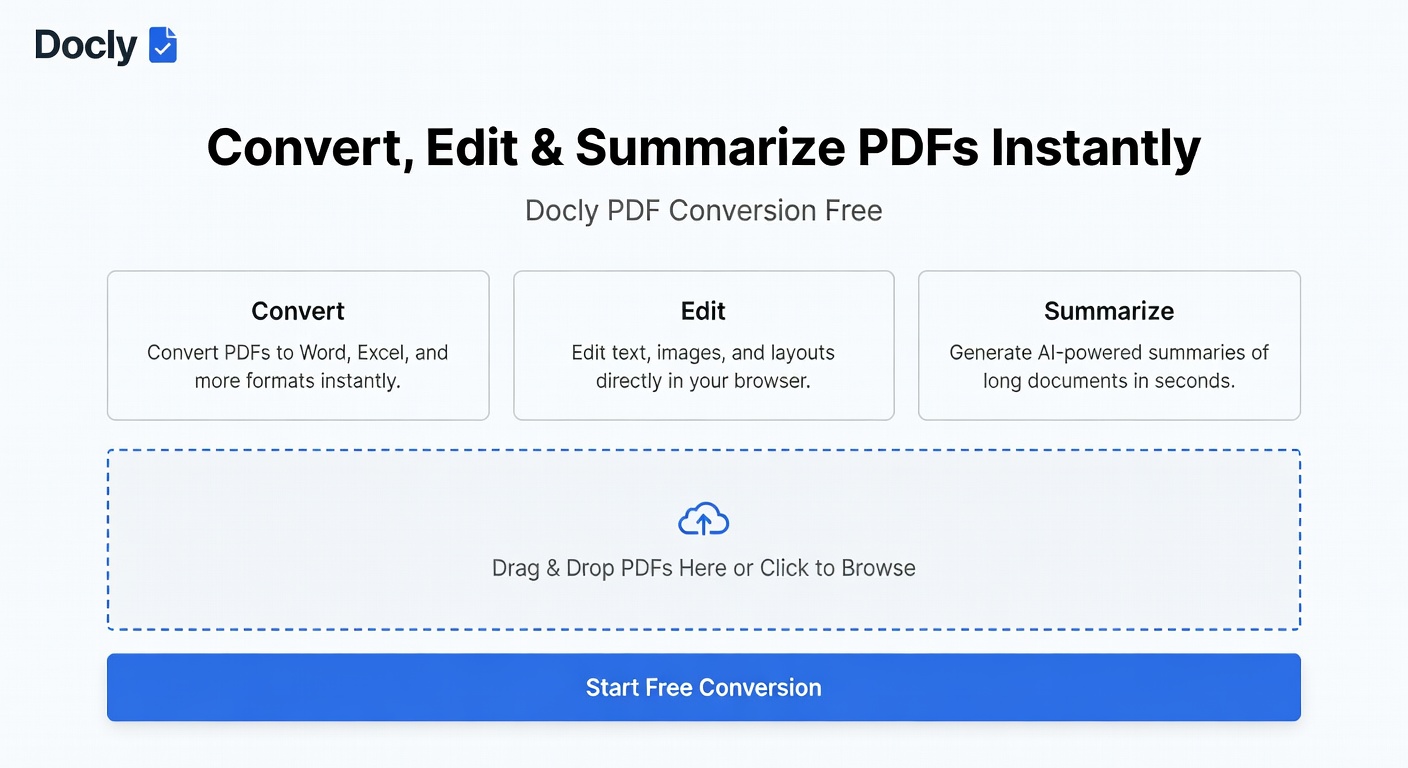
Docly is an AI-powered PDF editor that handles conversion, text extraction, summarization, and document editing in one place. You can drop in a scanned file and pull out clean text, or paste in a 40-page report and get a condensed set of notes you can actually use. The conversion side covers the usual formats — PDF to Word, PDF to text — without requiring a desktop install.
The summarization feature is where it earns attention. Instead of just trimming length, it pulls out the functional content: key points, section breakdowns, actionable items. For contracts, research papers, or long policy documents, that's a real time difference.
Where It Fits and Where It Doesn't
If you're regularly dealing with scanned documents, Docly's OCR handles messy input reasonably well. A photographed receipt or a low-res scan of a signed form will come through as editable text — not perfectly, but usably. That's the realistic bar to set.
For light, occasional use — converting a PDF resume to Word, extracting a table, summarizing a meeting brief — it works cleanly and fast. Where it gets more complicated is with heavily formatted documents: multi-column layouts, embedded charts, or PDFs with complex tables don't always convert with their structure intact. That's a limitation worth knowing before you rely on it for something critical.
It's less suited for bulk processing or anything requiring precise formatting preservation across dozens of files. For that kind of volume, a dedicated desktop tool or API-based workflow makes more sense.
Free Tier: What You Actually Get
The free access covers core conversion and summarization tasks without forcing an immediate upgrade. You can test it on real files before committing — which is the right way to evaluate any tool like this. The limits are there, but they're not so tight that you can't get a genuine sense of how it performs on your actual documents.
If your use case is occasional — a few PDFs a week, mixed types, no heavy formatting requirements — the free tier likely covers it. Regular heavy use will push you toward a paid plan, but at least you'll know what you're paying for by then.
Practical Verdict
Docly PDF conversion works best as a fast, browser-based tool for people who need to convert, extract, or summarize PDFs without installing software or managing a subscription upfront. It's not a replacement for professional document processing pipelines, but for everyday PDF friction — the kind that slows down a normal workday — it removes most of it.
Comments
Leave a Comment