If you collect rare books or historical manuscripts, you already know the problem: aging documents crack, fade, and fall apart — and the PDFs you scan from them are often worse than useless. Blurry scans, skewed pages, unreadable text. Docly PDF was built for exactly this kind of document work, and it handles degraded source material better than most general-purpose PDF tools.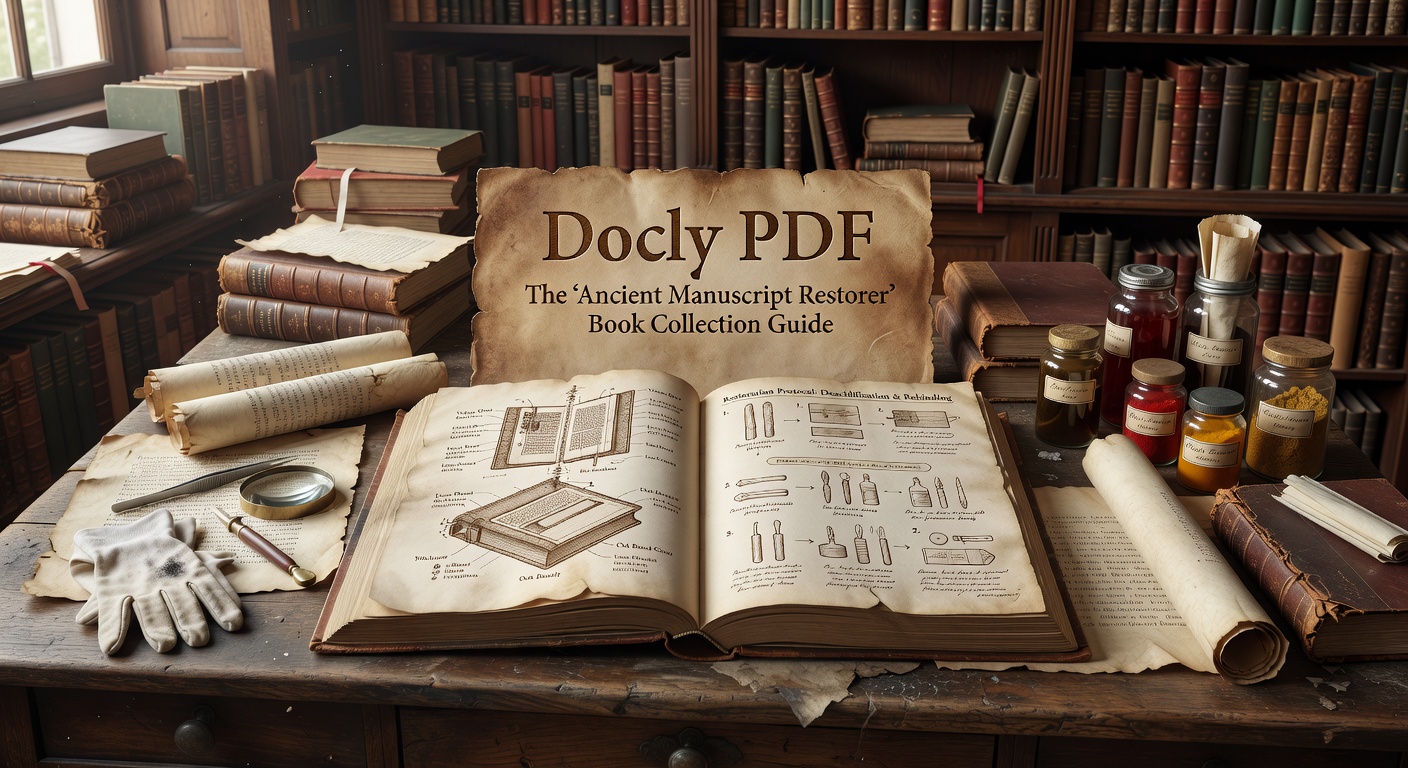
What Docly Actually Does With Difficult Scans
When you upload a scanned manuscript page, Docly's AI layer attempts to extract readable text even from low-contrast or partially damaged images. It won't reconstruct missing ink, but it does a reasonable job pulling structured text from pages that would defeat a basic OCR tool. For a collector cataloguing a 19th-century pamphlet collection, that difference matters.
The summary feature is genuinely useful here. Instead of reading through a 40-page handwritten transcription to find the provenance section, you can get a condensed version in seconds. It's not a replacement for careful reading, but it helps you triage a large collection quickly.
Practical Scenarios for Book Collectors
A few situations where Docly fits well:
- Cataloguing estate acquisitions — scanning and extracting key metadata (dates, authors, subject matter) from a batch of inherited documents without reading each one in full.
- Preparing auction descriptions — using the text extraction to pull quotes or condition notes from appraisal PDFs, then editing them directly in Docly.
- Sharing research with co-collectors — converting a dense archival PDF into a readable summary you can send without the recipient needing to open a 200MB file.
- Cross-referencing editions — extracting text from two versions of the same title to compare chapter structures or editorial changes.
Where It Has Limits
Docly is not a manuscript restoration tool in the conservation sense. It won't enhance image quality or repair visual damage to a scan. If your source file is a photograph of a water-damaged page with half the text obscured, the AI extraction will reflect that — you'll get partial output, not a reconstructed document.
It also works best with typed or clearly handwritten text. Heavily stylized scripts, archaic typefaces, or non-Latin manuscripts may produce inconsistent extraction results. Worth testing on a sample page before committing a large batch.
Is It the Right Tool for Your Collection Work?
If your workflow involves reading, annotating, and summarising PDF documents — whether that's auction catalogues, provenance records, or digitised rare books — Docly covers that ground well. The editing and note-taking features are clean, and the AI summary saves real time on long documents.
If you need image enhancement, archival-grade OCR for damaged manuscripts, or integration with a collections management database, Docly isn't that tool. For those needs, dedicated archival software or professional digitisation services are the more appropriate route.
For collectors who spend time buried in PDF paperwork rather than the physical objects themselves, Docly PDF is a practical way to move faster through the document side of the hobby.
Comments
Leave a Comment