If you collect old books, you already know the problem: a rare pamphlet arrives with foxed pages, faded ink, and margins full of handwritten notes that are nearly impossible to read. Scanning it is easy. Getting anything useful out of that scan is not.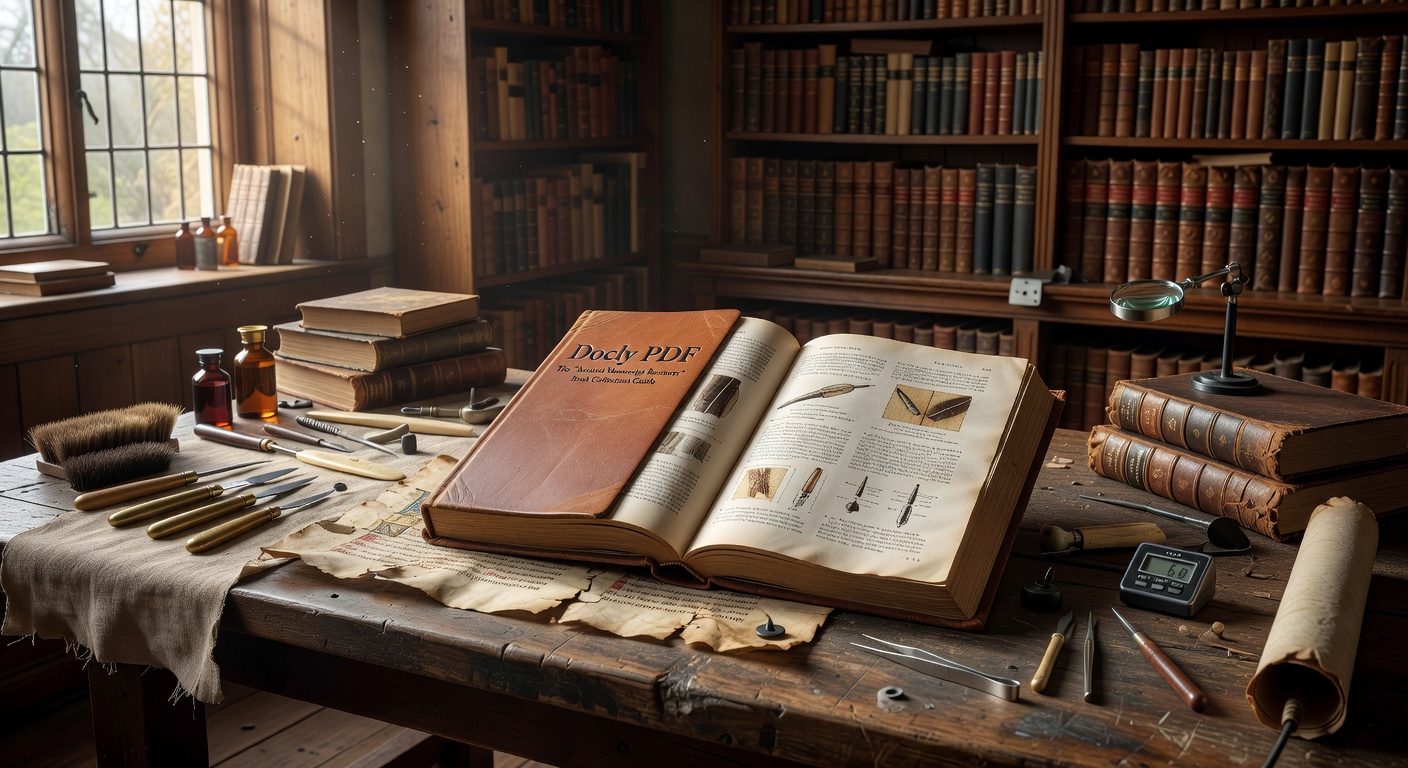
Docly PDF is an AI-powered PDF editor built around exactly this kind of document work — extracting text, summarizing long files, and turning dense or degraded pages into something you can actually use. For book collectors dealing with historical material, that's a more specific fit than it might first appear.
What Docly Actually Does With Difficult Scans
The core workflow is straightforward: you upload a scanned PDF, and Docly applies AI to pull out readable text, generate summaries, or let you edit and annotate the document. For a collector cataloguing a 19th-century botanical guide or a bound collection of Victorian periodicals, the text extraction alone saves hours of manual transcription.
Where it gets practical is with long documents. A 300-page auction catalogue or a multi-volume manuscript guide becomes navigable when Docly condenses it into structured notes. You're not reading every page to find the provenance section — you're pulling the relevant parts directly.
One realistic use case: you've acquired a handbound herbalist's manual with inconsistent page quality. Some pages scan cleanly; others are washed out or skewed. Docly handles mixed-quality PDFs reasonably well, though heavily degraded pages — severe water damage, very faint pencil annotations — will still produce incomplete extractions. That's a limitation worth knowing upfront.
Scenarios Where It Fits a Collector's Workflow
Cataloguing a personal library of antiquarian books means maintaining records: edition details, condition notes, marginalia, bookplates. Docly lets you extract that information from scanned title pages and insert your own annotations without touching the original file. The document stays intact; your notes layer on top.
For collectors who buy at auction or through dealers, PDF condition reports and provenance documents are standard. Running those through Docly to pull key dates, names, and condition grades into a summary cuts down the time spent cross-referencing multiple files before a purchase decision.
Research-heavy collectors — those tracing a book's ownership history or verifying an edition against a bibliography — can use the summarization feature to scan long reference PDFs quickly. A 200-page descriptive bibliography doesn't need to be read cover to cover when you're checking one specific entry.
Tradeoffs and Honest Limitations
Docly is not a dedicated OCR tool or a manuscript digitization platform. If your primary need is high-accuracy transcription of 16th-century secretary hand or Arabic manuscript script, a specialized paleography tool will outperform it. Docly works best on legible scans — clear typefaces, reasonable contrast, standard page layouts.
The editing features are practical for modern document work but won't reconstruct damaged text that wasn't captured in the scan. What you get out depends heavily on what you put in. A clean scan of a 1920s catalogue will yield much better results than a low-resolution photograph of a medieval codex.
For collectors who primarily need to organize, annotate, and extract information from readable historical PDFs — auction records, dealer catalogues, reference bibliographies, condition reports — Docly covers that ground efficiently. For deep archival or conservation work, it's a useful supplement rather than a replacement for specialist tools.
The practical case for Docly PDF in a collector's toolkit is narrow but real: it reduces the friction between having a scanned document and being able to use what's in it.
Comments
Leave a Comment