If you collect rare books, antique manuscripts, or archival documents, you've probably ended up with a folder full of scanned PDFs that are genuinely hard to work with. The scans are dark, the text is unselectable, and extracting anything useful means retyping by hand or squinting at a low-contrast image for longer than you'd like.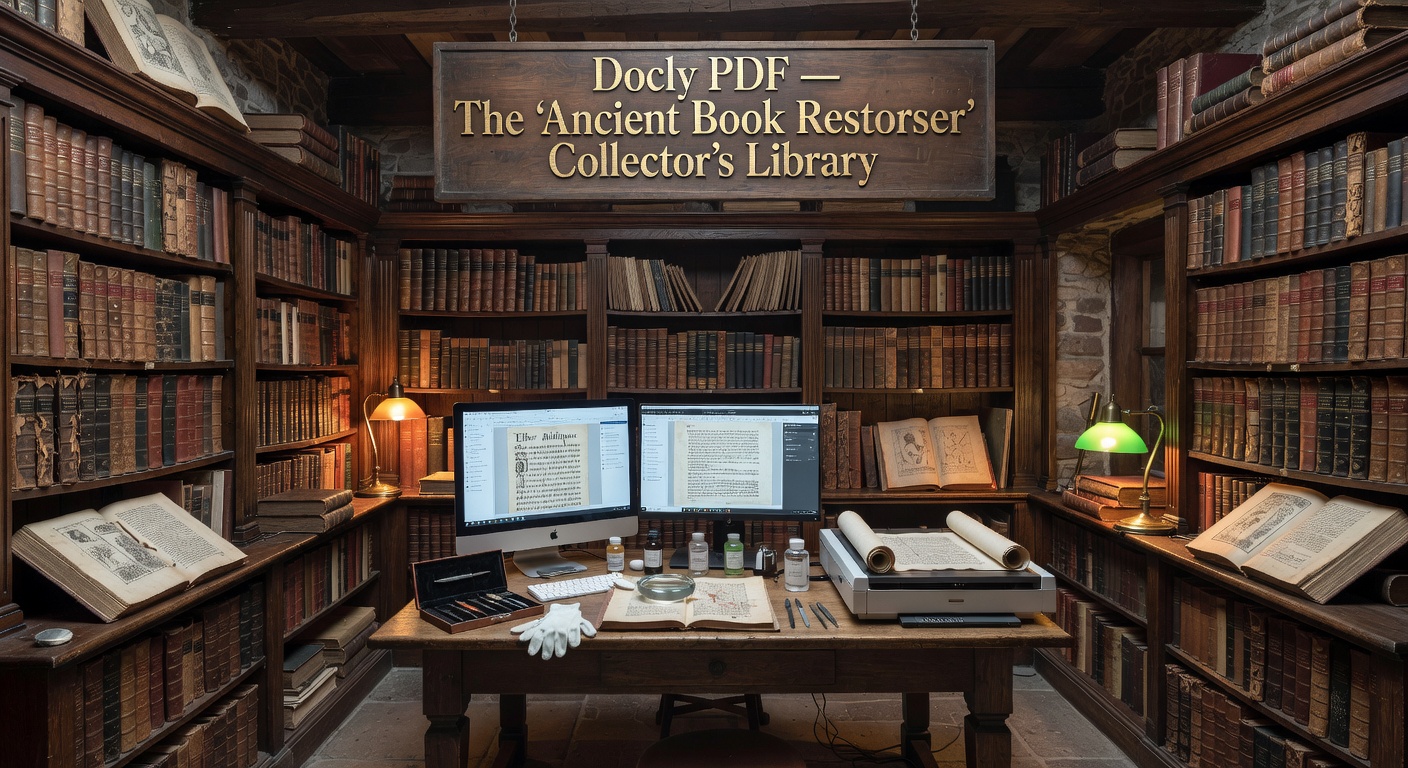
Docly PDF is built around exactly this kind of friction. It's an AI-powered PDF editor that handles text extraction, document summarization, and editing — and for collectors dealing with dense, image-heavy scans, those three things cover most of the daily annoyance.
What It Actually Does With Scanned Documents
The core feature for archival work is OCR-backed text extraction. Upload a scanned page — even one with aged typography or uneven ink — and Docly pulls out the readable text so you can search it, copy it, or feed it into notes. It's not perfect on heavily degraded pages, but for most clean-ish scans of printed material, it works without much fuss.
The summarization tool is genuinely useful when you're cataloguing. Say you've scanned a 60-page auction catalogue or a bound collection of correspondence — instead of reading through everything to write a description, you can get a condensed version in seconds. That's practical for building a searchable library index without spending an afternoon on each document.
Editing is more limited. You can annotate, adjust extracted text, and make basic document changes, but Docly isn't a full desktop PDF editor. If you need to reflow layouts or do heavy formatting work, you'll hit its ceiling fairly quickly.
A Few Realistic Scenarios
A collector with a stack of estate sale documents — deeds, letters, handwritten inventories — can use Docly to extract and organize the text into searchable notes without transcribing everything manually. The AI summary helps flag which documents are worth closer attention.
For someone building a digital catalogue of a private library, the combination of scan-to-text and auto-summary means each entry can have a machine-generated description as a starting point, which you then edit rather than write from scratch.
Where it's less useful: heavily illustrated books where the text is minimal, or manuscripts with non-standard scripts that the OCR doesn't handle well. In those cases, extraction quality drops and the summaries become unreliable.
Is It the Right Tool for This?
Docly fits well if your main need is turning scanned PDFs into usable text and notes quickly. It's browser-based and doesn't require installing anything, which matters if you're working across devices or sharing access with a co-cataloguer.
If you need precise layout preservation, archival-grade OCR for damaged manuscripts, or integration with a dedicated collections management system, Docly isn't a replacement for specialist tools. It sits closer to the "fast and practical" end of the spectrum than the "archival precision" end.
For most collectors who just want to stop retyping things and start finding information faster, it covers the gap without much setup.
Comments
Leave a Comment