We have all been there. You finally track down a PDF of that out-of-print mythology book you’ve been hunting for years, or you download a scanned copy of a standard college textbook, and it’s essentially a digital brick. You can’t search it, you can’t highlight it, and if the scan is slightly crooked or faded, the text extraction tools you normally use just spit out gibberish. Working with static PDFs—whether they hold rare, "mythic" texts or everyday reading material—is a frustrating bottleneck. This is exactly where Docly PDF Tools tries to step in, promising to magically restore those uneditable documents into something you can actually work with.
How Docly Handles the "Restoration" Process
Docly isn't just a basic OCR engine; it leans heavily on AI to handle the dual problems of scanned text and document bloat. When you feed it a scanned PDF, it runs text extraction to convert those flat images into searchable, editable text. For longer documents, it shifts into summary mode, attempting to boil down hundreds of pages of dense reading into structured notes.
The "magic" claim mostly hinges on how it deals with imperfect scans. Older books—think dusty archives or weirdly formatted mythic folklore collections—often have faded ink, odd fonts, or layout quirks that break standard extractors. Docly’s AI layer tries to reconstruct the logical flow of the text, even if the physical scan is messy. It also gives you a direct editing window, so once the text is pulled out, you can clean up the inevitable OCR errors right there without bouncing between three different apps.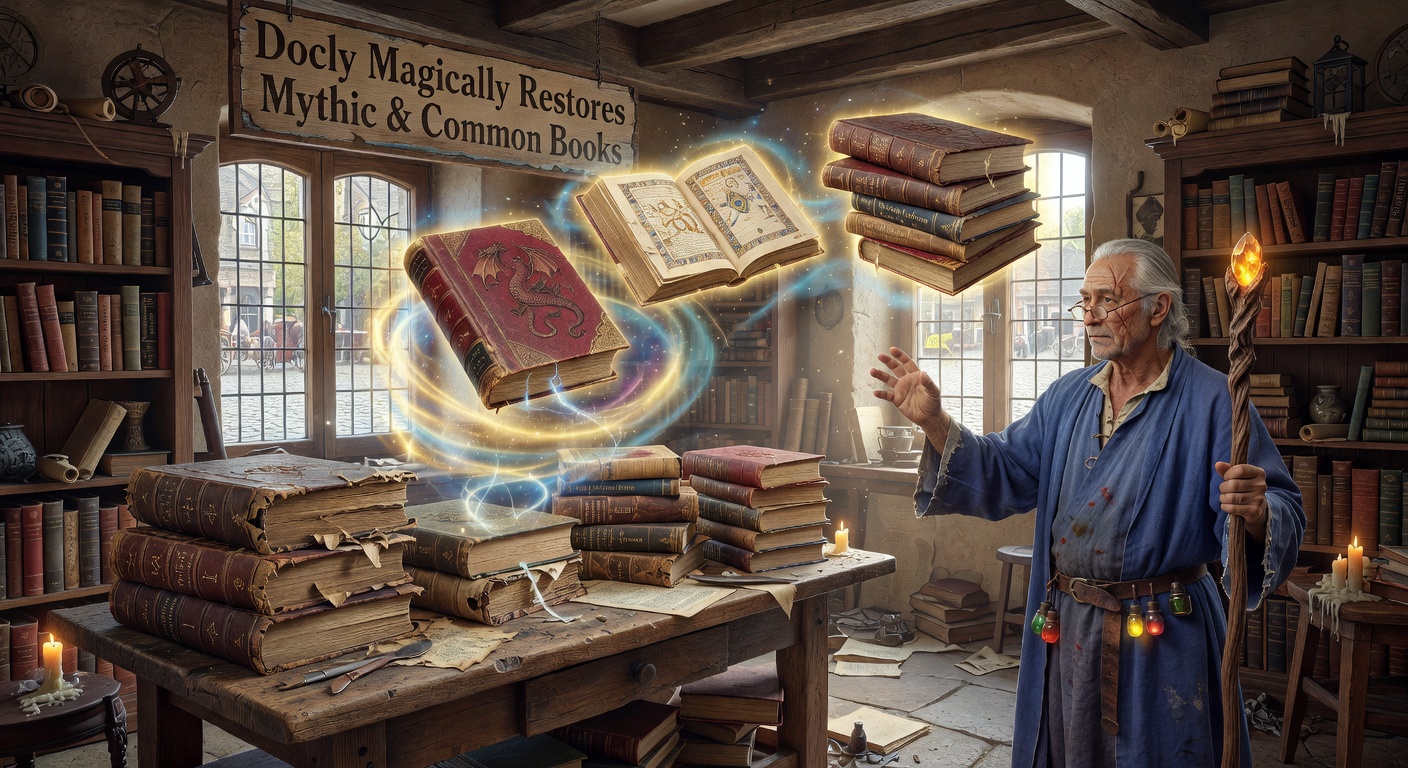
Real-World Use Cases
To see if it actually works, let’s look at a few typical scenarios:
The Rare Manuscript: You have a 150-year-old scanned PDF of Celtic folklore. The pages have yellowed, and the typography is archaic. Standard OCR gives you a wall of misspelled words and broken line breaks. Docly manages to pull the core narrative out, preserving the paragraph structure far better than a basic extractor. While you still have to manually fix a few mangled proper nouns, you now have a searchable, editable text file instead of a dead image.
The 500-Page Textbook: You need to study a standard, modern biology PDF, but it’s massive. You drop it into Docly, and the summarizer strips it down to key definitions and chapter takeaways. It’s not a substitute for actually reading the chapters, but it gives you a functional cheat sheet for review.
The Locked Contract: Someone sent you a scanned, password-protected PDF of a standard agreement. You need to redline a specific clause. Docly extracts the text segment, lets you edit the wording, and re-exports it, saving you from printing, scanning, and emailing a physical copy.
Tradeoffs and Alternatives
No tool is flawless, and Docly’s "magical" restoration has real limits. If a scan is genuinely illegible—heavy water damage, smeared ink, or handwritten marginalia—the AI will still hallucinate or output nonsense. It cannot resurrect text that simply isn't there. Also, the summarization feature, while handy for common books, can strip out the nuance from mythic or poetic texts. You don’t want an AI summarizing a symbolic myth into a flat bullet point.
You also have to consider the tradeoff against dedicated software. If your sole problem is pristine OCR on terrible scans, ABBYY FineReader is still the heavyweight champion, though it costs more and lacks AI summaries. If you just want to ask questions to a PDF without editing it, ChatPDF is a lighter, free alternative. Docly sits in the middle: it’s an editor first, with AI extraction and summary bolted on to speed up the workflow.
Final Verdict
Calling the process "magical" is a bit of a stretch, but Docly PDF Tools genuinely speeds up the tedious work of bringing dead PDFs back to life. It bridges the gap between raw OCR extraction and actual document editing, making it a practical option if you regularly deal with scanned books that need both digitization and trimming down. Just keep your expectations realistic: it will save you hours of manual transcription, but you’ll still need to proofread that restored mythic text yourself.
Comments
Leave a Comment