Most people run into the same wall: you have a PDF, you need the content out of it, and every tool you try either mangles the formatting or locks the good features behind a paywall. Docly's format conversion tool is built around that exact frustration.
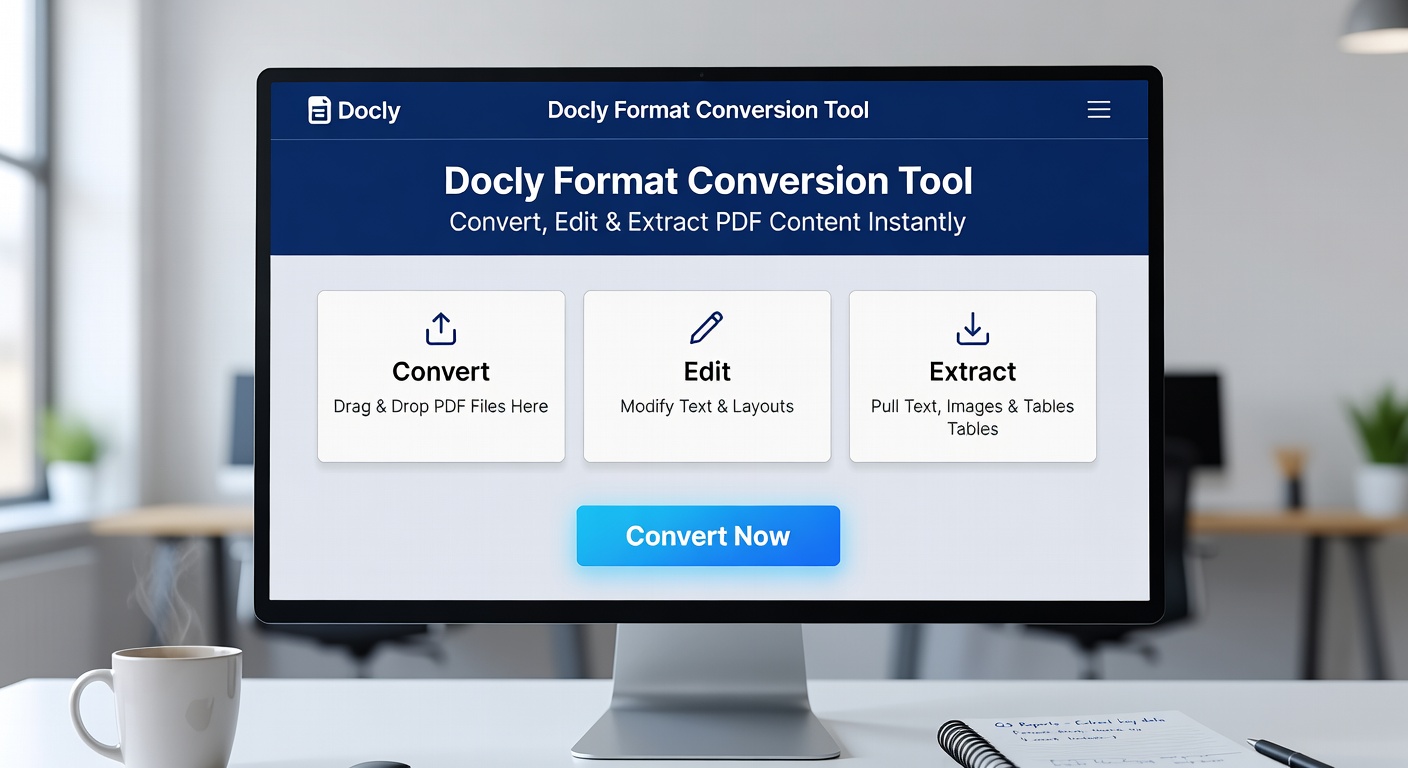
What Docly Actually Does With Your PDFs
Docly lets you convert PDF content into editable formats, extract specific text, and use AI to summarize long documents into usable notes. It's not just a file converter — the editing layer means you can clean up extracted content without jumping to another app.
Scanned documents are supported too. If you're working with a photographed contract or a printed report someone sent as an image PDF, Docly can process that and pull out the text. That's where a lot of simpler tools fall short.
Where It Fits Into Real Work
A few situations where this actually makes sense:
- You receive a dense 40-page report and need a quick summary before a meeting — the AI notes feature handles that without you reading the whole thing.
- You're pulling data from a scanned invoice or form and need clean, copyable text.
- You want to edit a PDF directly rather than converting it, making changes, then re-exporting.
- You're working with documents in bulk and need consistent extraction without reformatting each one manually.
Tradeoffs Worth Knowing
AI summaries are useful for getting the gist fast, but they're not a substitute for reading anything where precision matters — legal language, technical specs, anything with nuance. Treat the summary as a starting point, not a final output.
Complex layouts — multi-column PDFs, tables with merged cells, heavily designed brochures — can still come out messy after extraction. That's a limitation of the format itself, not specific to Docly, but it's worth testing with your actual files before committing.
Is It the Right Fit?
Docly makes the most sense if you're regularly dealing with PDFs that need more than just a format swap — documents you need to read, edit, summarize, or extract from in one place. If you only occasionally need to convert a clean PDF to Word, a lighter free tool might be enough.
The combination of conversion, editing, scanning, and AI summarization in one tool is what sets Docly apart from single-purpose converters. Whether that's worth it depends on how often you're actually doing all of those things.
Start with a document you already find annoying to work with. That's the fastest way to know if Docly solves your specific problem.
Comments
Leave a Comment