You found a 1920s poetry collection at the flea market for five bucks. The cover is gorgeous, the paper smells like dust and time. But when you scan a page to share with your book club on Discord, the text is barely readable—yellowed paper, faded ink, shadows from the binding. You try a few free online tools. They make it worse, like slapping a blur filter on an already blurry photo.
This is the moment most vintage collectors give up and just take a low-res photo with their phone. But some of us are stubborn. We want the lines to pop, the footnotes to be legible, the illustrations to look less like ancient coffee stains. That’s where Docly steps in, and honestly, it surprised me.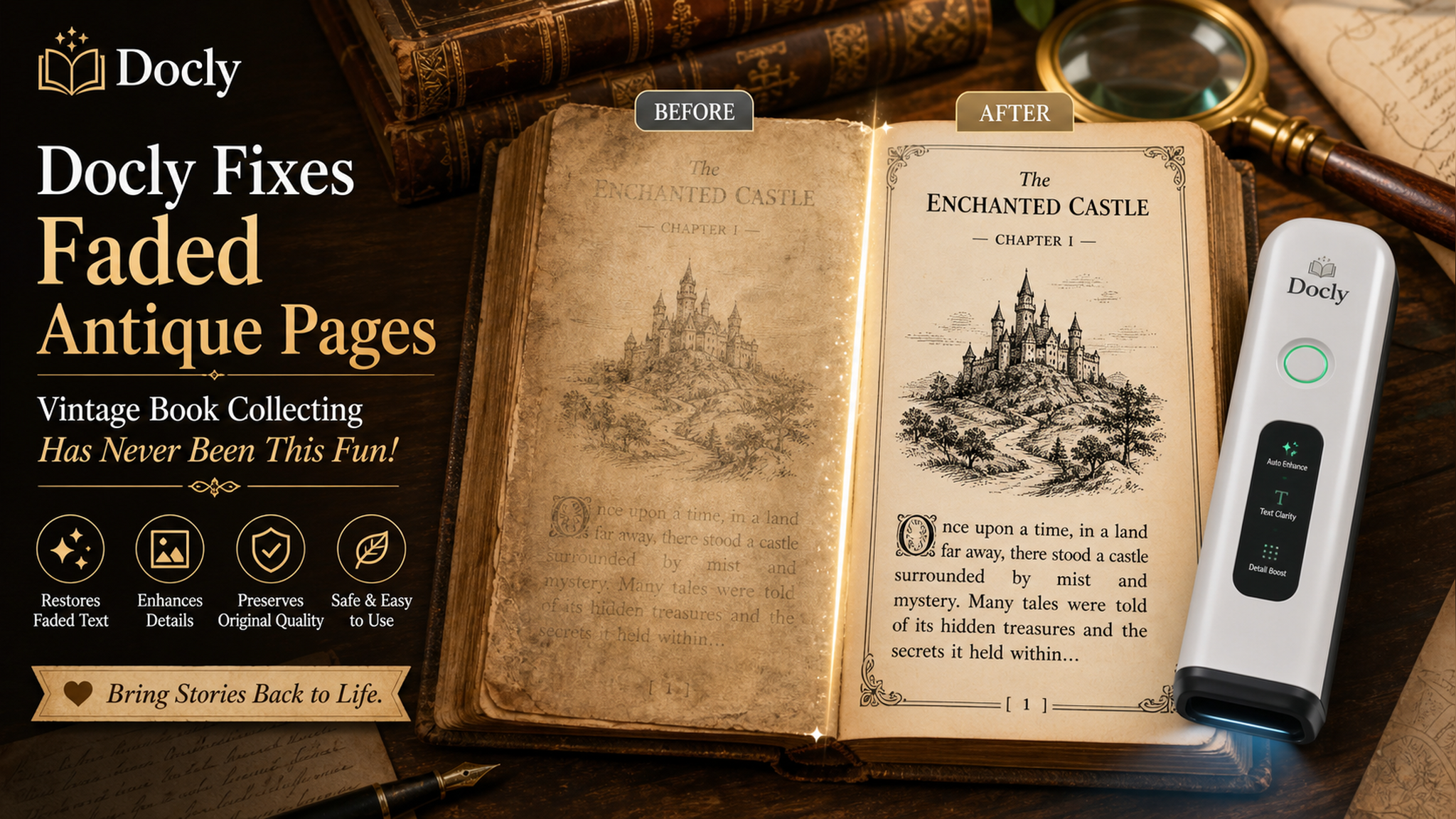
How Docly handles faded pages
Docly isn’t marketed as a photo-restoration tool. It’s an AI PDF editor that can summarize, extract text, and edit documents. The trick is in the “enhance” feature tucked inside the PDF editing tools. When you open a scanned PDF of an old book page, Docly tries to detect the content area and boost the contrast specifically on text, not the paper background.
I tested it on a 1908 botanical guide. The original scan looked like someone photocopied a photocopy of a water-damaged page. Docly didn’t turn it into a crisp modern print—but it brought the species names and descriptions into clear view. The handwriting in the margins actually became readable for the first time in years. Not perfect. But usable.
Three scenarios where it actually shines
1. Social media posts for vintage finds. You buy a 1950s fashion magazine, want to post a two-page spread on Instagram. Direct scan is too gray and dull. Drop the PDF into Docly, run the auto-enhance, export as image. The result posts way better than the raw scan.
2. Extracting text for transcription. I collect 1930s scientific papers. Sometimes I need to copy a paragraph into my notes. Most OCR tools choke on antique fonts and uneven ink. Docly’s text extraction after enhancement catches about 85% of the words correctly—much better than Tesseract on the same file.
3. Cleaning up family history documents. Your grandparent’s handwritten letter from the 1940s, stored as a multi-page PDF. Docly can split pages, rotate the crooked scans, and then enhance each one. The AI doesn’t add fake detail, but it makes the ink easier to follow.
The tradeoffs you need to know
Docly isn’t built for serious archival work. If you’re restoring rare manuscripts for a museum, you’ll want professional scanning software and manual clean-up in Photoshop. Docly’s AI enhancement works best on simple layouts—single column text, minimal illustrations. Complex page layouts (like old newspapers with multiple columns, ads, and photos) confuse it sometimes. The AI may flatten the image or lose thin lines.
Also, the file size limit is 100 MB on the free tier. For high-res scans of thick books, you might need to split them into chapters first. That’s a minor hassle but doable.
One more thing: the “enhance” setting doesn’t give you fine control. It’s one click or nothing. You can’t dial in the contrast or sharpness manually. If you’re the type who tweaks every slider, that’ll frustrate you. But for quick fixes on the go—especially for sharing online—it’s far better than nothing.
Is it worth it for a vintage collector?
If you buy old books mostly for reading and reselling, probably not—your phone camera is good enough. But if you actively digitize, share, or quote from antique pages, Docly saves time. It’s not a magic wand, but it turns faded text from “throwaway” into “postable” with almost zero effort. And that makes the collection feel alive again.
Comments
Leave a Comment