Meeting minutes are one of those tasks everyone agrees matters and nobody wants to do. You sit through an hour-long call, take scattered notes, and then spend another thirty minutes trying to reconstruct what was actually decided. Docly Quick Notes is built around that specific frustration.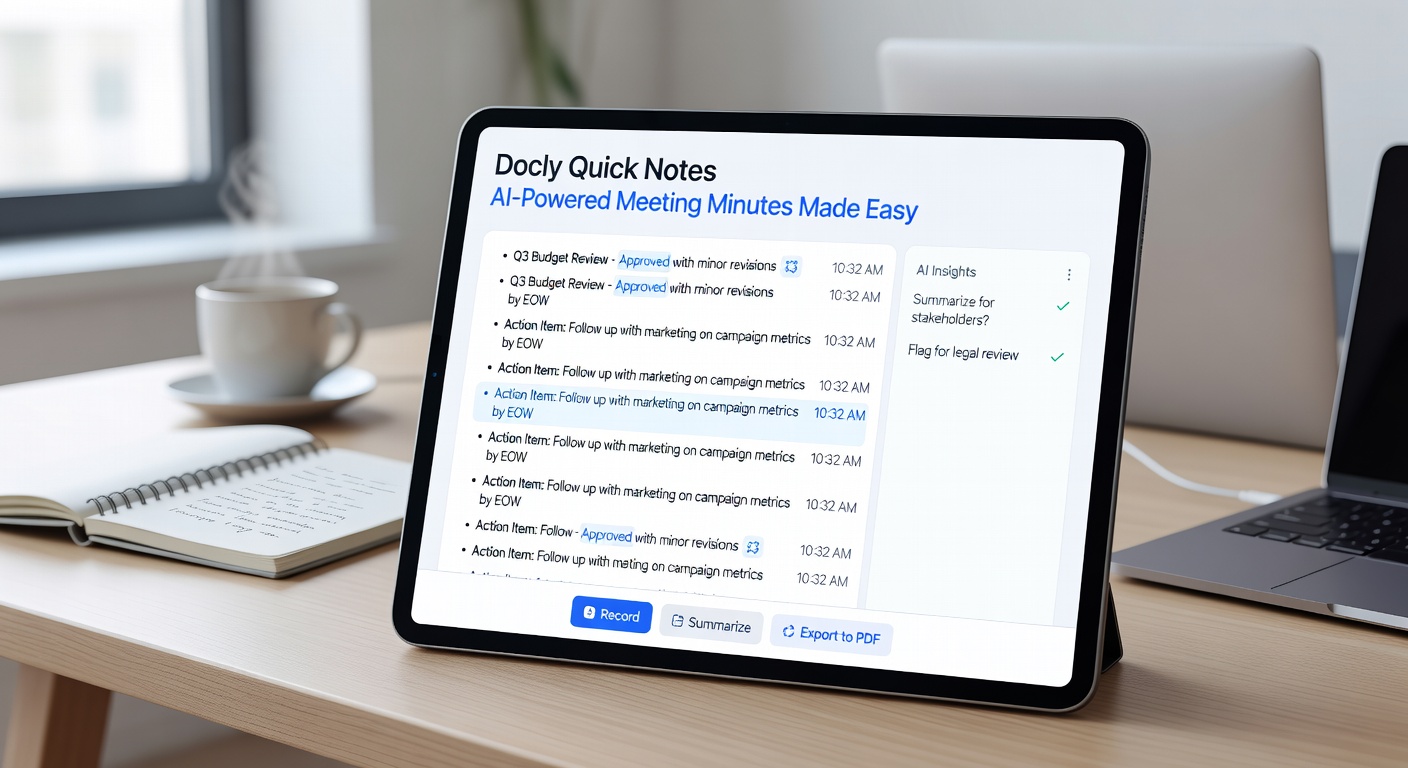
What Docly Quick Notes Actually Does
The core workflow is straightforward: you feed it a meeting transcript, a recorded audio file, or even a dense PDF of notes, and it returns a structured summary with action items, decisions, and key discussion points separated out. It uses the same AI engine behind Docly's broader PDF toolkit, so it handles long documents without truncating or losing context mid-way through.
Where it earns its keep is on back-to-back meeting days. If you have three calls before lunch and need to send follow-up summaries to different teams, the turnaround is fast enough that you're not still writing up the 10am call at 4pm.
A Few Realistic Scenarios
A project manager uploading a 45-minute standup transcript gets a clean bullet list of blockers, owners, and next steps — ready to paste into Slack or a ticket. A consultant reviewing a client PDF from a workshop can extract the decisions without re-reading 20 pages. Someone who missed a call can get the gist in under two minutes instead of asking a colleague to recap.
It also handles messy input reasonably well. Transcripts with crosstalk, filler words, or inconsistent speaker labels still produce usable output, though the cleaner the source, the tighter the summary.
Where It Has Limits
It's a summarization tool, not a transcription service. If you don't already have a transcript or document, you'll need to generate one elsewhere first. It also won't catch nuance that wasn't said explicitly — subtext, tone, or unresolved tension in a room don't show up in the output.
For highly technical meetings with domain-specific jargon, the summaries are accurate but sometimes surface-level. You may still need to annotate before sharing with a specialist audience.
Is It the Right Fit?
If your main pain point is the time between a meeting ending and a summary going out, Docly Quick Notes solves that directly. It's less useful if you need verbatim records for compliance, or if your meetings are mostly informal and don't produce structured decisions worth capturing.
Teams already using Docly for PDF work will find it slots in naturally — same interface, same document handling. If you're coming in fresh just for meeting minutes, the learning curve is minimal, but it's worth knowing the tool is part of a wider PDF editing suite rather than a standalone minutes app.
The practical case for it is simple: if writing up meetings is eating time you'd rather spend elsewhere, this cuts that task down significantly.
Comments
Leave a Comment