You're staring at a stack of receipts, a multi-page contract, or a handwritten note that needs to become a searchable PDF. You pull out your phone, open whatever scanner app came pre-installed, and spend the next five minutes adjusting angles, retaking blurry shots, and manually stitching pages together. There's a reason people keep looking for better options.
Docly's AI document scanning tries to solve this with automatic edge detection, multi-page capture, and built-in text recognition. The app handles the cropping and perspective correction without you tapping through menus. For quick scans—think expense reports, meeting notes, or rental agreements—it's noticeably faster than the default camera roll workflow.
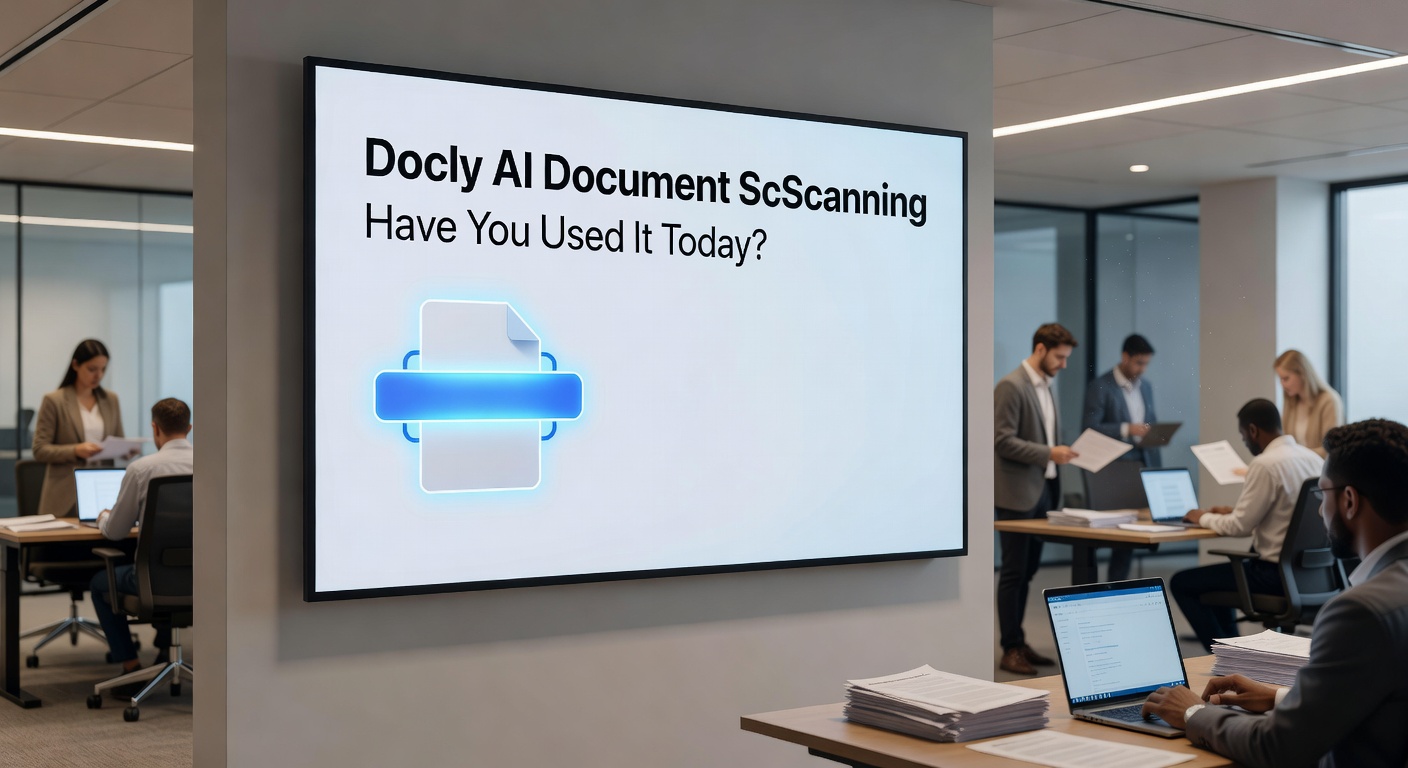
What It Actually Does Well
The edge detection works reliably on standard documents with clear backgrounds. Point your camera at a page, and Docly frames it automatically. Hit the shutter once, flip the page, repeat. The app batches everything into a single PDF without asking you to confirm each shot individually.
Text recognition happens in the background. Once the scan finishes, you can search within the document or copy text directly from the PDF. This matters when you're dealing with contracts or invoices where you need to pull out specific clauses or line items later.
Where It Gets Tricky
Low-light scanning still struggles. If you're photographing documents under dim office lighting or at a coffee shop, expect softer edges and occasional misreads in the OCR layer. The AI can't invent detail that isn't there.
Handwritten notes are hit-or-miss. Clean block letters usually scan fine, but cursive or messy handwriting often produces garbled text recognition. You'll still get a readable image, but the searchability drops off.
The free version limits batch processing to 10 pages per scan. For most receipts and forms, that's plenty. If you're digitizing entire binders or thick reports, you'll need to break them into chunks or consider the paid tier.
Who Should Actually Use This
Docly makes sense if you scan documents regularly but don't need enterprise-grade features. Freelancers tracking expenses, students digitizing lecture notes, or small teams managing contracts without a dedicated document system will find it useful.
If you only scan once a month, your phone's built-in scanner is probably enough. If you're handling sensitive legal documents or need audit trails, you'll want something with more robust security and version control—Docly doesn't offer granular permission settings or compliance certifications.
The app also includes basic PDF editing and AI summarization tools, which can be handy if you're already using it for scanning. But if you need heavy-duty PDF manipulation, dedicated editors still offer more precise control over annotations, redactions, and form fields.
For everyday document capture with decent OCR and minimal fuss, Docly handles the job without making you think too hard about settings. Just don't expect it to replace a professional document management system or perform miracles with poor lighting.
Comments
Leave a Comment