Converting a PDF to Word, or a scanned image into editable text, sounds simple until you're actually stuck doing it. The file comes out garbled, the formatting breaks, or the tool asks you to pay before you can download anything. Docly's format conversion is built around that frustration.
What Docly Actually Does With Your Files
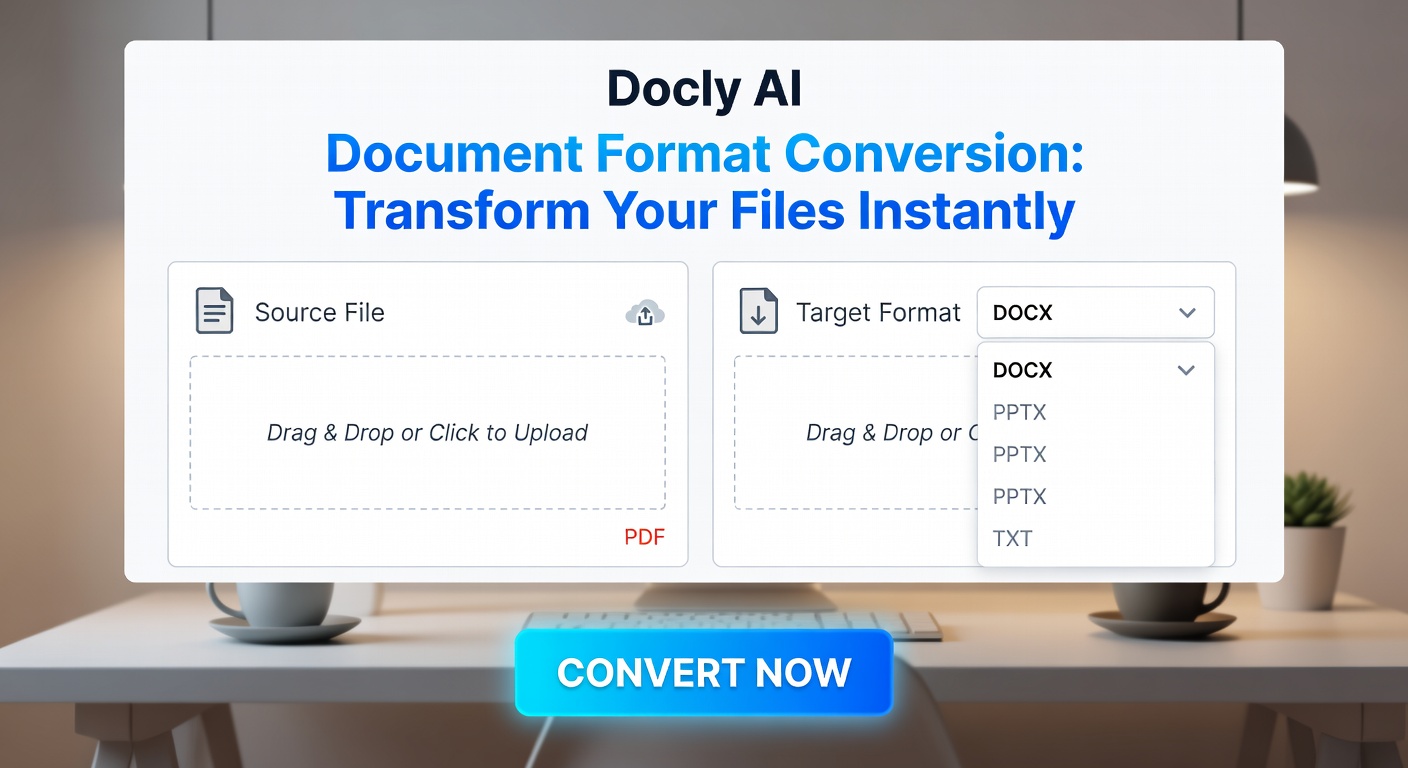
Docly handles the conversions people run into most: PDF to Word, PDF to text, scanned documents to readable content via OCR, and long documents broken down into structured notes. The AI layer isn't just a label — it's doing the work of recognizing layout, preserving headings, and pulling out content that a basic export would mangle.
Upload a dense research paper and ask for a summary, and Docly returns the key points rather than a wall of extracted text. That's a different use case than format conversion strictly speaking, but in practice the two tasks overlap constantly.
Where It Holds Up and Where It Doesn't
For clean, text-based PDFs, the conversion is fast and the output is usable without much cleanup. Tables survive reasonably well. Multi-column layouts are hit or miss — a two-column academic paper may come out as a single jumbled column, which is a known limitation across most PDF tools, not just Docly.
Scanned files are where the AI component earns its place. A photographed contract or a scanned invoice gets processed through OCR and comes back as selectable, editable text. Accuracy depends on scan quality, but legible scans produce clean results.
One realistic concern: heavily designed documents — think brochures or slide-heavy reports — don't convert cleanly into Word. The content comes through, but the visual structure doesn't. If preserving layout matters, you're better off treating the output as a starting point rather than a finished file.
Practical Fit
Docly works well if your main need is getting content out of a PDF quickly — for editing, summarizing, or repurposing. It's less suited to pixel-perfect layout preservation or batch processing large volumes of files. If you're converting one or two documents at a time and care more about the text than the formatting, it covers that reliably.
For users who also need document summarization or note extraction alongside conversion, having both in one tool removes a step. That combination is where Docly is more useful than a standalone converter.
Comments
Leave a Comment