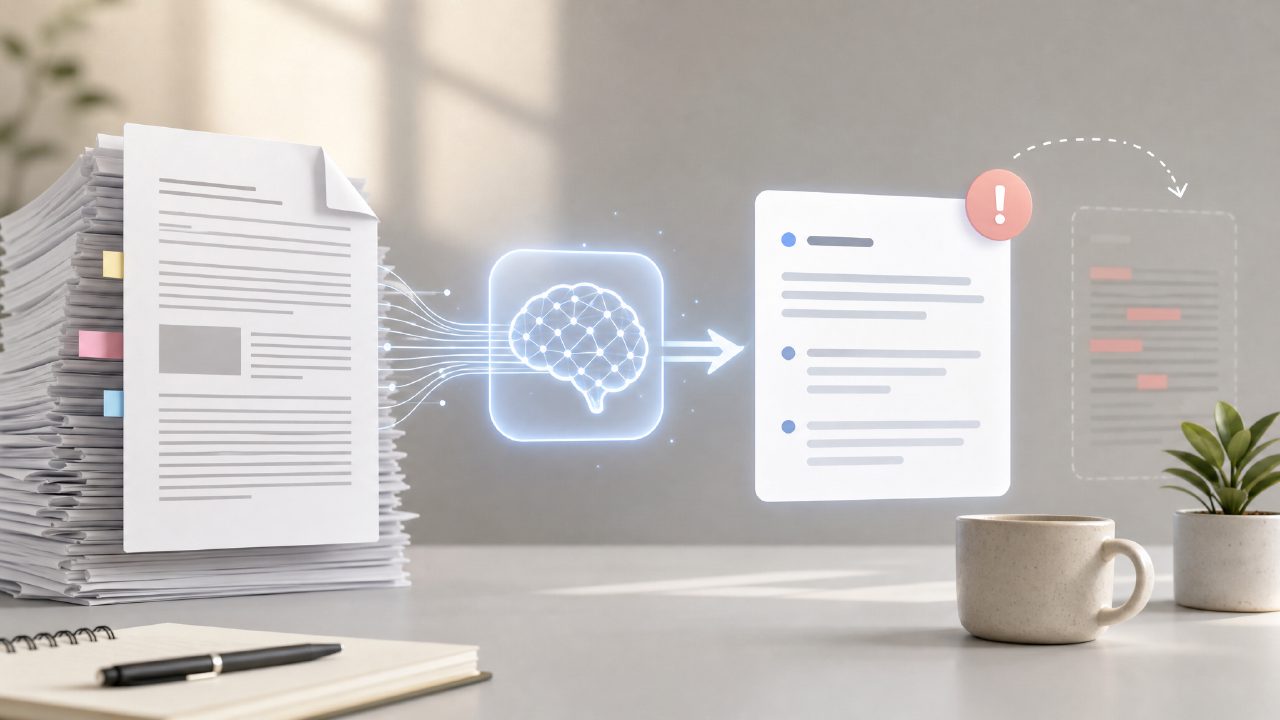
I was staring down a 90-page PDF report last week—one of those dense, single-spaced research summaries that you can’t just skim. My usual trick of scanning headings wasn’t cutting it. So I decided to test an ai pdf summarizer free tool, specifically docly, to see if it could actually save time without mangling the content.
Here’s how it went, step by step, and the honest tradeoffs I ran into.
First test: summarizing a long academic paper
I uploaded a PDF about carbon capture methods. Docly’s interface is clean—drag and drop, no signup required for the free tier. Within about 15 seconds, it returned a summary of roughly 200 words. On first read, it was coherent. It pulled the main thesis and key methods correctly. That alone beat my manual note-taking speed.
But I noticed something: the summary was a bit too compressed. It skipped one of the three experimental setups, which meant later when I referenced the original paper for the missing method, I had to cross-check. So the summary is useful as a starting point, not a replacement for reading the abstract.
Second scenario: extracting key quotes for a client report
I needed specific data points from a regulatory document. Docly’s AI text extraction is bundled into the summarizer—it can pull inline citations and figures. I selected a few paragraphs and asked for a “bullet list extraction”. The result was decent: it gave me five bullet points, but one was slightly paraphrased in a way that lost the original caveat (the word “may” became “will”). That’s a common AI summarizer pitfall, but worth flagging if you’re using this for legal or compliance content.
Tradeoff: free tier limitations
The free version of this ai pdf summarizer free lets you process up to 20 pages per document. For my 90-page report, that meant I had to split it into chunks. That worked, but it was a mild friction. If you regularly handle long documents, you’ll hit this ceiling. The paid tier lifts it, but the free version is honestly usable for most shorter briefs or articles.
Where it surprised me positively
One thing I didn’t expect: the OCR worked well on a scanned PDF of a handwritten table. I’d assumed scanned documents would be a problem, but Docly’s free tier handled it—though the summary for that file was more like a rough outline than a polished note. Still, better than nothing.
Who should try this?
If you’re a student, freelancer, or anyone who regularly has to digest short PDFs (under 20 pages), this free tool is genuinely useful. It’s not perfect—the summaries occasionally miss nuance, and you can’t batch process for free—but the time saved on initial skimming is real.
I’m still not ready to fully trust AI summaries for critical regulatory files, but for general reading, docly earns a spot in my workflow. I’d recommend trying it first on a document you already know well—that way you can gauge how much compression is happening before you rely on it for unfamiliar content.
Comments
Leave a Comment