We all have that folder. The one stuffed with decades-old research papers, scanned policy documents from 2015, and legacy manuals that still somehow matter. Digging through them feels like unraveling ancient scrolls—except you're not in a library, you're squinting at a laptop at 11 PM, trying to pull one critical data point out of a 40-page PDF. That's exactly where Docly PDF Tools started making sense for me.
Turning Dense Archives into Actual Notes
The core pitch of Docly is straightforward: it's an AI PDF editor built around summaries, text extraction, and document editing. But what actually drew me in wasn't the editing—it was the extraction. I had a batch of old environmental compliance reports, scanned from paper originals with that slightly crooked, slightly blurry look. OCR tools I'd tried before would choke on the formatting, dropping tables into garbled text blocks. Docly handled the scan extraction cleaner than I expected. The tables came through intact, and the AI summary pulled the key threshold values I needed without me reading all 38 pages.
Then there's the literature review scenario. I was revisiting a cluster of older academic papers on soil remediation—PDFs dating back to the late 2000s, dense with methodology sections I didn't need. Docly's summary function condensed each paper into a paragraph covering findings and conclusions. I still went back to verify specific claims, but I didn't have to wade through every methodology paragraph to figure out which papers were actually relevant to my work. That saved roughly two hours on a single review cycle.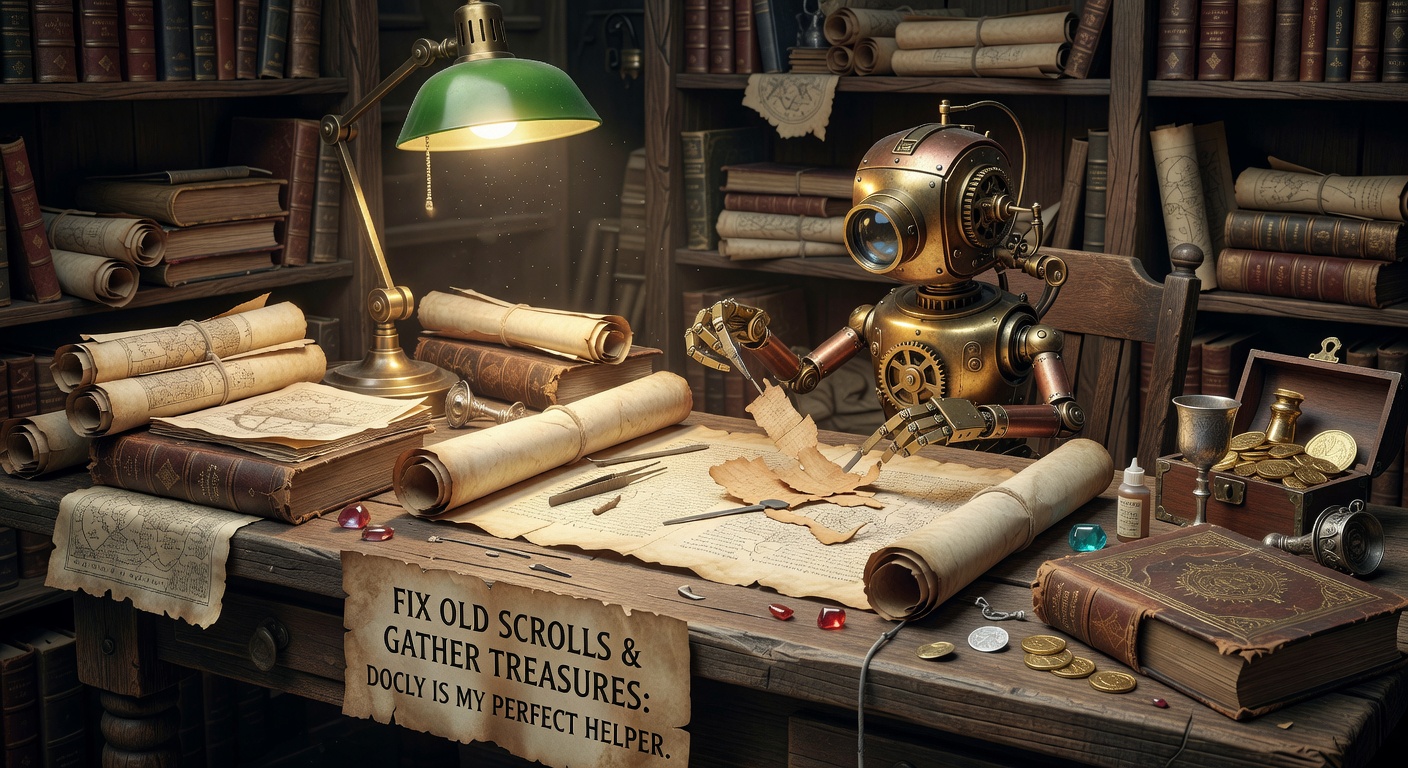
Where It Genuinely Helps vs. Where It's Just Convenient
Docly shines when you're working with documents that are long, structurally predictable, and information-dense. Regulatory filings, technical manuals, research archives—these are the "old scrolls" that benefit most from AI-assisted summarization and extraction. The tool also handles scanned documents reasonably well, though results degrade with heavily annotated pages or handwritten marginalia. If your PDFs are clean digital exports, extraction is fast and accurate. If they're third-generation photocopies with coffee stains, you'll still get something usable, but you'll need to verify against the original.
The editing side is functional—you can modify text directly in the PDF without converting to Word first. Useful for quick corrections or updating a field in an old form. I wouldn't use it to restructure a full document, but for targeted edits on legacy files you can't easily regenerate, it's faster than the round-trip conversion dance.
Tradeoffs and Alternatives Worth Considering
Docly is a focused tool. It doesn't try to be a full document management system, and that's both its strength and its limitation. If you need batch processing for hundreds of PDFs at once, or you want integration with a larger research workflow pipeline, something like a dedicated OCR server or a more enterprise-oriented platform might fit better. Docly operates at the individual-document level, and it's best suited for people who work through files one at a time or in small clusters.
For simple text extraction from clean, modern PDFs, free tools like Smallpdf or even built-in Mac Preview can handle the basics. The difference shows up with longer documents and scanned material—that's where Docly's AI summarization and scan handling actually justify the effort of using a dedicated tool over a quick free workaround.
There's also the trust question. AI summaries are convenient, but they compress information, and compression always loses something. I treat Docly's summaries as a navigation aid, not a replacement for reading the sections that matter. If you're pulling compliance data or legal terms, verify the extracted values against the source. The tool gets you to the right page faster, but the final check is still yours.
Why I Keep It in My Workflow
Docly PDF Tools sits in that practical middle ground—more capable than free extractors, more focused than enterprise platforms. It's the tool I open when I have a stack of old documents and I need the useful parts without the archaeological dig. The summaries get me oriented, the extraction pulls what I need from scans, and the direct editing handles small fixes without format gymnastics. It's not magic, and it doesn't replace careful reading where that matters. But for turning old scrolls into gathered treasures—pulling signal from noise across legacy PDFs—Docly is the helper that actually saves time rather than just promising to.
Comments
Leave a Comment